
Best Video Cameras on a Budget That Actually Deliver
The Sony ZV-E10 II serves creators best while the Canon EOS R50 suits beginners, and the Vixia HF G70 wins when zoom and USB streaming matter.
The Panasonic Lumix G100 handles talking-head vlogging while the DJI Osmo Action 4 manages action and waterproof work. Since budget now buys 4K60, you must avoid the trap of grey imports and missing bundle contents. Check the box first.
Modern budget cameras now offer 4K60 video with phase-detect autofocus that used to cost mid-range camcorder money just five years ago, but what you get depends on your specific job. You might be a YouTube creator, a short-film shooter, or an event videographer, and each role demands different hardware strengths. This list covers three main categories, mirrorless, camcorder, and action, to help you find the right tool for your workflow.
You must check the box contents before opening anything because missing SD cards and lenses are the number-one verified complaint across all five of our picks.
Always buy units sold by Amazon or through an authorized dealer because grey imports kill your chance to register a US warranty with Sony. You should also budget for a fast SD card, a spare battery, and a basic mic before you spend the rest. While 1080p is still fine for talking heads, 4K matters if you need to reframe your shots or want to future-proof your work.
Sony ZV-E10 II: The Creator Pick
This camera uses a 26MP APS-C sensor and the E mount to capture 4K video at 60fps, while the articulating screen helps you frame solo shots and the optical stabilization keeps handheld footage steady.
You'll find the NP-FZ100 battery is shared with Sony's much bigger bodies, and it carries through long shoot days. Product showcase mode makes focusing on items easy, and the hot-shoe mic support lets you add pro gear easily. It's a great tool for creators who need high quality without spending a fortune.
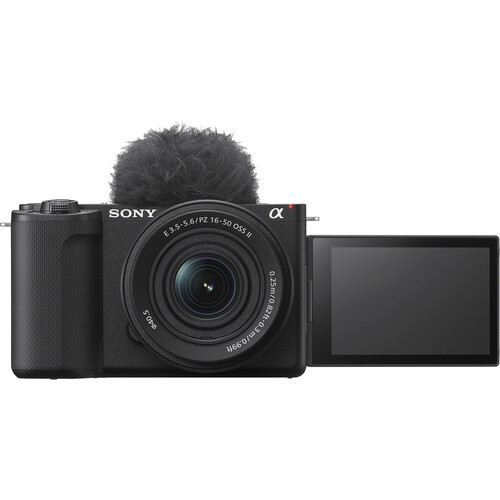
Although it has a 4.4 rating, the Amazon listing shows a Frequently Returned Item banner because many buyers report issues like dead ports or gear that crashes every few seconds.
One buyer has said the USB-C port failed within weeks, while another found all the ports dead after just two months. Some kits arrive as grey imports with foreign menus, which means you get no US warranty for repairs. You might even receive a box without a charger, or your order could be missing the lens.
To buy this body, stick to units sold by Amazon, because third-party sellers shipped the faulty gear and grey imports above.
Test it immediately. Check the sensor for defects right away, since one reviewer has reported degraded files that ruined their video project. This camera offers a lot of power if you stay careful about the quality control issues seen lately.
Canon EOS R50: The Beginner Pick
The Canon EOS R50 is a smart entry point for folks who want to jump into professional photography because it uses a 24.2MP APS-C sensor and the versatile RF mount system. This camera captures 4K video and works as a webcam, which makes it a very flexible tool for new creators just starting their journey.
You'll find the menus quite easy to navigate, and the lens ecosystem lets you grow as you learn more about shooting.
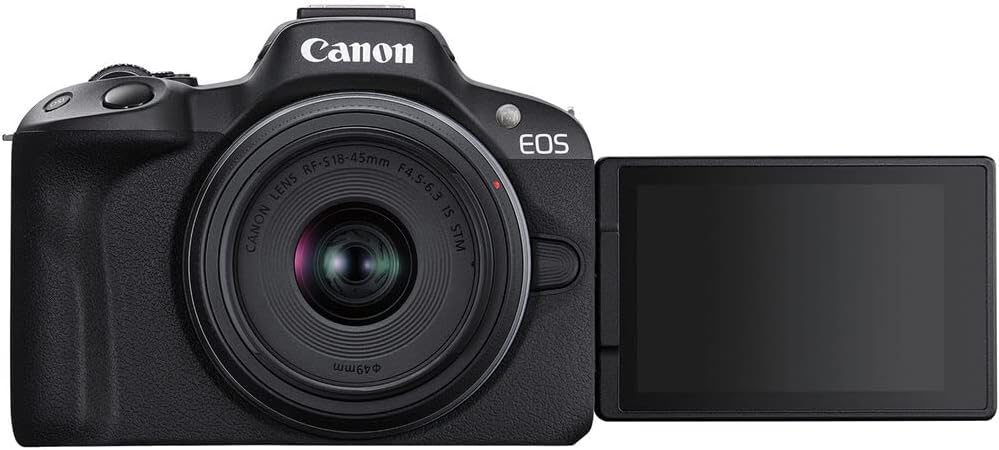
Since this specific listing is a double-lens bundle with an 18-45mm and a 55-210mm glass, you must check the box contents in front of the courier to avoid disappointment.
Some buyers have reported that the advertised 64GB SD card is missing, or that the advertised Canon bag was swapped for a generic one. One owner has even found a missing eyepiece cover, while another said one lens would not reach the full telephoto range.
One user's unit failed after just two months of light use, which makes the bundle feel like a gamble. Check everything in the box first and test both lenses immediately.
Canon Vixia HF G70: The Camcorder Pick
The Canon Vixia HF G70 uses a 1/2.3-inch 4K CMOS sensor and 20x optical zoom, which reaches distant subjects without moving. The 3.5-inch screen helps you check your frame on a tripod, and the camera works well for videographers in lit venues and church setups that need long takes. Since it supports USB live streaming, it is a solid pick for broadcasting to a computer.
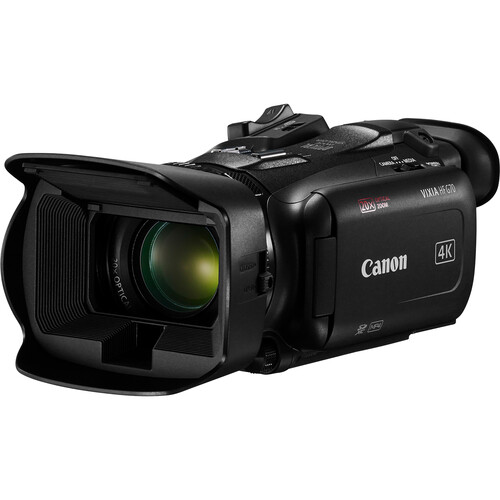
You should skip this gear if you plan to shoot in low light, because an owner has found an iPhone produced better-looking indoor footage without extra lighting. Another owner says the autofocus randomly loses focus even on tripod-fixed subjects, and it ruined two irreplaceable shoots for them. If you want modern app or Wi-Fi features at this cost, you'll likely be disappointed.
Be careful when looking at grey-import gear or refurbished-as-new stock, because an owner's serial number was rejected for US warranty registration. Buy from an authorized seller so a full warranty backs you if something goes wrong. Since the camera uses SDXC media, check that your cards can handle 4K video files.
Panasonic Lumix G100: The Vlogging Pick
The Panasonic Lumix G100 uses a Micro Four Thirds mount and comes with a 12-32mm kit lens which makes it the smallest camera in this specific list. It can record video up to 4K30, but the real draw is the built-in mic that uses tracking to keep your voice clear while you move.
Since it relies on digital-only image stabilization for video, you'll want a tripod or stable support for steady shots.
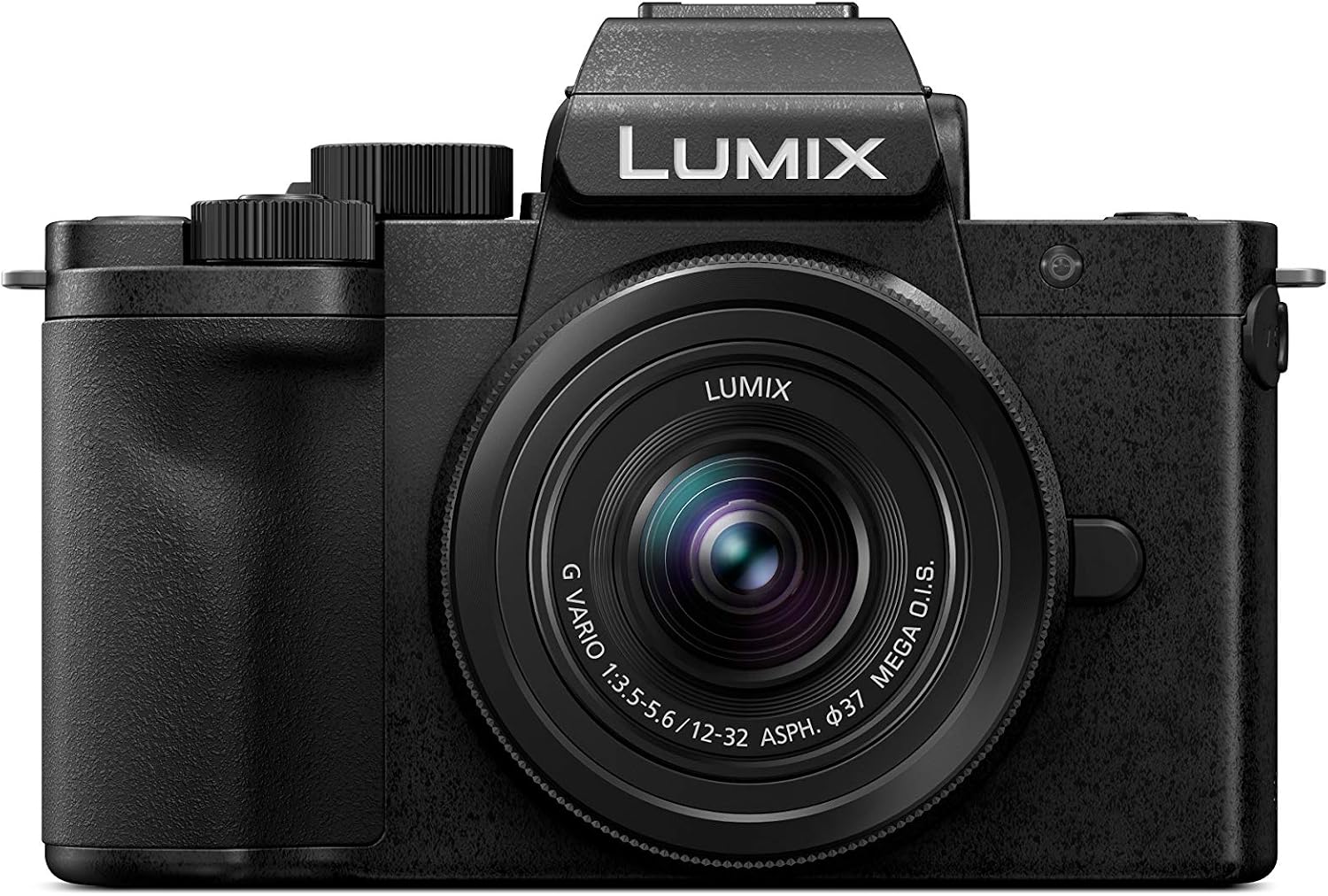
You might find the menus hard to navigate because they are complicated for beginners who just want to press a button and start filming right away.
One long-time Panasonic owner says the handling is the worst they've used, and an owner reports the screen failing after just thirty-two days. Even after a warranty swap, one user has seen the screen break again about eight months later. It's a good talking-head tool, but you should hedge on its reliability.
The camera won't let you use the mechanical shutter unless a recognized lens is attached, which might block certain manual workflows for some creators. This limitation means you have to be careful with your gear setup if you want to get the most out of the sensor. While the tracking mic is a great differentiator, the hardware issues are a real concern.
You should check if you can live with these quirks before you spend your money.
DJI Osmo Action 4: The Action Pick
This rugged action camera features a large 1/1.3-inch sensor that handles low light better than most of its class, though one owner has found it struggles beyond about five feet from the subject indoors. You can shoot 4K video at 120fps while it stays waterproof up to 20 meters without a case, or 60 meters with the protective housing on.
DJI's own Osmo Action 4 page lists the 1/1.3-inch sensor and 4K/120 specs, and one owner has noted the stabilization keeps the shot steady during fast motorsports footage, but the workflow for moving files to your phone feels clunky.
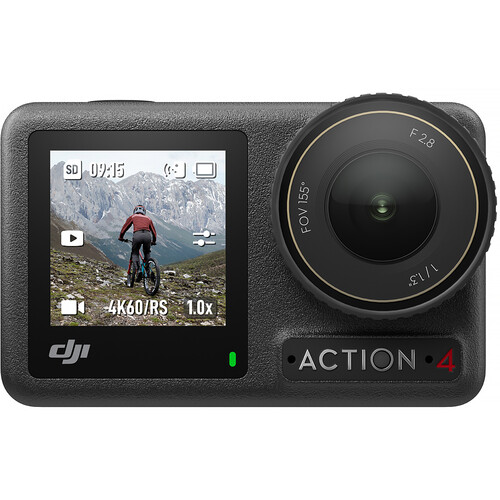
You have to register a DJI account and download an app over a gigabyte in size before you can use the camera, and one reviewer says recording locks up after five clips until you do, which is a big hurdle for people who just want to grab the camera and go.
An owner has reported finding water inside the lens after using it in shallow water, even with the doors closed
The camera uses Bluetooth and Wi-Fi for connection, but the software setup isn't as smooth as you might expect from a brand at this price. If you find the app requirements annoying, you might end up just using your phone for those quick shots instead. It's a tough tool for athletes if you can get past the digital gate.
Buying Tips and Frequently Asked Questions
What is the best budget camera for YouTube?
You should pick the Sony ZV-E10 II if you need professional microphone gear or the Panasonic G100 if you rely on built-in audio. The Sony offers great creator features like a background defocus button. The Panasonic has a tracking mic that is helpful for solo vloggers.
Should I buy a camcorder or a mirrorless camera?
Camcorders offer huge zoom ranges and longer recording times, while mirrorless cameras provide better low light performance and a vast lens ecosystem. Choose the camcorder for USB streaming and long events. The G70 is also listed at B&H, often with bundle options Amazon does not carry. Mirrorless gear is better for high image quality and depth.
Do I really need to shoot in 4K?
4K is essential if you plan to reframe shots or future-proof your channel, but 1080p is still perfectly fine for simple talking-head videos. Higher resolution lets you crop in without losing quality. It makes editing much more flexible later.
How much should I spend on a new setup?
The camera body is only the start, so you must set a total budget that includes an SD card, spare battery, and a mic. Don't spend all your money on the camera alone. You need accessories to actually film effectively.
Can I make a short film on a budget camera?
You can produce a short film on any camera in this list. Lighting and sound discipline matter more than the badge on the body, and the EOS R50 or ZV-E10 II give you the lens choice to grow into bigger projects.