
A Review of the Rode RODECaster Pro: The Integrated Podcast Studio, Tested Against Its Own Successors
A podcast with more than one microphone gets complicated fast. Each mic needs a preamp and levels, remote guests need their own feed, music and sound effects need somewhere to come from, and all of it has to end up in a recording that sounds finished.
Integrated podcast consoles put all of that in one box on the desk. The original RODECaster Pro is one of the best known, and now it sits next to its own successor and several smaller rivals, so the question is less whether it works and more which version fits your show.
Below is how it sounds against the chain it replaces, how the current lineup compares, and how it has held up for long-term owners.
The original RODECaster Pro still earns its desk because it successfully replaces a complex SM7B chain - and at 4.8 with 1,799 owner ratings, it owns the deepest sample in its class.
The Pro II is where the line has settled, which makes the original a used-market decision, not a new one. It's clear that this integrated studio elevates production value for users who want to ditch bulky rack gear without losing professional sound quality - few consoles at any price hold an average this high on this many owner reports.
Sound Quality: The SM7B Chain It Replaces
One reviewer used to run an SM7B paired with a Cloudlifter and a Focusrite Solo, but found the results sounded distorted and hollow until they switched to this board. Since they started using the board, they constantly get compliments on how much better the audio sounds now.
The board replaced the entire chain because the preamps deliver the gain the Cloudlifter was there for, without the noise those stacked boxes injected. That is a chain of three boxes and a pile of cables replaced by one unit on the desk, with the gain staging and compression already wired together. Check B&H's RODECaster pricing against the used market before choosing a generation.
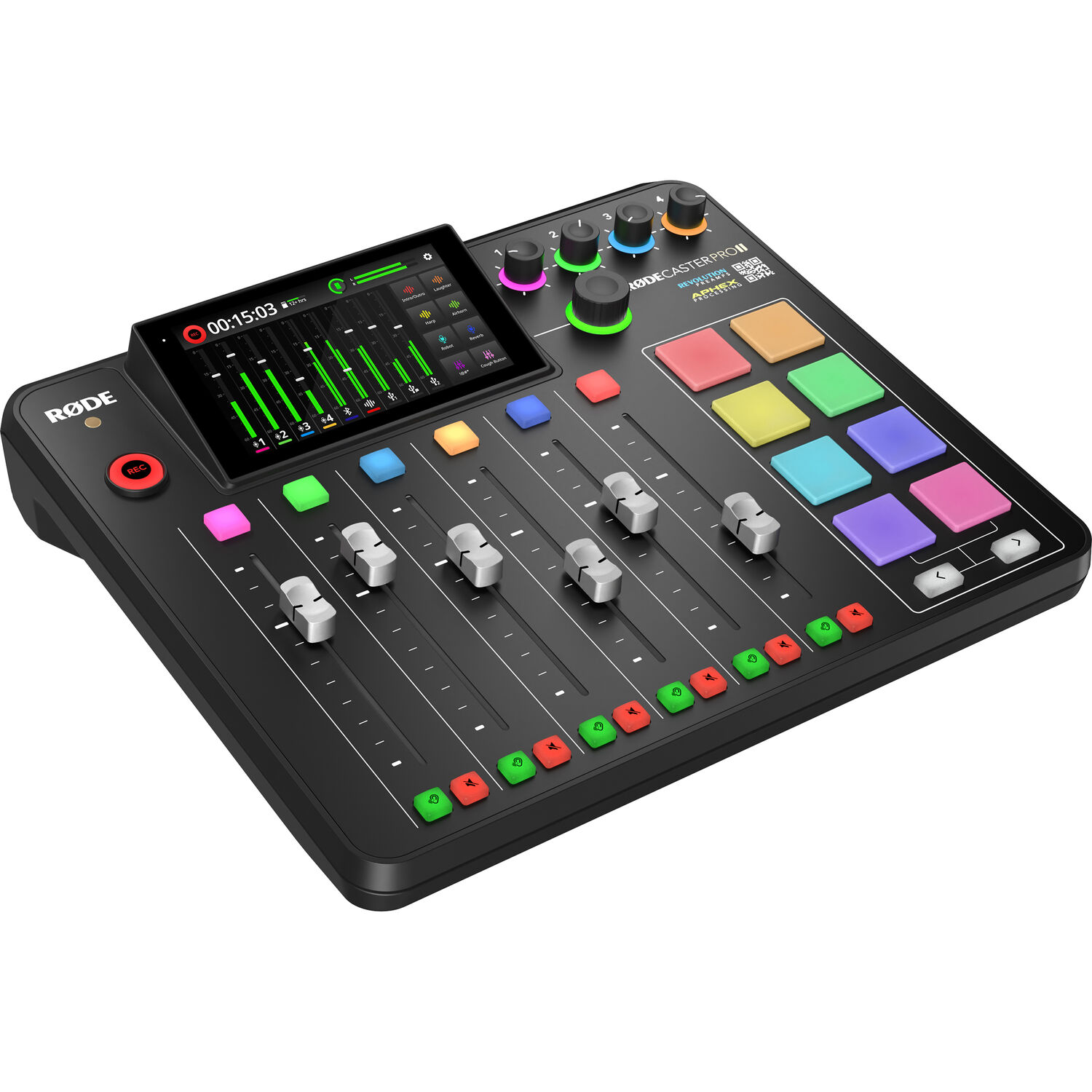
The presets cover Rode's own mics plus generic dynamic and condenser profiles, which matters for anyone bringing a non-Rode mic to the desk, and the owner who mapped all this out has counted over a dozen settings for tweaking the compression, and recommends spending an evening with the feature tour, because the defaults are good but the depth is the point. That depth is what the price buys.
The through-line from the verified reviews is simple: stacked budget chains fail quietly and waste time, and one box that does the gain staging, processing and recording removes the failure points - which is why owners who 'struggle with complex gear' end up here. The desk earns its footprint by deleting the rack, not by adding another box to it.
The Line Now: Pro II, Duo and the Rivals
The RODECaster Pro II rates 4.4 across 1,309 buyers, and one engineer's summary does the positioning: it 'replaces a mixer, interface, sound board, and a chunk of your rack.' The cautionary note comes from a streamer who saved up, took the plunge after watching the firmware mature, then hit problems the day the console arrived. Buy it for the capability - and know that the update cadence matters.
The RODECaster Duo rates 4.3 across 708 buyers, and the most useful verified review comes from a GoXLR refugee whose TC-Helicon unit died with the company: they rebuilt the full browser/game/chat mix, added a custom soundboard channel for a Stream Deck, and they have called it a very good replacement, while still asking for firmware updates.
The counterpoint is one critical reviewer who has concluded that Rode makes great mics but this mixer is a failure, a reminder that compact consoles cut corners somewhere, and the Duo cuts them in build quality and firmware polish rather than sound.
The Zoom PodTrak P8 provides a portable rival because it is virtually plug and play, even though it costs much less than the high-end choices from Rode. Color-coded channels and outputs help you find your tracks without reading a manual. One owner reports four months of mobile use without a single problem.
For a studio that moves every day, this is the one - and it costs a fraction of what the Rode consoles ask.
For a solo podcaster doing mostly remote sessions, the Pro II might be overkill next to the Vocaster Two, which is a much simpler path. It costs far less and covers the two-source job completely - the money saved buys a better microphone, which does more for the final sound than another rack unit ever will.
Long-Term Reliability
One long-term owner's history is the pattern: their previous boards all stopped working, shorted out or added noise no matter how many noise gates they used, and the RODECaster has become their new best friend. That is the difference between gear you manage and gear you forget about - it is the highest compliment a busy owner pays.
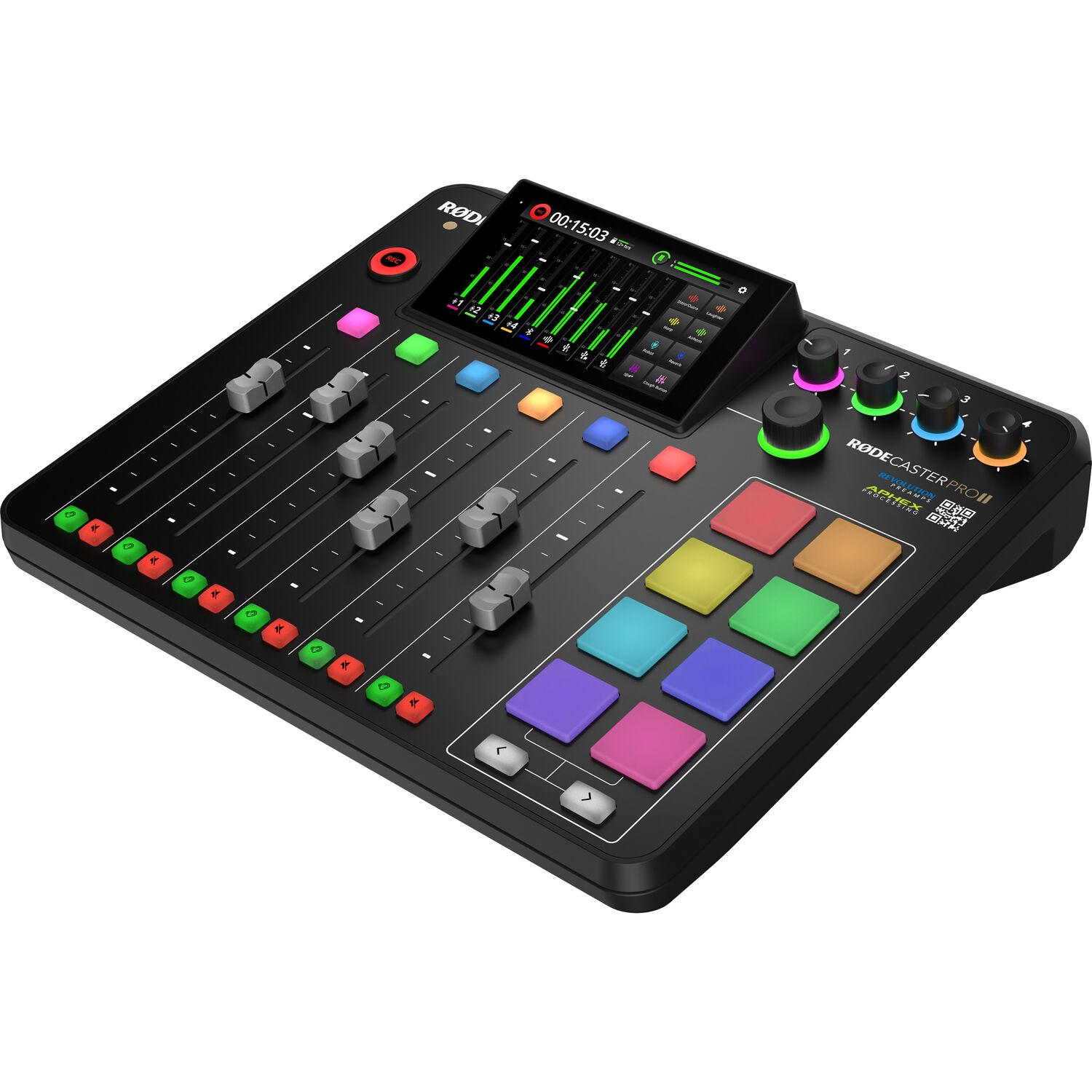
Months of heavy use without a failure is what the verified sample shows - the board becomes furniture, in the best sense of the word. And the original's 4.8 average, out-scoring every successor in the family, says the design held up.
The desk spares you the breakdown anxiety - see our audio mixer guide for the rack-route comparison, and decide which weak link you would rather live with.
And the original RODECaster design earned that reputation the long way - years of desks in daily service, not one launch cycle. The gear stays solid because it was built for constant use - and that shows in the resale value, which holds up better than any competitor's when secondhand buyers go shopping.
When TC Helicon collapsed, it became the cautionary tale for anyone who buys hardware that is never updated - owners were left with tools that could not improve. If a company stops supporting its hardware, the box keeps working but stops improving - and eventually the ecosystem moves on without it. Update cadence is a feature, not a footnote.
Frequently Asked Questions
Is the RODECaster Pro II better than the original?
For a new console today, the Pro II is the better choice, because it replaces a mixer, an interface and a soundboard. The original model still works well for those who already own one and don't need to upgrade right now for new features.
Can I use this for video production?
The board handles every audio path while the camera does the visuals - the same division of labor as any video podcast rig, with the console replacing the mixer-and-interface stack. No extra audio hardware rides along - the console is the interface, so the video side needs only the camera and a single cable.
How many microphones can I connect?
Four combo XLR/TRS ports take the panel mics, and the phone, USB and Bluetooth inputs stack remote guests and computer audio on top without eating a fader. A full four-person panel fits without a second console.
Does it work with the Shure SM7B?
One owner replaced a complex chain of an SM7B, Cloudlifter, and interface with this board to get much better production value, and the generic dynamic-mic preset means you do not need a Rode mic for the profiles to work. It includes specific presets for dynamic mics plus a dozen-plus compression parameters, so the SM7B gets the gain and shaping it needs without the booster chain - the podcast lighting guide covers the desk's other half.
Are there cheaper alternatives to the Pro?
When the main option costs too much, the RODECaster Duo and the Vocaster Two are smaller options for solo or remote work. These smaller units save money and desk space, and for a two-voice show, that is most of what the big consoles actually get used for.