
The Best Webcam for Streaming (The Reddit Consensus): C920S, Facecam MK.2 or Kiyo Pro Ultra
Ask Reddit for a streaming webcam and the same few names come up again and again, along with strong opinions about software, Linux support and whether any webcam can beat a real camera.
Those threads get one thing right: the camera is only half of it. A great sensor with buggy software can be a worse daily experience than a plain webcam that simply works, and the right pick depends on your desk, your computer and how much you're willing to tinker.
Below are the default that just works, a streamer upgrade, a sensor-first option, and which one fits which desk.
The Logitech C920S is the reliable default for Linux, Zoom, and curved monitors, while the Elgato Facecam MK.2 offers a streamer upgrade via Camera Hub, though the Razer Kiyo Pro Ultra remains a sensor play with a software tax.
You'll find the Logitech works without any extra fuss, whereas the Elgato provides better control during your live shows. The Razer delivers DSLR-like quality with a mess of software versions attached - and the sample is blunt about which half of that trade holds up.
Logitech C920S: The Default That Just Works
The Logitech C920S remains a reliable choice for people who want a camera that works right away without needing to fight with complex software or hardware setups.
Owners have praised its really good video quality and easy setup, and a WGU student has confirmed it meets their school's webcam requirements, which is about as practical an endorsement as a webcam gets. It connects with Zoom perfectly, which makes it a solid tool for those who meet every single day. It works well on Linux too, and it's a big plus for many users.
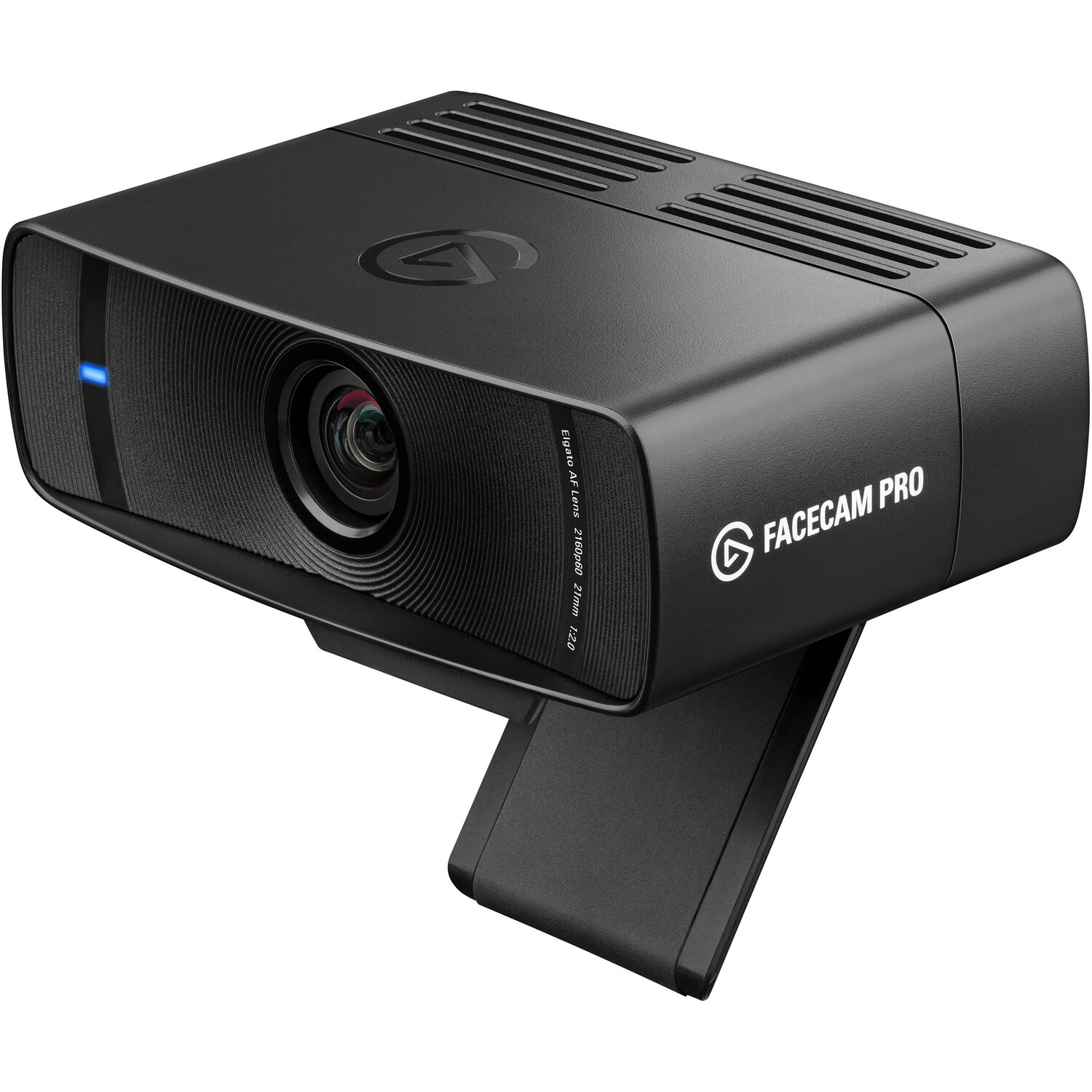
On a large curved screen like the 49-inch Odyssey, the clip on this camera fits just right without slipping off or feeling unstable. Through a Surface dock it is plug and play with no extra programs - 'the color quality is good for the money,' per the 4-star that ran it that way, and the Logitech support pages document the same 1080p30 ceiling.
Many people stick with this camera, because it stays widely compatible with almost every app or hardware they might use for their daily work or play.
It stays connected through the calls that matter - Linux users, Zoom regulars, and Surface-dock setups all report the same result. It's better to have a tool that stays simple, than one that requires your constant attention to fix. This camera is a safe bet for anyone who wants a clear image, without headaches.
Elgato Facecam MK.2: The Streamer Upgrade
One owner has called it hands down one of the best webcams they've used, especially for streaming, and incredibly sharp out of the box, with no graininess and no blown-out highlights. The Elgato product page lists the fixed-focus lens that explains the lack of hunting.
You won't need to spend hours tweaking the settings, since the image looks great from the start. One owner says they bought two of these, because the picture is just so clear for shows. It keeps a clean look, even when the lighting in your room gets tricky.
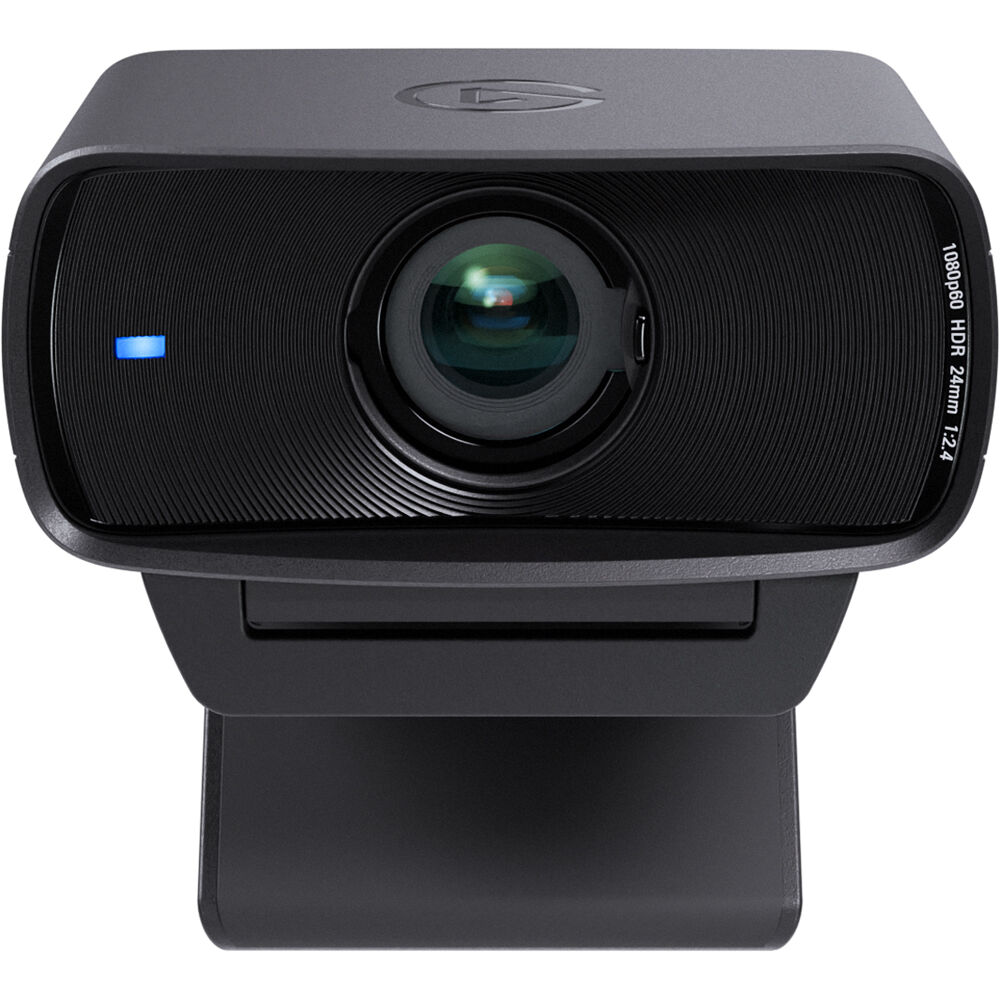
The Camera Hub software lets you adjust everything from the shutter speed to the white balance, which gives you much more control than most other webcams offer. The gear has less motion blur, and far superior software than the Kiyo Pro does. Since it uses UVC uncompressed video, the quality stays crisp as it travels to your PC - confirmed by the remote-interview owner who needed exactly that pipeline.
While you need an NVIDIA card to use some of the background features, the rest of the camera still works perfectly for anyone who wants a pro look.
You can control the zoom during live shows, to keep your frame tight and right. The fixed-focus design means no hunting while you move at your desk - that is the point of the 24mm-equivalent lens. The stream stays professional without a heavy DSLR in the frame.
Razer Kiyo Pro Ultra: The Sensor Play
This camera provides a great quality for recording because it lets you control the field of view, ISO, and shutter speed, which makes it feel like a real DSLR without the heavy bulk. It replaced a Canon DSLR-plus-Elgato-dongle setup that ran about eight hundred dollars in one owner's math, delivering 'maybe 5-10% lower' quality for a fraction of the price.
'When they say it's DSLR-like, that is more than a marketing slogan' - per the 6-month owner who ran it first on 1080p, then on a 4K QD-OLED monitor where the image stunned them.
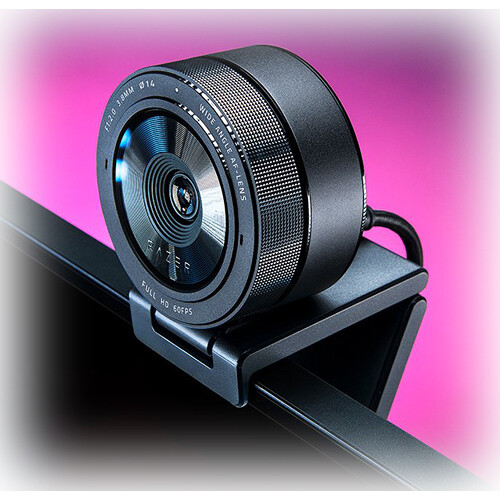
You might have to deal with a software mess because Synapse 4 is hard to use, and it isn't even available for people who use a Mac for work.
One Mac owner paid eight dollars for a third-party settings app because the official tools do not exist on macOS. One owner has called the software a total mess of versions that either don't support this camera or don't support the Mac, and that's the tax.
The autofocus struggles when the camera is mounted overhead looking down on a project, which can be frustrating when you try to keep the focus sharp on items. Despite these flaws, sensor quality stays top tier for those who want the best look. You're betting on the hardware when you pick this - the software is the weak half.
For a professional image in content, the bet has paid off for owners, and the Razer spec page shows the sensor that justifies it.
Which Webcam for Which Desk
For a camera that just works without fiddling with complex settings, the Logitech C920S is the right pick, because it connects perfectly with Zoom and works great on Linux. It attaches well to curved monitors, and it keeps working since you don't need any extra software to get it running - the same set-and-forget logic as the budget lights on the desk around it.
For those who stream, the Facecam MK.2 offers a better path because its software lets you tweak things easily - a sharp image with less motion blur than its rivals, which matters when you're live. Pair it with the streaming audio chain and the desk is done.
When you want image quality above all else, and don't mind fighting with messy software, the Kiyo Pro Ultra is the clear winner for anyone building high-end setups - the 4K recording guide covers the cameras that take the same path with full manual control. This sensor acts like a real DSLR, but the app situation is the price of admission.
Just starting out? The simpler options can save you a lot of time and mental energy.
Frequently Asked Questions
What webcam does reddit recommend for streaming?
The Logitech C920S is considered the reliable default because it works perfectly with Zoom and is widely compatible for Linux users too. Many find the Elgato Facecam MK.2 a better upgrade for streamers who want sharp images. The Razer Kiyo Pro Ultra offers a high-end sensor but the software is a total mess.
Which camera performs best in low light?
The Elgato Facecam MK.2 provides good images in low light without graininess or blown-out highlights that often bother viewers. The Kiyo Pro Ultra allows you to control ISO and shutter speed to manage dark environments effectively. Autofocus sometimes struggles when looking down at a project from above.
Do I need an nvidia card for background effects?
You need an NVIDIA card for some of the Facecam's background features, though one Twitch streamer has pointed out that a green screen still works without one. Check B&H's webcam stock before ordering any of the three. This specific functionality relies on the hardware to handle the processing during your live stream.
Can I mount these cameras on a curved monitor?
The Logitech C920S attaches well to a 49-inch Samsung Odyssey curved monitor without any reported issues or stability problems. It stays secure while you're running and gunning in your setup.
Is there software available for mac?
Razer software for the Kiyo Pro Ultra is not available on Mac, which forces users to pay for extra settings. The Logitech C920S is great for Linux users and works without needing extra software.