
Best Ring Lights for Video Conferencing: 6 Picks for Better On-Camera Light
Most people discover their lighting problem on a video call: a window behind them turns them into a silhouette, an overhead light leaves dark circles under their eyes, or the laptop screen paints their face blue.
A ring light is the simplest fix because it sits in front of you and lights your face evenly, but the sizes, power options and kits vary more than you'd expect. Get one that's too big for the desk, too bright for the room or the wrong color for your home office, and it can look worse than no light at all.
Below is what matters for a call light, then an all-round pick, a one-box kit, a large-format option and a cordless one.
You need one soft light positioned in front of your face at eye level rather than a complex studio setup because poor lighting often creates harsh shadows that make you look tired during professional calls. The Neewer 10-inch works as the all-round pick, while the 7-inch desk light fits small spaces.
For a first home office kit, the Smith-Victor VCS700 bundles everything at once. The Lume Cube 18-inch buys the biggest soft wrap, and the Ring Light Pro goes cordless.
What Matters for a Video Call Light
You might think a huge light is always better, but a small ten-inch ring placed just two feet away works much better than a large unit sitting across the entire room.
Distance is the real factor here, because keeping the light close to your face prevents harsh shadows from forming under you. Small sensors in webcams struggle in dim corners, so strong light is what lets the image clean up. If the light is too far away, your video looks flat and dull.
Picking a bi-color light is worth the extra money, because you can match the warm glow of your indoor bulbs or the blue tint coming from the window. Using a daylight-only bulb often makes skin look pale and sickly, when the room has warm lamps active. Bi-color models adjust roughly between 3000K and 6500K so your face matches the room instead of fighting it.
A simple desk stand or a clamp is usually better than a floor tripod, because they save space and keep the light right at eye level where you need it. Look for a 1/4-20 thread so you can mount the light to any arm you already own.
Neewer 10-Inch: The All-Round Pick
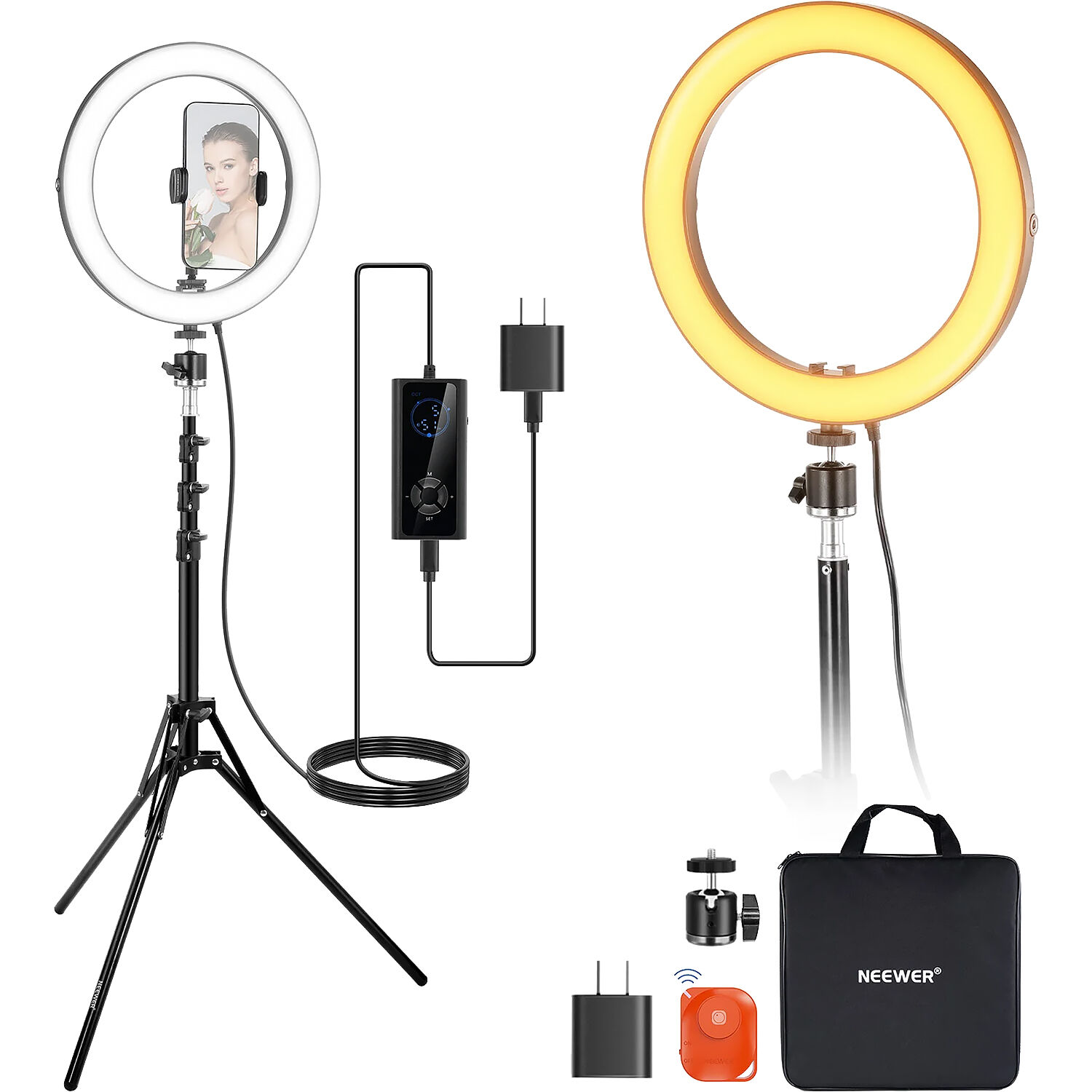
Neewer's spec panel lists this 20W bi-color light at 1660 lux of brightness at half a meter, while the high CRI of 97 makes skin tones look much better than cheap rings.
You can adjust the temperature from 2900K to 7000K because home offices often mix warm bulbs with windows. The metal stand reaches from 21 to 71 inches, which lets you find the right height for your setup. It uses a ball head with a 1/4-20 screw to tilt the light easily so you get the perfect angle.
You should skip the tall tripod and place this gear right on your desk next to the monitor, because a closer light helps your webcam stay clean during long calls.
An 8-10 inch ring at two feet usually beats a larger light placed across a wide room because it's closer. The 10-inch ring puts the light close enough that your webcam stops fighting noise, and the smaller footprint leaves your desk alone.
The critical reviews are mostly about the stand, not the light. One buyer's stand feet arrived busted with the rubber bits lodged inside. Another's ring stripped off its threads on day two.
A verified repeat buyer got a year of life on the first unit and six months on the second. One unit powers on but the light never turns on. Several say the tripod legs spread and never hold position.
The ring itself earns the rating, but plan on a better stand or a desk clamp.
Neewer Basics 7-Inch: The Compact Desk Pick
The old Neewer RH8B listing is gone from Amazon, and this 7-inch desk light is the current compact option if you need a small footprint. It uses 84 LEDs to produce 680 lux at half a meter, which is enough light to make your face look clear during a long video call.
You can plug it directly into your laptop or a portable power bank so you don't have to hunt for a wall outlet while you work.
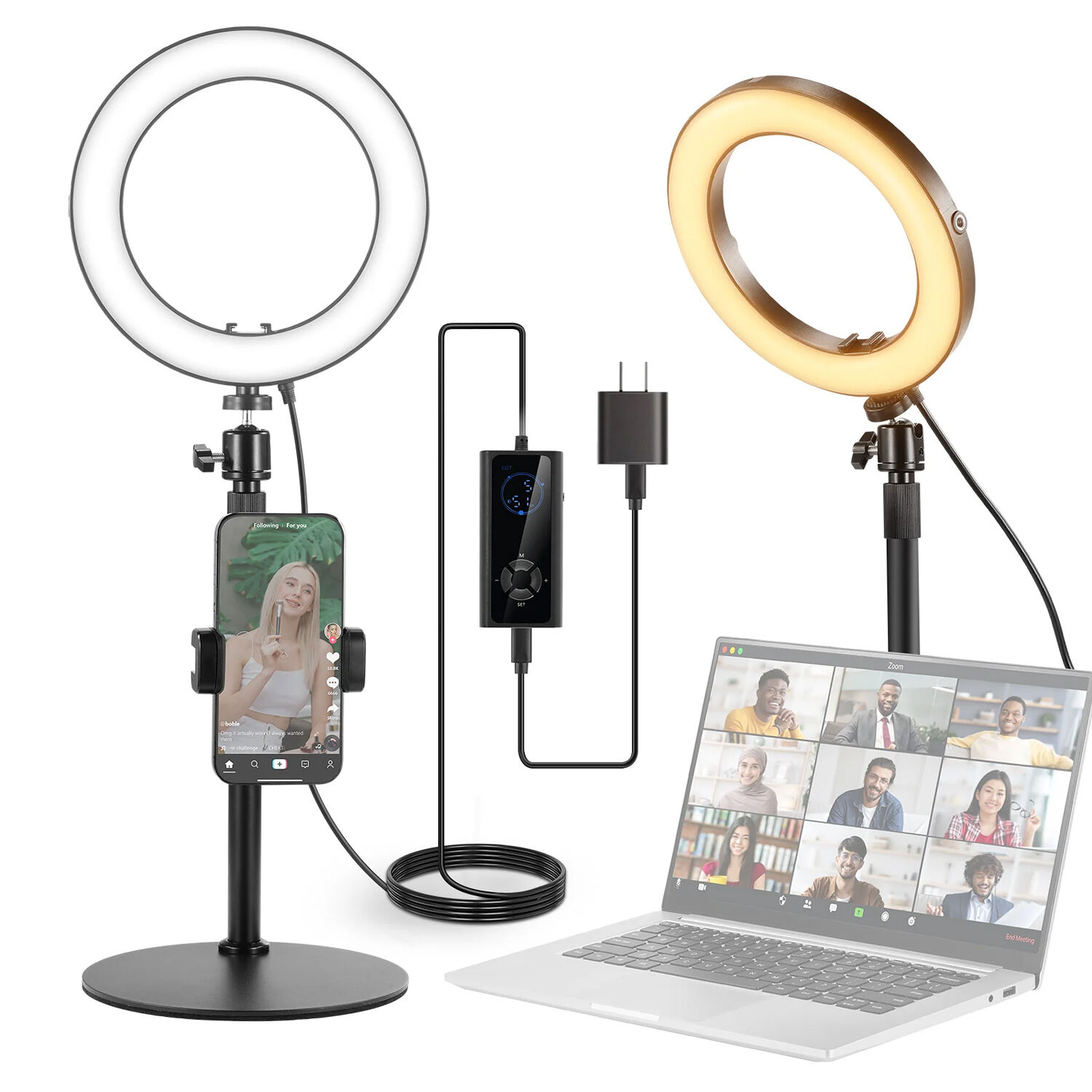
The telescopic column extends from 23.5 to 33.1 inches, which lets you find the right height without the metal base taking up too much space.
While it offers five color temperature presets between 3000K and 6500K, you can't adjust the warmth continuously to match every specific shade. This means the light works best in a room where you can control the natural light because a bright window behind you will easily overpower the small LEDs.
At a 4.5-star average from more than 500 buyers, the metal base and tilting bracket hold up in daily use. The 95 CRI keeps skin tones natural. This is a simple tool for a better image without studio bulk.
Smith-Victor VCS700: The One-Box Starter Kit
For one purchase that covers light, mic and headphones, the eight-piece Smith-Victor VCS700 at B&H is the shortcut. The set includes a ten-inch ring light that uses tri-color presets rather than a continuous dial, so you pick from specific tones instead of fine-tuning. It runs about the price of a nice standalone light and mic bought separately, as a special order at B&H that is not sold on Amazon.
You also get a Nady condenser mic with a shock mount and QH-200 stereo headphones to help you monitor your audio during calls.
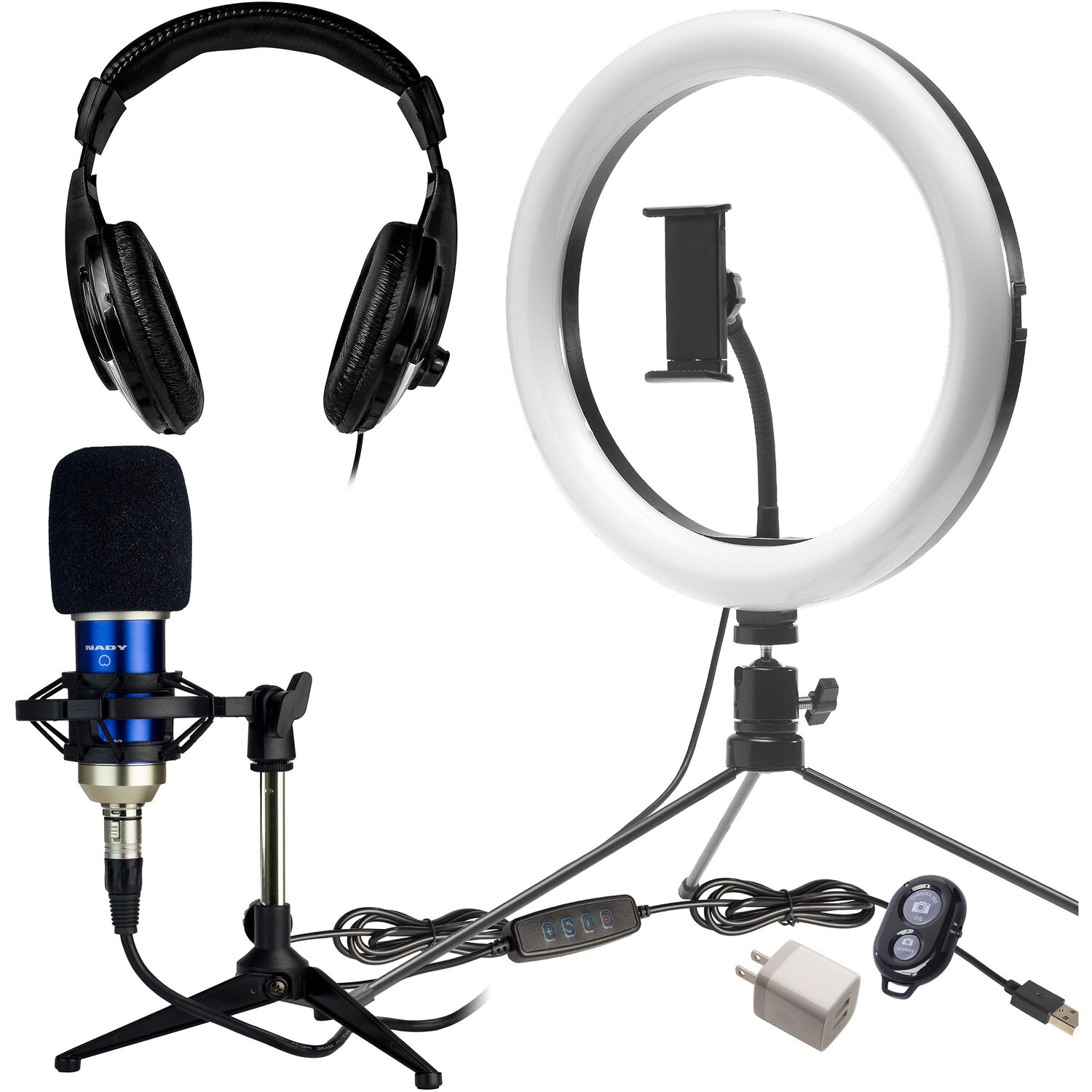
The Nady XLR condenser with its shock mount is a real step up from laptop audio, but it is not a podcast mic.
It comes with a USB controller and a Bluetooth shutter so you can manage your settings without reaching around, while the included stand and storage pouch help keep everything tidy when you aren't working. If you already own a light and a USB mic, you should skip this kit because you'll pay twice for gear you already have. It is a solid choice for people starting from zero.
Lume Cube 18-Inch: The Large-Format Pick
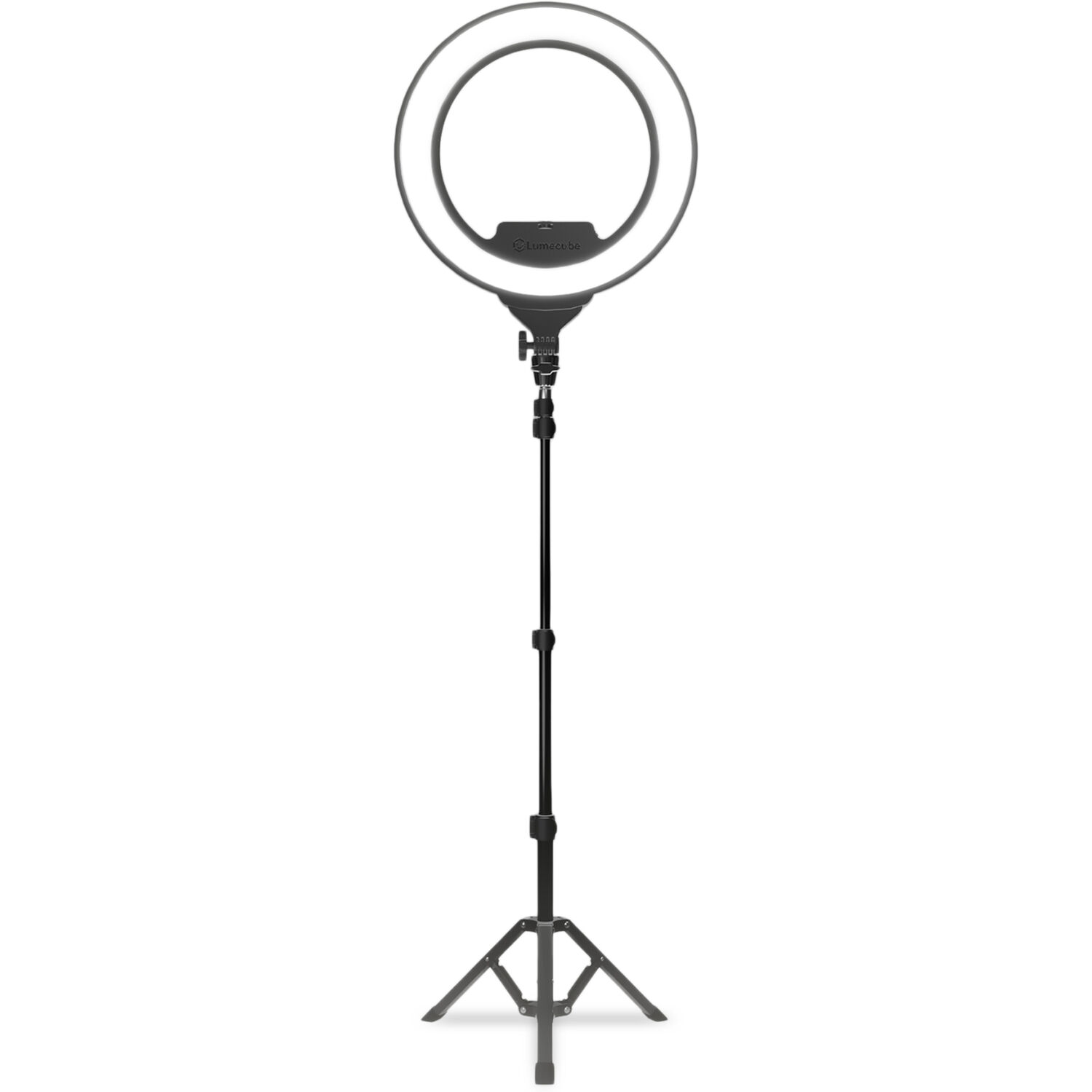
Because this 18-inch bi-color light sits on a 6.5-foot stand, it wraps around you like a softbox when you sit at desk distance, which makes a visible difference in wide shots. It relies on an AC adapter instead of a battery, so it stays put while you work, and it includes a gooseneck phone holder for your device. The critical reviews are about fulfillment and QC.
One buyer got a kit with nothing but the stand, no phone holder or camera mount, and a difficult return. A buyer says only one of the brightness levels works. A third received a missing tilt knob.
Lume Cube Ring Light Pro: Cordless and Edge-Lit
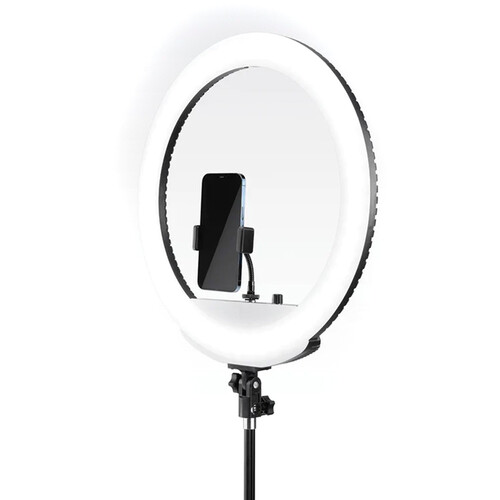
Lume Cube's Pro spec claims 256 inward-facing LEDs hidden behind a diffuser to eliminate the harsh hot spots and donut reflections that cheap front-mounted LEDs often create when you wear thin glasses. It provides 1700 lux at half a meter, which ensures your face stays clear during long video calls. Color runs 2700K to 7500K, wide enough to match window light or warm bulbs.
The internal battery and LCD remote let you move the setup without tripping over messy cords.
The cordless design has a real cost: two buyers report a high-pitched hum from the internal battery, one loud enough to ruin phone audio.
A buyer who records with an MKH 416 measured an audible 10kHz whine and called the light unusable around sensitive mics, and says the remote makes noise a mic can pick up too
When you record audio in the room, run it on AC and leave the battery out of the equation. One buyer also received an obvious resold return with a broken security seal, and others waited more than 30 days for refunds. Check the return window before you buy.
Positioning the Light
You should place your light at eye level or just slightly higher so you don't end up with creepy underlighting that makes your face look like a horror movie scene.
Center the ring right behind your monitor, so the camera can look through the opening. You hit the best distance at two to three feet away, which helps the light spread evenly. Set brightness between 50 and 70 percent so the light dominates without blinding anyone.
Match the color temperature to your room: about 5500K near a window, 3000-3500K under warm bulbs. The cool-face-warm-background mismatch is the giveaway that someone is using a ring light, and it is an easy fix.
For glasses, raise the ring above eye level, tilt it down a couple of degrees, or move to an edge-lit model whose diffused source makes the reflection much softer. After that, see our webcam picks and the film lighting kit guide for multi-light key, fill and back setups. If your meetings are from a laptop on the move, the travel video tripod guide covers light stands that pack small.
Frequently Asked Questions
Do I need a ring light if I have a window?
Natural light from a window is often beautiful but can be incredibly unreliable when clouds pass or the sun shifts during your meeting. A dedicated ring light provides a steady source of illumination that won't change while you are mid-sentence.
Will a ring light help a bad webcam?
Providing strong light allows the small sensor in a budget camera to stop fighting digital noise, which results in a much cleaner image. You'll notice a significant improvement even if you are using an entry-level webcam.
How do I fix ring light reflections in glasses?
You can eliminate annoying glare on your lenses by raising the light source higher or tilting it downward toward your face. Choosing an edge-lit model also diffuses the light to prevent harsh circles from distracting your viewers.
Can I use one with a laptop's built-in webcam?
A ring light makes the biggest impact on integrated laptop cameras because they usually struggle in poorly lit office environments. You can place a small ring behind the screen at an angle or use a mount that sits over the monitor.
Is bi-color worth it over single-color?
Yes. Home offices mix warm bulbs and window light, and a daylight-only ring makes your skin look off against them.
How bright should a ring light be?
Brighter than you think, but not maxed out. Most people land between 50 and 70 percent brightness with the ring as the dominant light on their face.