
Best MicroSD Card for 4K Video: What V30 Means and How Many Hours Fit
A microSD card is the cheapest part of an action camera or drone kit, and it's the part people think about least, right up until a clip ends early or the camera warns that the card is too slow.
The labels don't help. Cards carry a row of speed symbols, a read speed that's much bigger than the write speed that matters, and capacity claims that are sometimes fake, and none of it tells you how many hours of footage you'll get.
Below is what V30 really promises, how many hours each size holds, four cards worth buying and one to skip, and what changes for skiing, surfing, diving and phones.
Any genuine V30 UHS-I card from SanDisk, Lexar, or Kingston records 4K and 5.3K video in GoPros, DJI drones, or Osmo Pockets, though those faster UHS-II cards only help if your device has the right slot. Pick capacity by the hours of footage you need rather than by speed. If you see dropped frames, the card is most likely fake or fragmented from many delete cycles.
What V30 Actually Promises
The V30 mark tells you the card can write data at a minimum speed of thirty megabytes per second, which equals two hundred and forty megabits per second for video. Most action cameras and drones use much less than that speed, so these cards usually work fine for your gear. A GoPro at high bitrate only needs about one hundred and forty Mbps, which fits well within the V30 limit.
For full-size SD cards in mirrorless cameras, see our SD card guide for 4K recording.
V60 and V90 cards need UHS-II hardware in both the card and the camera, because those higher speeds require much more bandwidth.
Your 4K120 footage depends on whether your specific camera can actually handle that high data rate. You won't get those top speeds if your camera only supports the older UHS-I standard. Mixing different speed symbols also means the card won't promise the advertised speed to you.
The SD Association only promises these speeds on unfragmented free space, and deleting and rewriting files fragments a card over time. The fix is to offload your files and format the card in the camera, which gives it clean space again.
How Many Hours Each Card Size Holds
A 128GB card in the GoPro HERO13 holds about two hours of 4K60 at high bitrate, which stretches to four hours with standard settings. A 256GB card doubles that time to roughly four hours, while a 512GB card lets you shoot for eight hours at that same high bitrate. I think 128GB is plenty for a quick day out if you don't mind swapping files at night.
For a week-long trip I'd take a 512GB card, so you're not stopping to move footage to a laptop every night.
For kids who record long action-cam videos, capacity matters far more than how fast the card writes. If you run out of space mid-afternoon, you'll miss the best shots because the card is full. It's better to have too much room than to have to delete old clips while you're out in the field.
Four Cards Worth Buying and One to Skip
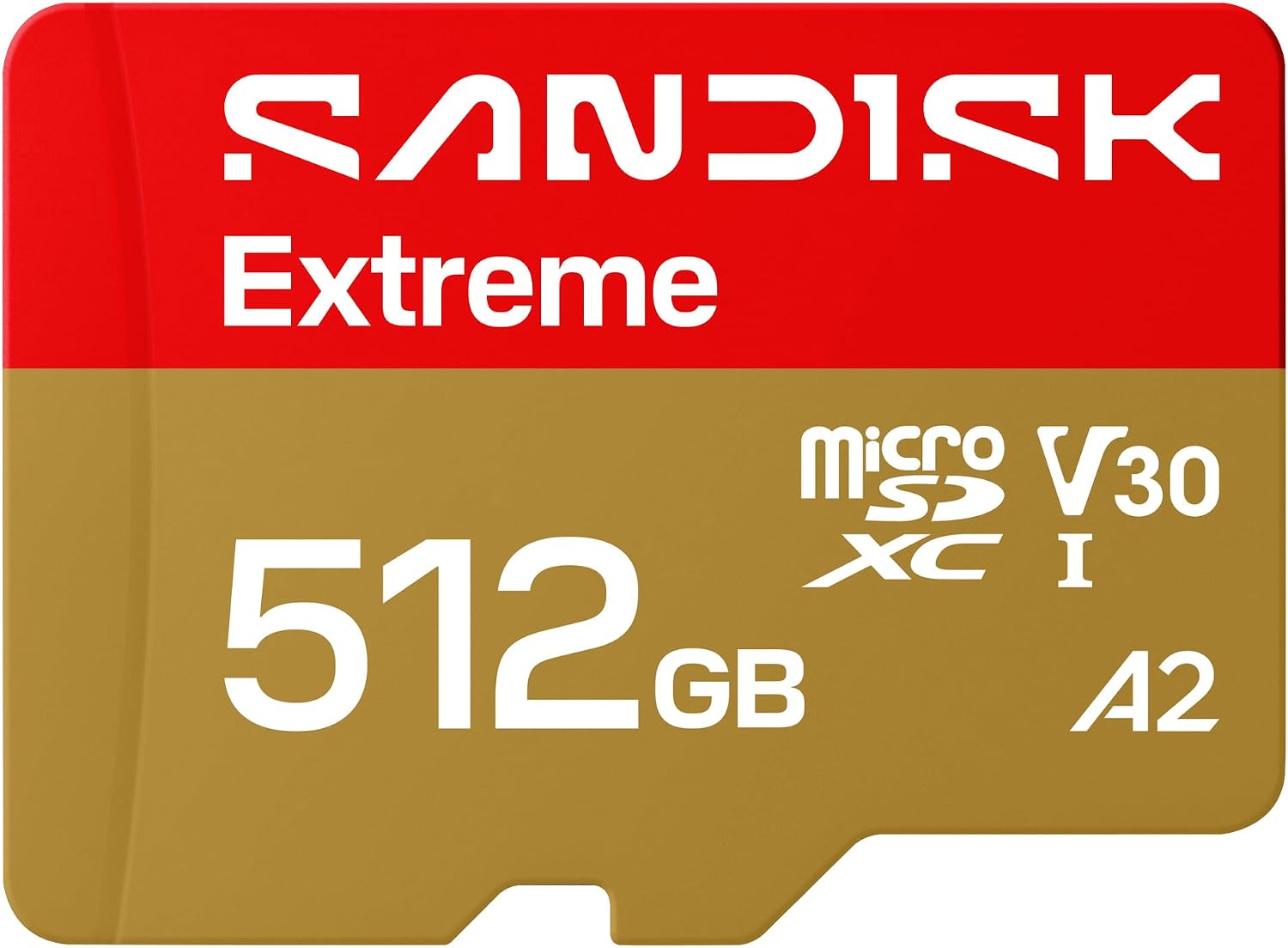
The SanDisk Extreme 512GB is a top pick for people who shoot 4K video on DJI drones or the Osmo Pocket 3 and buyers report it working in DJI drones, an Osmo Pocket 3 and GoPros. This card reads at 245 MB/s and writes at 170 MB/s, so you can move your files to a computer quite fast.
One buyer has noted they didn't even need to format the card before using it in their drone, which is a big win for your workflow.
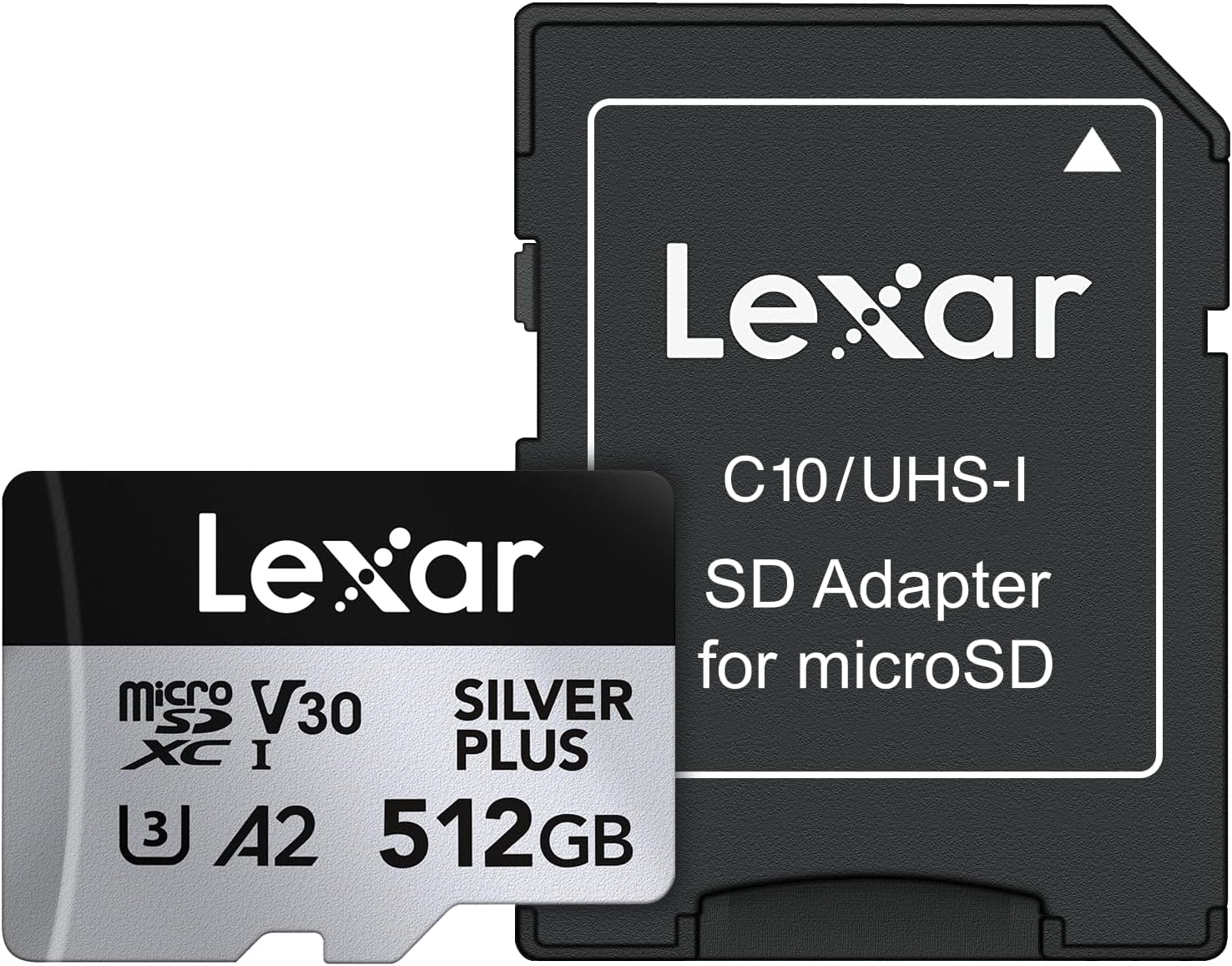
As an alternative, the Lexar Silver Plus 512GB is a strong choice that includes a lifetime limited warranty and an IPX7 rating for water resistance. One buyer has said this card finally stopped the "card speed slow" warnings that kept popping up on their DJI gear. It works well with GoPros and the Steam Deck, though it won't work with the Nintendo Switch 2.
The Kingston Canvas Go Plus 256GB is another reliable mid-range choice for action cams and dash cams with only 1% one-star ratings out of about 1,500. It offers speeds up to 200 MB/s, which is more than enough for 4K footage on a DJI Action 4 or a phone.
One dash cam owner says their micro SD cards only last about a year of constant recording, which is the job endurance cards are made for.
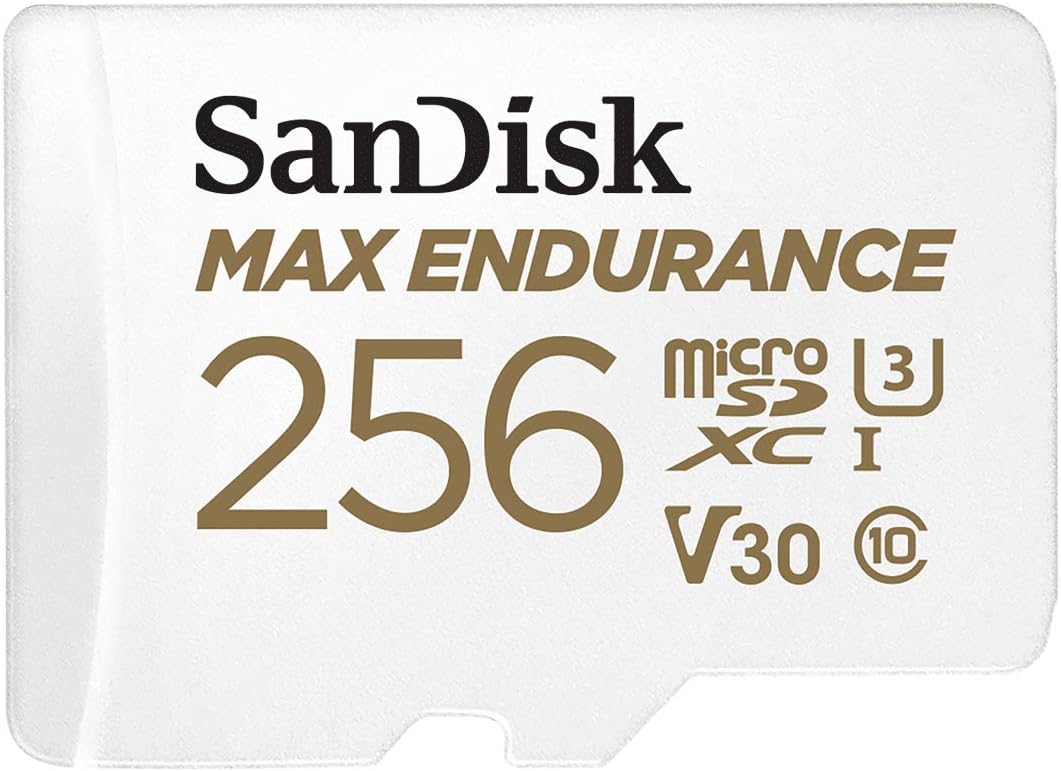
The SanDisk MAX Endurance is built for security cams and dash cams because it can record for 120,000 hours without wearing out, but it isn't the right tool for an action camera since you don't need that kind of life for short video clips.
You should skip the Delkin UHS-II V90 because one reviewer has said it failed after just two weeks and other cameras rejected it as being too slow. It's a risk you don't need to take with your footage.
Skiing, Surfing, Diving and Phones
When you're out on the slopes, you'll find the camera battery dies long before the card does, even though SanDisk rates its cards to tolerate -25°C to 85°C on its environmental tolerance page.
You should keep your spare batteries warm in a pocket, because lithium-ion cells lose runtime in the cold. Since the camera housing keeps the gear dry, the card's rating only matters if a leak occurs or you swap cards while wet. SanDisk cards can stay submerged for seventy-two hours, and Lexar rates the Silver Plus IPX7, but the housing is what keeps the camera dry.
For long takes underwater, the two things that matter are enough capacity for the whole dive and a fresh format in the camera before you go, so the card starts with clean space.
iPhones have no card slot at all, but some Android phones let you use a microSD to expand how much video you can store on your gear.
Before you leave for a trip, fill the card once to catch fakes or cards that fail early. This test ensures the card actually works when you're away from any shop or outlet. It's better to find a problem now, than in the middle of a big dive trip.
Frequently Asked Questions
Is V30 or V90 better for 4K?
You usually only need a V30 card for 4K video unless your specific camera uses UHS-II technology and specifically demands V60 or V90 speeds. Most action cameras and drones handle these lower speeds perfectly without any issues.
How much 4K video can I fit on a 256GB card?
A 256GB microSD card will typically hold about four hours of 4K60 footage at high bitrate when recording on a GoPro HERO13 camera. This estimate depends on the specific bitrate settings you choose in the menu.
What is the best microSD card for the GoPro HERO13?
For the HERO13, look for a V30 card with a UHS-3 rating or higher up to 1TB of storage for your needs. The SanDisk Extreme, Lexar Silver Plus, and Kingston Canvas Go Plus are great options.
Why do I get a "card speed slow" warning?
This warning usually happens because the card is fragmented or is a counterfeit that reports more storage than it actually has. You should offload your files and reformat the card inside the camera next.
Should I use endurance cards in my action camera?
You don't need endurance cards for action cameras because they are designed specifically for constant recording in dash and security cameras. A normal V30 card with enough capacity is the right tool for long takes.