
The Best SD Card for 4K Video Recording: V30, V90 and the Cards That Earn Their Slots
Memory cards are easy to overlook until one fails, and then it's the most expensive piece of plastic in the bag. A card that's too slow drops frames or stops recording, and a card that dies takes the whole shoot with it.
The labels make choosing harder than it should be. Read speeds on the front are often much higher than the write speeds that matter for video, and the faster, pricier cards only help if your camera can actually use them.
Below is what the speed classes actually guarantee, when UHS-II matters, four cards that cover every 4K job, and how to think about capacity and backups.
While a V30 rating represents the bare minimum requirement for modern video, the popular SanDisk Extreme PRO UHS-I handles standard 4K tasks easily, though using BRAW or All-Intra formats really demands the faster UHS-II V90 tier.
A buyer calls the SanDisk 'flawless' - 'offloading a full shoot to my computer is genuinely quick.' The Sony Tough earns praise for durability, though a four-star reviewer found its transfer speeds 'far below the claimed in da spec.' Which card is right depends on what your camera can actually use.
Speed Class: What V30, V60 and V90 Actually Guarantee
You need to understand that the V-class rating on your card represents the guaranteed minimum speed for sustained writes, so your video doesn't fail during a shoot.
Since U3 is just another name for V30, this floor is the base speed that most 4K footage needs to function. If the card can't keep up, the camera drops frames because the buffer fills before it can clear - the classic symptom of a card under-rated for the codec.
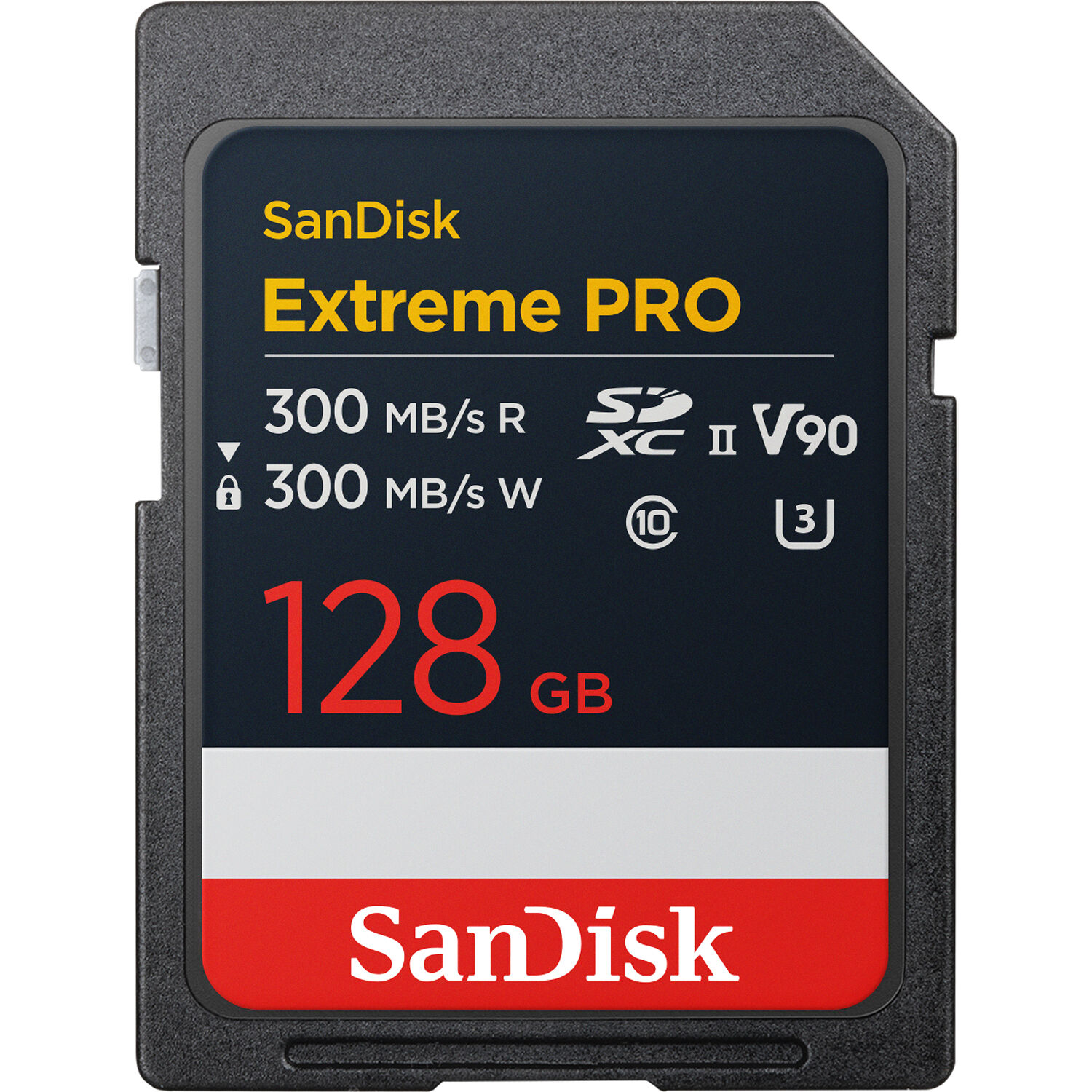
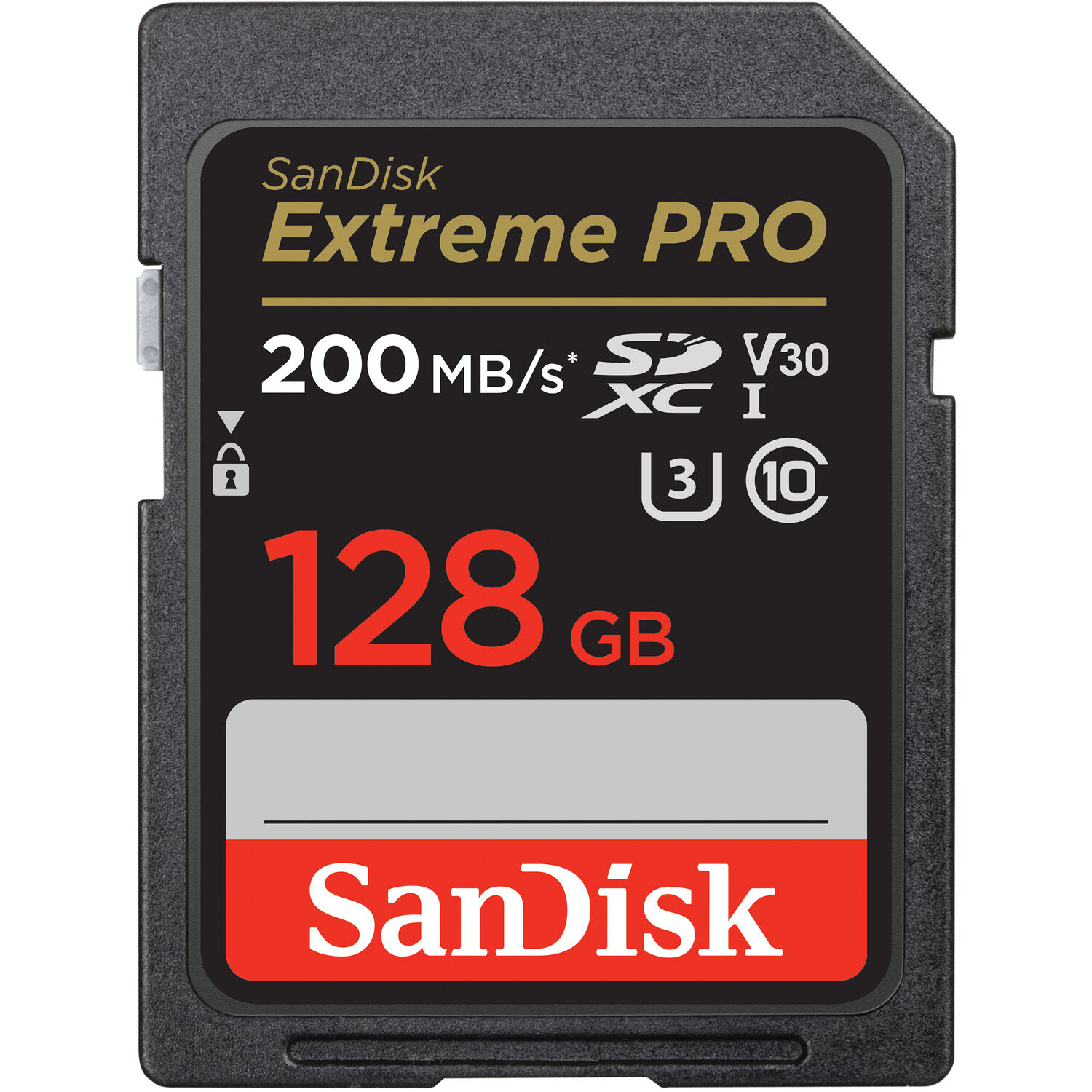
The UHS-I card's label tells the story: 200MB/s read, V30 and U3 marks - the floor that standard 4K needs, and nothing more. Higher cards like the V90 are necessary for codecs like BRAW because those files demand much more data every second. These cards let the camera sustain bitrates that would stutter a lesser card into dropped frames.
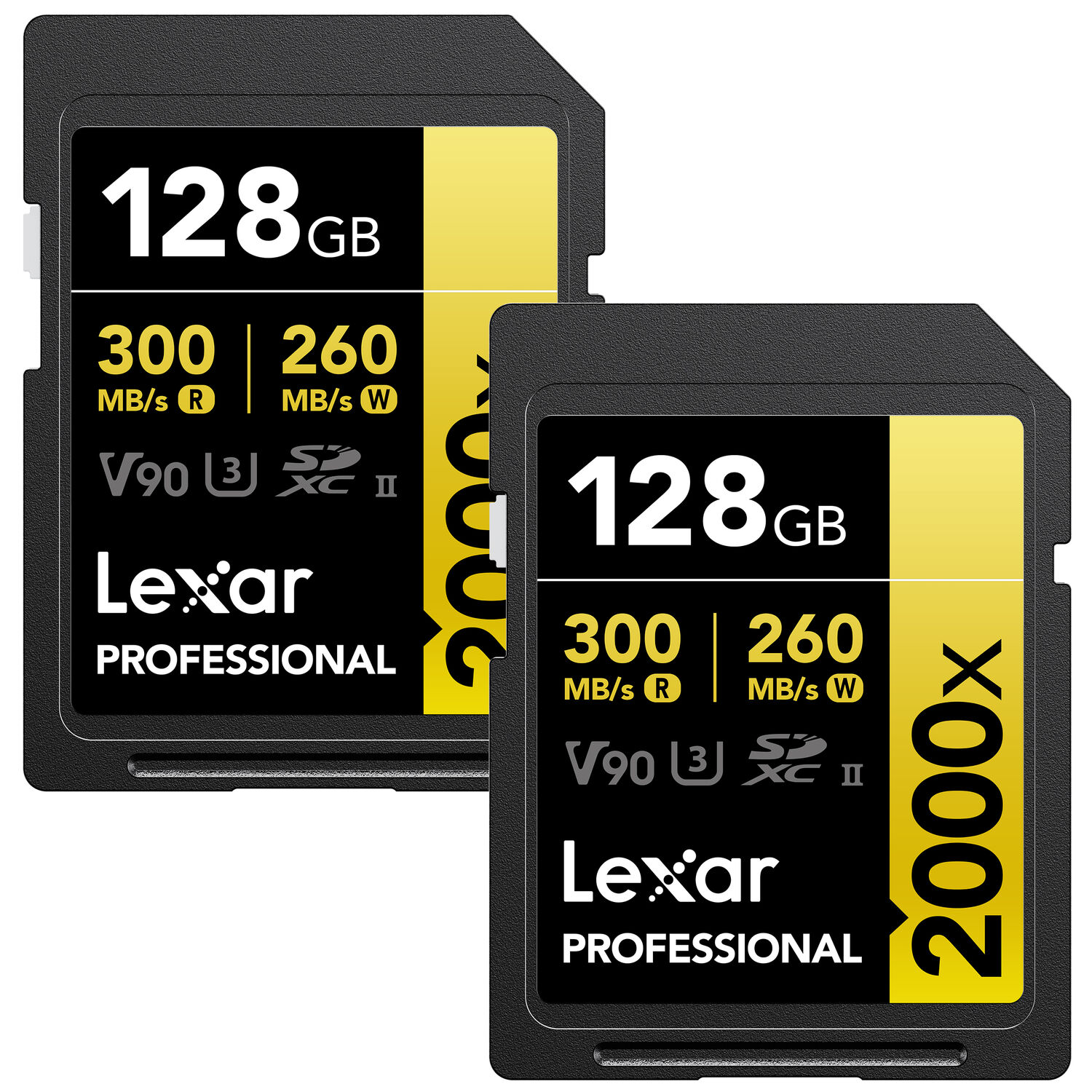
The Sony Tough card is a tough pick because it keeps working, while the Lexar 2000x handles 4K at 60fps well but shows itself slow when moving files. Match the card to the codec, and the money follows the need.
UHS-I vs UHS-II: When the Extra Pins Matter
You might think the extra pins on a UHS-II card make it twice as fast, but that speed only helps if your camera actually has the right hardware to talk to those specific pins.
Most cameras only use the first row of pins, so the extra ones sit idle. Only gear like the Blackmagic cinema line can use the bus to record BRAW files. If you don't have that gear, you're paying for speed that you can't use.
The SanDisk Extreme PRO UHS-II V90 hits 300MB/s for reading and writing, which is great when you need to move large files off your card as fast as possible after work. This speed lets you capture 4K or 8K video, without the frames ever dropping. It's a good tool for high bit rate formats, which demand every bit of bandwidth. This is where V90 cards shine.
Buying a UHS-II card for a standard UHS-I slot is mostly about how fast you can transfer data to your computer, rather than how fast the camera records the footage.
A V30 card works fine for 4K jobs, because it meets the sensor needs. You'll save money if you use UHS-I, since your camera doesn't support it now. Don't waste your budget on features that your gear won't unlock during a shoot.
The Four That Cover Every 4K Job
The SanDisk Extreme PRO UHS-I V30 is the value pick, and at 4.8 across 70,385 ratings it owns the deepest sample of any card in this class. Check B&H's current SD card pricing against the sale cycles before buying.
One buyer says it's flawless, when they shoot continuous clips on a DJI drone during a long trip. It keeps working well, because the hardware is built to handle the heat of long recording sessions. You'll find that offloading footage is genuinely quick, since the card moves data with ease.
For high-bitrate files, the SanDisk Extreme PRO UHS-II V90 handles 4K and even 8K recording smoothly, and a buyer shooting 70MB files has said they save faster than ever. It works perfectly with cameras like the Blackmagic Pocket line, which need that headroom for BRAW files - the V90 tier is the entry ticket to that codec.
The Sony SF-G Tough is the pick for people who treat their gear roughly, because it's built to survive very harsh physical conditions during any professional video shoot.
Their favorite SD card ever, because they never saw a single error message, one user has called it.
While the Lexar 2000x handles 4k 60fps great, the price is a bit steep for what you get in return compared to other cards available on the market today.
An owner has found it's quite slow for a V90 card, when transferring files to a PC
Capacity and Backup Thinking
Choosing between a 128, 256, or 512 gigabyte card changes how long you can shoot before you have to stop, but the bigger size doesn't protect your work from sudden loss.
You need to move files to a computer often, because keeping everything on one card for days is a huge risk - the same discipline behind the SD card picks in our Blackmagic guide. If the card fails, you lose the footage, since you haven't made a copy on a hard drive yet. The habit is the backup.
A larger card lets you film more, but it doesn't replace the need to check your data after every shoot.
Many people think that a card breaking is the main fear, but the real danger is when you only have one copy of a great clip sitting in a plastic slot.
You should offload your work while you have time, so that the backup stays safe if the card stops working tomorrow. Using 512 gigabyte cards gives you more room, yet it might make you forget to save your files on time - the documentary audio workflow runs on the same rule. This discipline keeps your project alive, so a single error cannot ruin weeks of filming.
Frequently Asked Questions
Do I need a V90 card for 4K video?
Whether you need a V90 rated card for 4K recording depends entirely on the specific camera body you use and the bitrates of the files you want to capture. Many standard cameras work perfectly fine with V30 cards without any dropped frames or recording issues.
What is the difference between U3 and V30 ratings?
Both U3 and V30 designations actually represent the same minimum write speed floor of 30 megabytes per second for video recording tasks. You can treat these two ratings as interchangeable when you are looking for basic high-definition video performance.
Why isn't my UHS-II card faster in my reader?
The maximum speed of a UHS-II card is often limited by the hardware interface of your card reader or the specific slot inside your camera body. If your gear only supports UHS-I, you won't see the higher transfer speeds these cards offer.
Are larger capacity SD cards more reliable than small ones?
Larger cards aren't inherently more physically durable, but they do mean you'll have to swap media less frequently during a long shoot. Fewer swaps reduce the chance of dropping a card or losing a connection on a busy set.
Which card is best for Blackmagic and BRAW?
For high-bitrate workflows like BRAW on the Blackmagic Pocket Cinema Camera, stick with the V90 tier to ensure stability. These high-end cards handle the heavy data demands that professional cinema cameras require without failing.