
Best Cheap Webcam for Streaming: C270, NexiGo N60, HP 320
A cheap webcam has one job: make you look clearer than the camera built into your laptop, or give a desktop with no camera a way onto the call. For a lot of people that's all a stream or a meeting needs, and spending more doesn't change much.
The trouble is that the cheapest cameras look almost identical in a listing. Those differences are in resolution, how they handle a dim room, whether there's any software for adjusting the picture, and whether the mount actually sits well on your monitor.
Below are an entry pick, a 1080p pick, a name-brand option, and how the three compare on price.
The Logitech C270 is the entry pick, the NexiGo N60 is the 1080p pick, and the HP 320 is the name-brand cheap. It's the kind of camera people buy because an IT friend has suggested it, and the lack of a settings app is easy to work around with free tools.
The Entry Pick: Logitech C270
For a basic way to start streaming without breaking the bank, the Logitech C270 offers clear HD 720p video that works well for most video calls and meetings. It works instantly on Windows, Mac, and Linux, so there are no tricky drivers during setup.
One owner bought a desktop without a camera, needed to join Zoom calls, and has said the webcam their IT friend suggested was perfect. An owner has found it very simple to set up, good on older PCs and cheap too.
Plugging it in and talking is all it asks of you, and the low price does the rest. The C270's spec sheet is plain about the limits, with fixed focus, 720p and a mount made for a thin monitor.
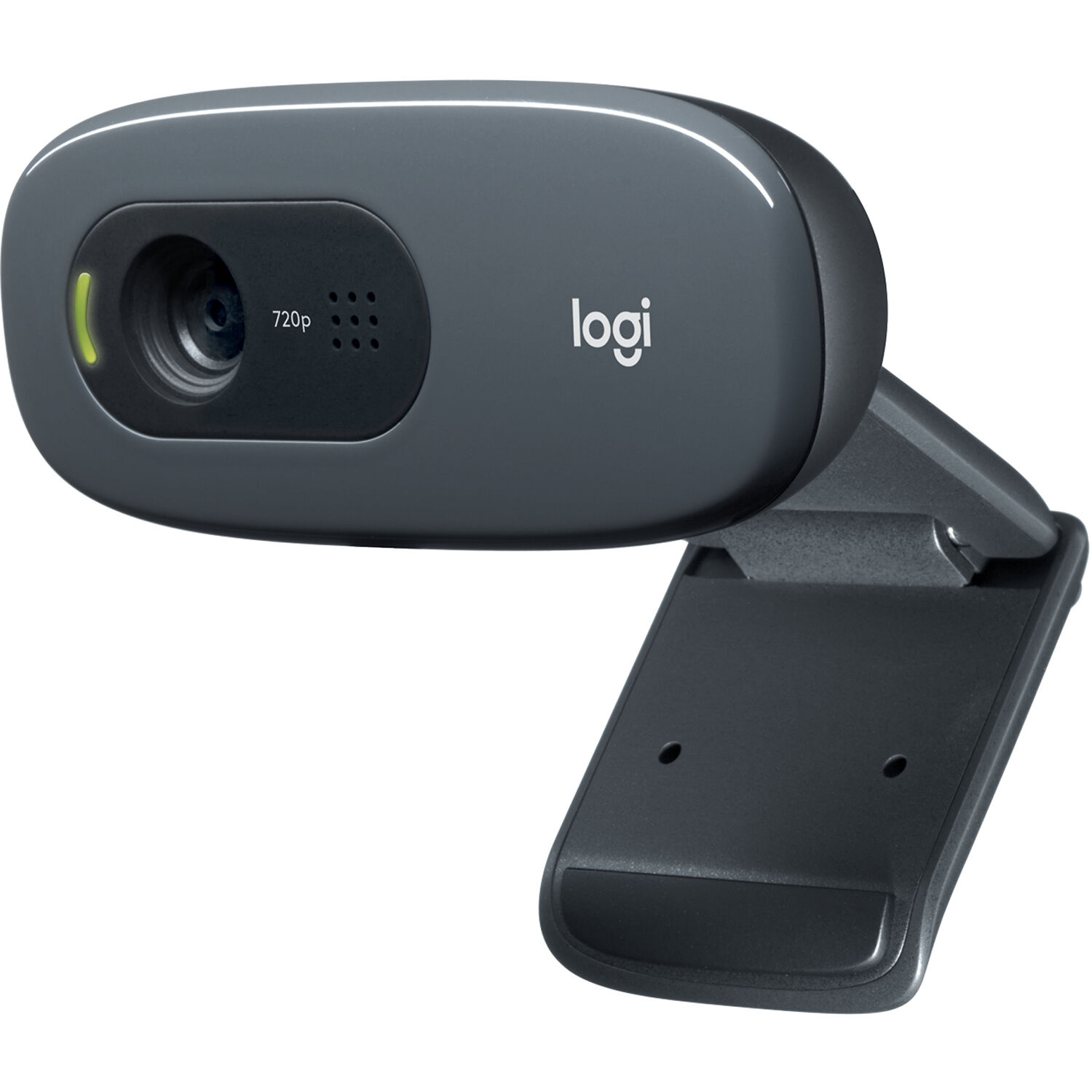
While this camera doesn't come with its own settings app, you can find free tools in the store to help adjust your image and make it look better. That 4-star reviewer has also found that the included mount covers the top of the monitor screen.
Another owner has used it with a mini PC on a swing-arm monitor mount, because they only needed basic functionality for occasional use. One office worker has said their law office uses these for Zoom meetings, and their IT person loves them for the price.
The 1080p Pick: NexiGo N60
One N60 owner has said it's exactly what they were looking for: easy to set up, plug and play, with a crisp picture and quick focus. Another has called it simple yet effective, truly plug and play with no software, and more than adequate for a professional setup.
An owner of the 1080p 30fps model has said it performs great, and that for streaming and most other needs, 60fps isn't really necessary.
One owner has had this webcam since May, uses it every week for their YouTube videos and really likes it, with picture quality that's great for what it costs.
.
The camera adapts well to the lighting conditions in your room, which helps moderate the video image so you look good even when the sun goes down early outside. That's how one owner has described it, and it means the camera does the exposure work you'd otherwise forget. The same owner has also praised how fast it focuses and has said they don't have to worry about picture quality.
The Name-Brand Cheap: HP 320
For a quick swap when an old camera quits, the HP 320 is the answer. One buyer has called it a great little camera for about the cost of lunch, with excellent picture quality and a nice wide-angle view, and you just plug it in and go.
One owner bought it in a rush when an old Logitech failed and has found it works well, in high quality, with OBS, Discord and Zoom. One owner had the HP badge on the front come off after an hour-long call and put it back on, which is a cosmetic problem.
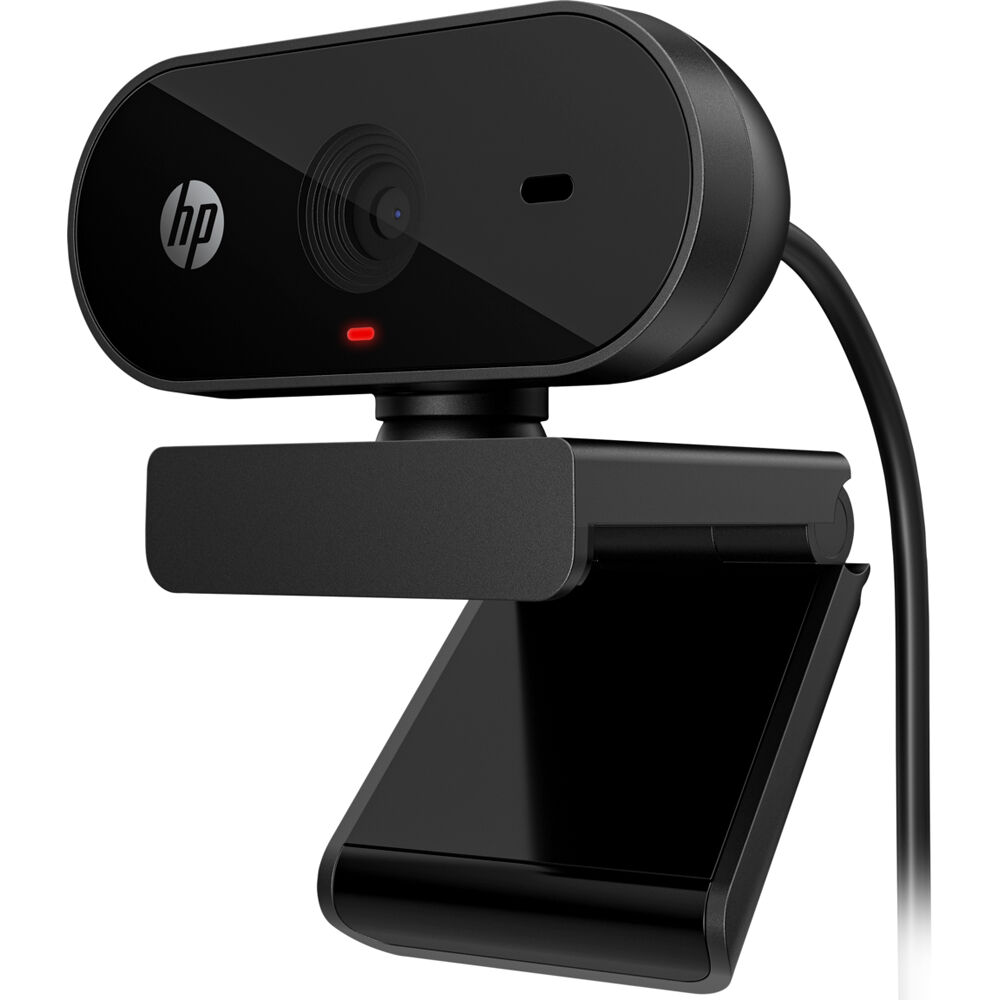
The name-brand case is the trust math: a known badge at a no-name price, and the wide-angle view that helps in tight rooms.
One buyer picked it up on sale so they could keep their laptop closed and has found the picture quality very good and the setup plug and play. Another owner, already in an HP household, has called it a nice, durable wired camera that works well with their desktop.
The Tier Math
The cheap-webcam field splits by the room it films in: 720p at the entry, 1080p at the middle, and the name-brand tax at the top. The FAQ-level fork is the resolution question, and the mic question resolves the same way: built-in is the floor, and a separate mic costs less than the camera did.
Frequently Asked Questions
Is 720p resolution enough for streaming
While 720p resolution provides clear HD quality for most basic video calls, it might feel limited when you want to produce high-definition professional broadcasts. The Logitech C270 works well for casual streams if you are on a tight budget. A higher resolution matters if the audience expects crisp detail in the frame.
Is 30fps better than 60fps
Many users find that 60fps isn't really needed for most streams because 30fps provides a smooth enough image for typical viewing environments. The NexiGo N60 performs great at this frame rate for YouTube. Higher frame rates only matter for fast-paced action gaming content.
Do these cameras need settings apps
Budget-friendly cameras often don't come with native software, but you can find free apps in the Google Store to correct your video settings. The NexiGo and HP models work without any extra programs installed. These free tools do a perfect job of adjusting the look.
How is the built-in microphone quality
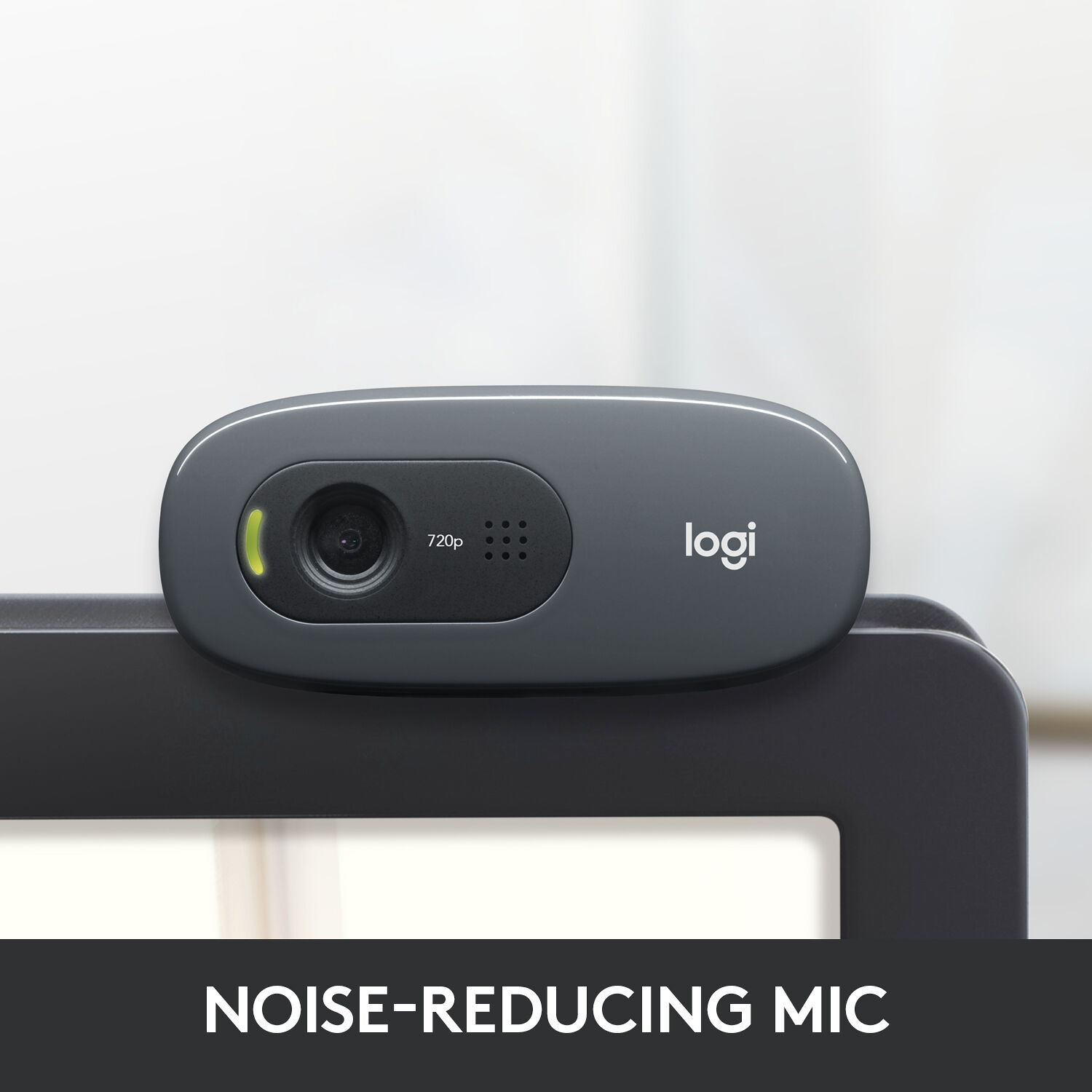
You can use the microphone on the HP 320 without any problems, though some users prefer using a separate device for better audio. Others say the C270 mic isn't used at all. Basic functionality is usually enough for simple office meetings.
Will the webcam fit on my monitor
The mount on the Logitech C270 can cover up the top of your screen, which might interfere with your view during setup. Some people use a swing-arm mount to avoid this specific issue. This keeps the camera positioned without blocking your display.
The C270 4-star reviewer has summed it up: simple to set up, good on older PCs and cheap, but the included mount covers the top of the monitor screen, and a swing-arm mount is the fix.
The streaming webcam tier is the upgrade path, the PTZ tier is the multi-angle answer, and No Film School's streaming guides frame the workflow. Check B&H's webcam stock for the tiers. The budget-tier math is the closing thought: 720p at the entry, 1080p at the middle, and the name-brand tax at the top - pick by the room you film in, not by the resolution the box prints.
The budget streaming picks page holds the mid tier, the Kiyo Pro tier is the upgrade path, and PetaPixel's webcam coverage reads the same cameras from the photo side.