
Best Budget Webcam for Streaming: OBSBOT Tiny SE and EMEET S600L
Most people start streaming on the webcam they already own, and for a while that's fine. Then the stream grows, and the same camera starts to show its limits: a flat picture in a dim room, a frame that only works if you never move, and a face lit by nothing but the monitor.
Budget webcams have changed what that upgrade costs. Cameras with AI tracking or a built-in light now sell for about what a basic webcam used to, which is why so many owners in these reviews have moved up from a Logitech C920 they'd used for years.
The trade is in the software. A camera's picture can be sharp and its tracking smooth, but an app that's slow to find the camera, or a support fix that never works, can sink the whole setup, and a few owners have run into exactly that after the first month.
Below are a tracking pick that follows you around the room, a ring-light pick that fixes the lighting, the familiar baseline, and what streaming really asks of a webcam.
The OBSBOT Tiny SE is the AI-tracking pick, the EMEET S600L is the ring-light pick, and the Logitech C920 is the baseline you already own.
One owner who moved up from a C920 has said the PTZ camera upgraded their productions for basically the same price, and that's the whole budget case. Pick by what the stream needs: movement, light or neither, because the C920 now mostly suits callers who never leave the desk, and its price is now the price of a PTZ.
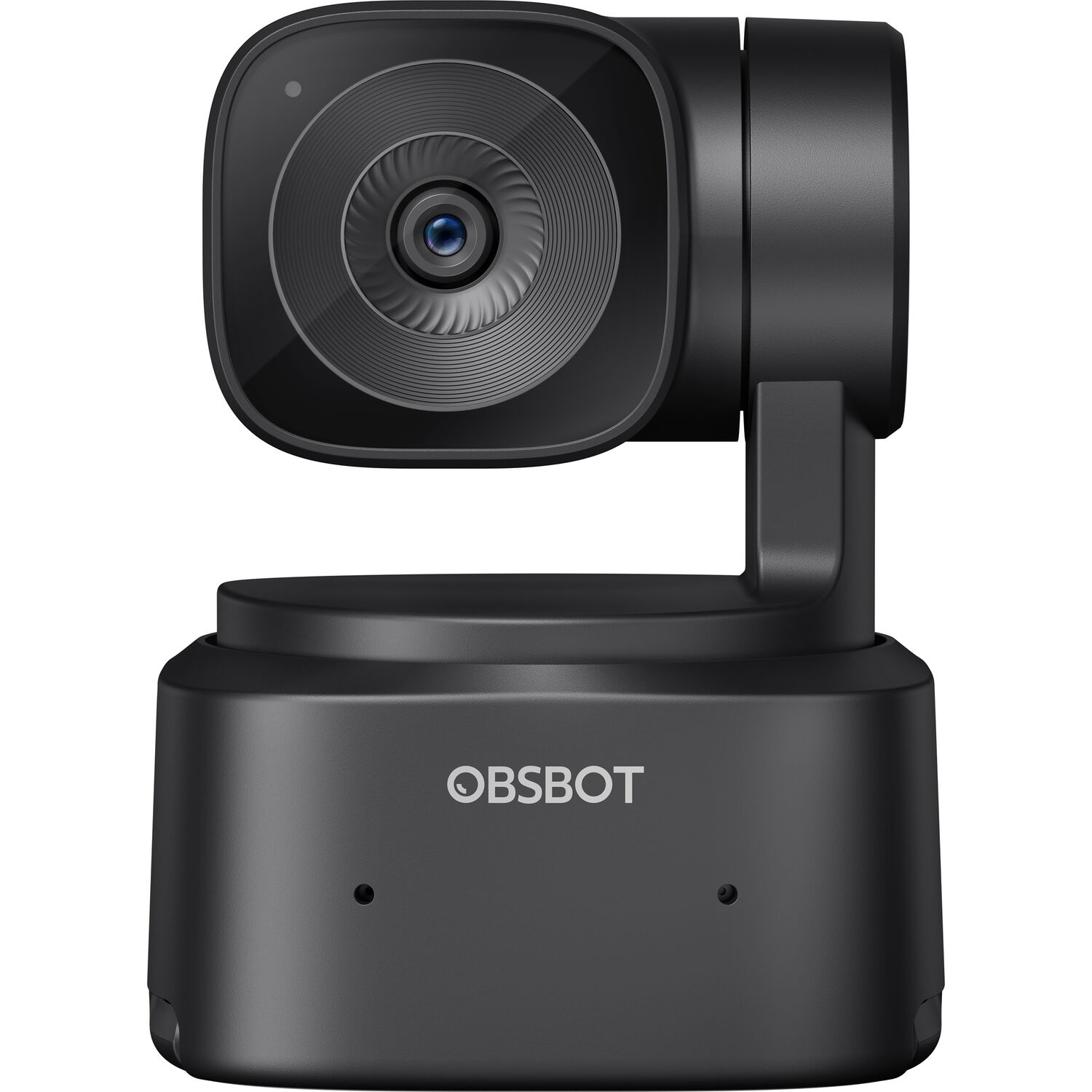
The Tracking Pick: OBSBOT Tiny SE
One buyer who gave it as a gift to a streamer has said the video is super clear and smooth and the AI tracking works really well.
TechRadar's webcam coverage tracks the same PTZ shift from the consumer side, and PetaPixel's webcam reviews read it from the photo side. Two owners have described the same upgrade from a C920 they'd used for years. The image shows the ring-light pick, and the OBSBOT render is below.
The Ring-Light Pick: EMEET S600L
One S600L owner has said it punches above its price, with great video, controls and software. Another has called it a very high quality camera for the price, though not the best resolution out there. The perimeter light feature helps fill in shadows on your face, which makes the stream look much better
Another owner has praised the picture quality, has found the built-in light more effective than they expected, and has said it arrived in perfect condition.
After almost a month, one owner has said it's still performing well and has called it a great find for a high-quality setup on a tight budget.
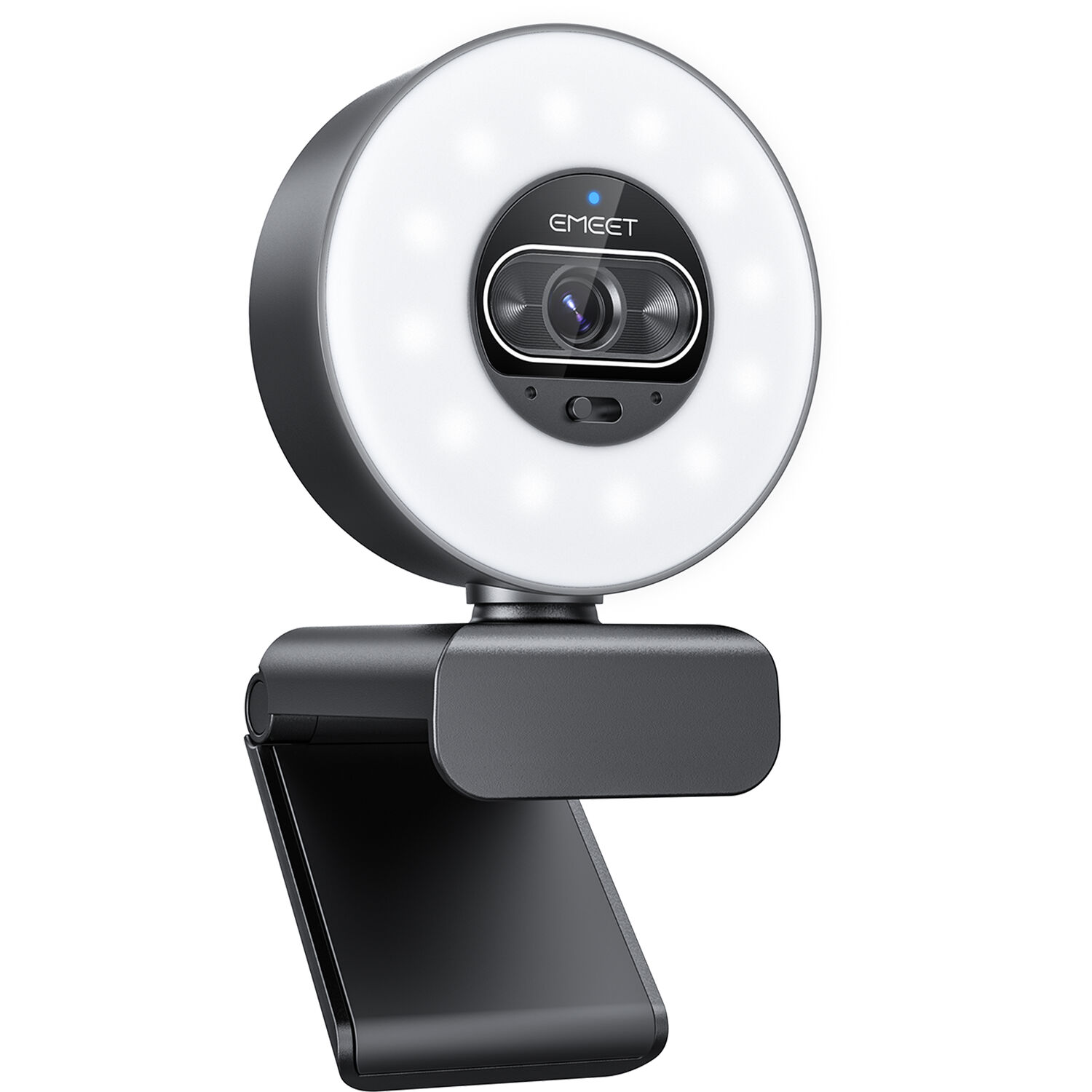
While the picture is great, the internal microphone isn't that great because it makes your voice sound very sharp and trebly, which might annoy your viewers during long broadcasts.
You might need to buy a separate mic, since you want to sound natural to your audience. It's the downside. If the audio sounds thin, people might leave your stream, even if the video looks clear.
The Baseline: Logitech C920
Owners who used a C920 for years have been the ones upgrading, and one of them has said the PTZ camera upgraded their productions for basically the same price.
Even one owner who only wanted a simple webcam for calls, and doesn't stream at all, has said they didn't expect to like it, and the lower price was what sold them over the other options.
The C920 held the desk for a decade because it never fought back - no software, no spin, no detection loop. The upgraders' stories all name the same trigger: the price of the smart tier dropped to the C920's old slot. One Tiny SE owner has said 4K isn't necessary, and has found the camera small, nice looking, easy to mount on a monitor and good at tracking.
What Streaming Actually Asks of a Webcam
When you start a live stream, you need a clear lens plus framing and tracking that keep you centered while you move around your room during the broadcast.
The Logitech C920 works as a solid baseline, but it lacks the smart movement that newer tier cameras now offer viewers. Owners have praised the tracking again and again, from a monitor-mount owner who has said it works well to a vtuber who streams in German and has called it very good.
Lighting is another vital part of the setup, especially since a built-in ring light can fill shadows on your face when you sit in a dark room at home. The EMEET S600L uses its light to help, though the mic might sound a bit sharp to some people
The Twitch picks and the streaming-webcam tiers cover the higher budgets, and the ring-light page pairs the light. One S600L owner has said it's been a long while since a product truly wowed them, when marketing so often overpromises, and the perimeter light is a big part of why.
Frequently Asked Questions
Is AI tracking worth the money for my stream?
Owners have liked the tracking, and one has described how it moves with you without constant manual adjustments, so the camera follows the demo instead of the tripod. This feature upgrades your production quality beyond the baseline model for many creators who want movement.
Does the built-in microphone sound good enough?
While the EMEET S600L includes an internal mic, some users report that the audio quality sounds very sharp and trebly during long calls. You might want a separate microphone if you need a more natural voice tone for your stream.
Should I get 4K or is 1080p enough?
Tiny SE owners have said 4K isn't necessary, and one has pointed out that it's truly a 1080p camera, so anyone who needs higher resolution is really shopping for a production camera. On the S600L, one owner has complained that it won't record in 4K, zoom or adjust its angle, which comes down to the app's limits on a 4K sensor.
How do these webcams perform in low light?
A buyer who uses it for daily meetings has found it does great in low light, still giving a clear picture after months of use. The dim-room meeting is the real test because that is when the cheap cameras smear, and this one holds.
Is the software easy to use?
You might notice the software for the OBSBOT feels slow or occasionally fails to detect the hardware after some time. Always check for the latest file updates if you encounter any spinning issues while recording.
Software is the whole story for one owner, whose camera worked for 30 days and then kept spinning while they were online, and whose support fix, a file to download, didn't work.
A milder version of the same complaint has come up too: software that's a bit slow and sometimes doesn't detect the camera. Budget for the possibility that the app is the weak layer, not the glass. Check B&H's webcam stock before the software gamble.