
Best Streaming Webcam for Twitch: C920S and Link 2
Twitch viewers spend hours looking at your face in the corner of the screen, so the webcam matters more than it does on a work call. It has to look decent in the light you actually stream in, stay put on whatever monitor you own, and work with your setup without a fight over drivers or software.
Most streamers end up choosing between two kinds of camera: a reliable, inexpensive webcam that does the basics well, and a newer AI camera that follows you around the frame. The upgrade is real, but so is the jump in price and complexity.
Placement and light matter as much as the camera itself. A webcam clipped to the top of a big curved monitor, aimed at a face lit only by the screen, can look worse than a cheaper camera that's mounted well with a lamp nearby.
Below are the value pick, the AI tracking pick, the mounting detail that matters more than you'd think, and the math on when to upgrade.
The Logitech C920S is the value pick, and the Insta360 Link 2 is the PTZ AI pick. One Link 2 owner has called it the best camera they've ever owned, while the C920S is the value floor the others get measured against, and its clip fits even a 49-inch 1000R curved monitor.
The Value Pick: Logitech C920S
The Logitech C920S is a solid choice for people who want clear video without needing to spend a fortune or deal with complex software that takes hours to configure. A buyer has said it works great, with really good video quality, easy setup and no issues. A clear picture out of the box and some forgiveness for imperfect lighting are what the value tier is for.
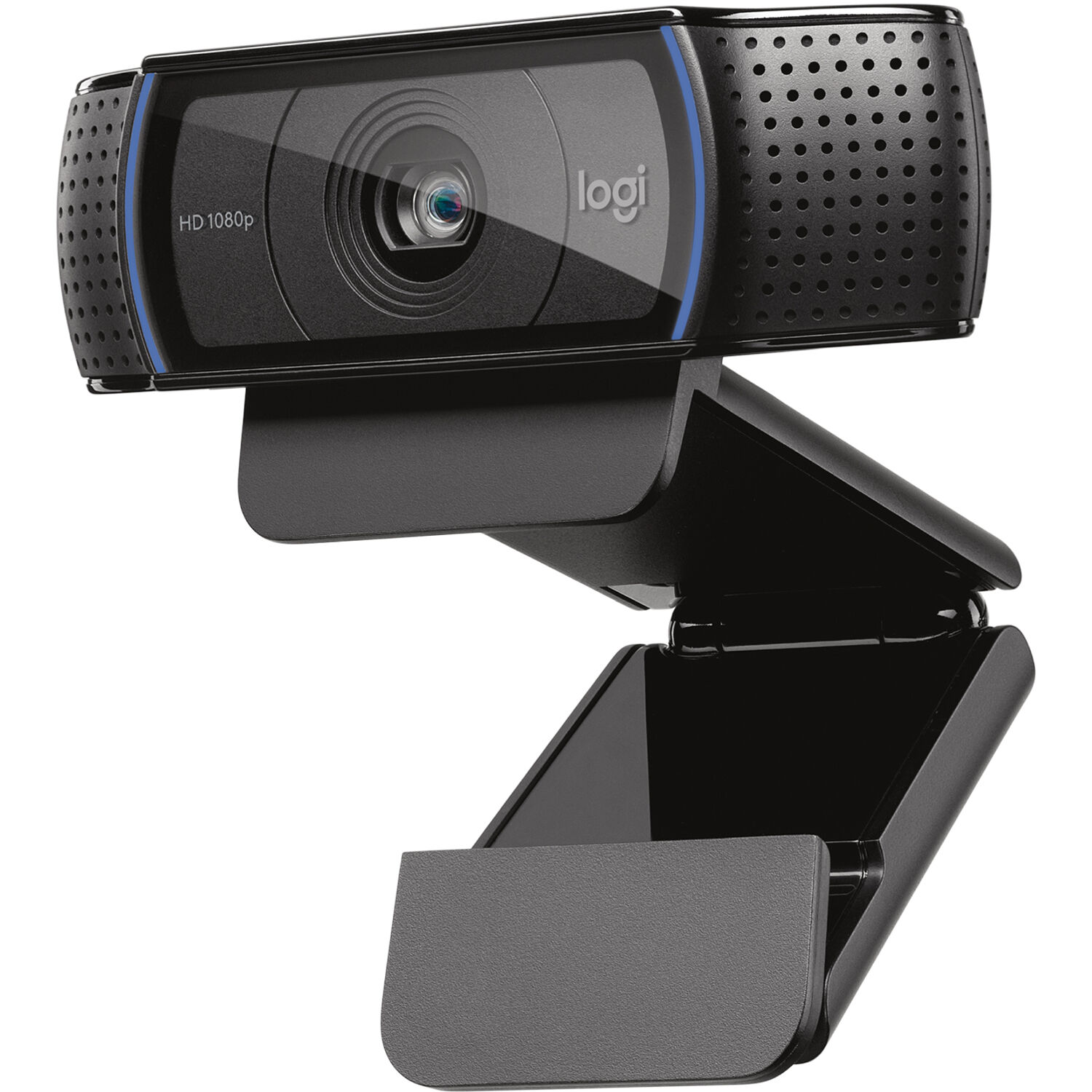
One student has used it for classes at WGU and has found that it meets the school's webcam requirements. Another owner has found that it attaches well to a 49-inch Samsung Odyssey curved monitor, one of the more extreme 1000R curves, and that's a detail nobody checks until the monitor is already on the desk.
One owner has run it through a Microsoft Surface Dock 2 and has called it perfect, plug and play. A Linux user whose old camera wouldn't work with some software has called it a great camera for Linux, with good color for the price, and that's why the C920S keeps its place: it works without special drivers, the color is honest, and it's cheap enough not to think about.
A camera that works everywhere is a camera that never becomes the reason a stream starts late. One blunt 5-star review sums up the whole value case: very easy to use, gets the job done, works great.
.
The PTZ AI Pick: Insta360 Link 2
The Insta360 Link 2 is the upgrade even for a desk that already has a camera: one owner bought it despite the webcam built into their Apple Studio Display, because the video quality is better. Another has called it a huge upgrade, with incredibly sharp and smooth video, which makes a big difference on calls.
That owner has had it for over a year without a single problem. Another has called it a great camera for streaming or recording content, and a work-from-home owner has praised both the build quality and Insta360's software.
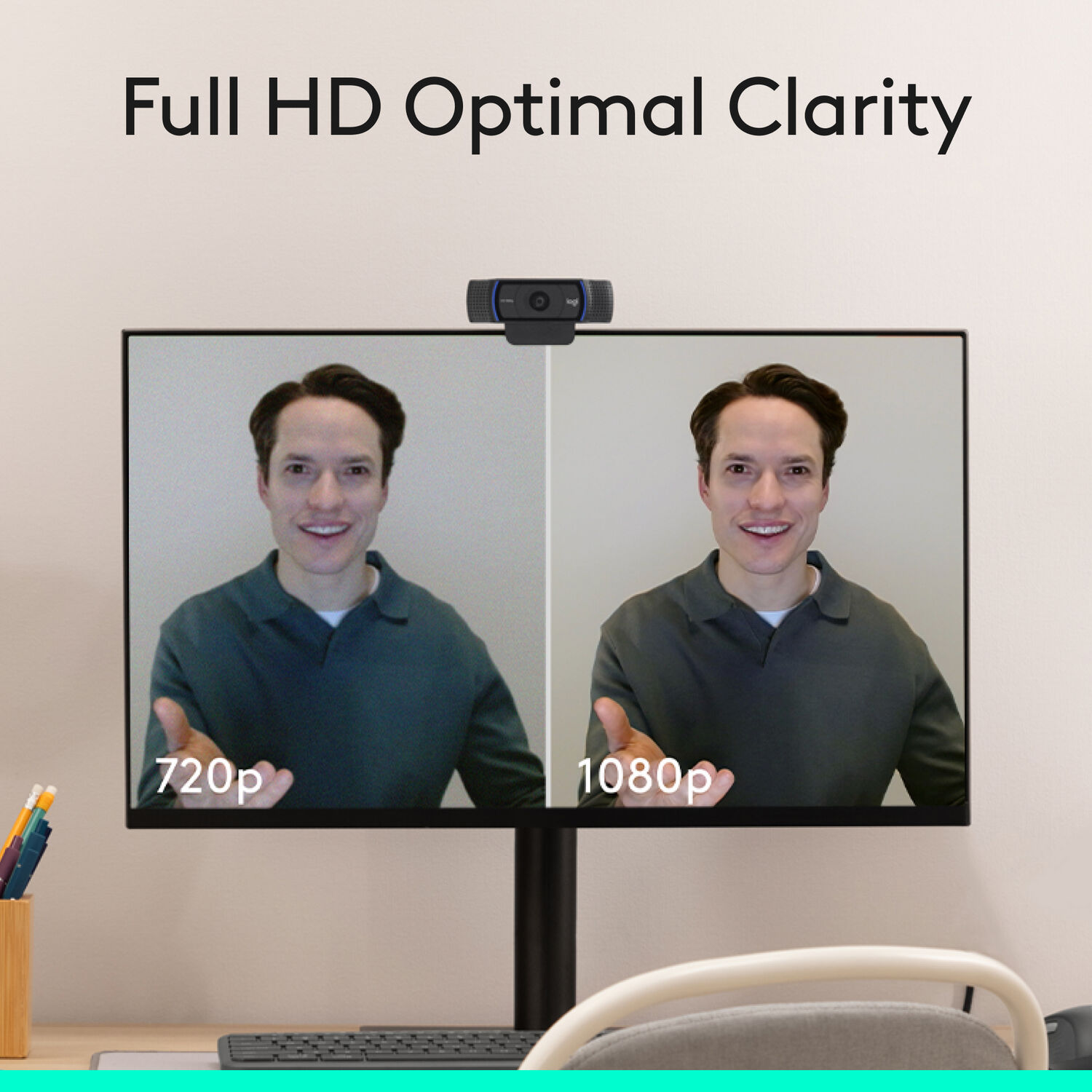
One owner has found that it looks great and tracks very well, with useful hand gestures, but struggles to detect them in low light even when the image looks fine. The same owner has found the desktop software a bit glitchy without a good graphics card, so check your GPU first.
Another owner has praised the excellent image and the tracking and has called 4K at 60fps overkill for meetings, while one more has found the video quality excellent even in very little light.
One Link 2 owner has found the computer software slightly glitchy without a good graphics card, so check your GPU. Another, who built a work-from-home setup, has been very pleased with both the build quality and the software, so the software is a feature, not just a risk.
The Clip That Fits
That curved-monitor fit is the C920S's quiet advantage, because a clip that grips a 1000R curve without a second thought is the difference between a webcam that stays and one that goes back.
The Upgrade Math
The PTZ case is about motion: it tracks well and the gestures are useful, though detection struggles in low light. Owners have also found the image excellent, even in very little light, with 4K at 60fps more than meetings need.
The dedicated-office case is the same crowd's: the camera that replaced a built-in is the camera that earned its mount.
One owner has used the Link 2 for a year with no problems, and another has called it a huge upgrade.
For a Twitch streamer, the math is simple. The C920S covers a fixed face-cam shot well, and the Link 2 earns its place when you move around, stand up or show things on the desk, because the tracking keeps you in frame without a second operator.
Frequently Asked Questions
Fixed camera vs PTZ camera for streaming?
The Logitech C920S is a fixed camera that stays in place, while the Insta360 Link 2 uses AI to track your movements around the room during streams. You want the moving option if you move a lot while talking to your audience.
Will it clip on my curved monitor?
The Logitech C920S attaches well to extreme curved displays like the 49-inch Samsung Odyssey without the front clip portion failing to hold on securely. Most cameras struggle with those deep angles, but this one handles them easily.
Is 4K necessary for Twitch?
While the Insta360 Link 2 offers sharp 4K video, many users find that level of resolution is overkill for standard Twitch broadcasts or basic online video calls. High definition is usually enough for most viewers watching on mobile devices.
Is the software stable?
Software for the Insta360 model might feel slightly glitchy if you don't have a powerful graphics card to handle the various AI processing tasks. The Logitech option stays simple because it works as plug and play through a surface dock.
Does it work on Linux?
The Logitech C920S is a great choice for Linux users because it provides good color quality without the compatibility issues found in older hardware. You won't have to worry about drivers failing on your specific operating system.
Linux support is the C920S's other quiet advantage, since one Linux user whose old camera wouldn't work with some software has found this one works fine. The Twitch webcam tier is the Kiyo-Pro-class upgrade, the budget picks are the entry floor, the Link 2 page is the PTZ-native tier, the gimbal-light pairing is the lighting half, and No Film School's streaming guides frame the workflow
Check B&H's webcam stock for the tiers. The tier math is the closing thought: the C920S is the buy-and-forget floor, and the Link 2 is the AI-tracking upgrade for the desk that moves. PetaPixel's webcam coverage reads the same cameras from the photo side.