
Virtual Production Studio Setup: Green Screen, ATEM Keyer and Lights
A keyed background lets one person in a spare room look like they're presenting from a proper set. Churches, teachers and small studios use it for live streams, webinars and recorded talks, and the gear fits on a desk and a wall.
This isn't the LED-wall virtual production used on big film sets. It's a green screen, a keyer and lights, and almost every bad key comes back to how the screen is lit.
Below is the keyer choice, the chroma key setup, the screen and lights, and how to match the light on the presenter to the background.
Virtual production at a small scale doesn't require an expensive LED wall because you only need a green screen, a hardware keyer, and quality lighting to create a professional look.
A mid-priced ATEM Mini Pro, a pull-up screen and two lights for the screen work well for a single presenter. OBS offers free keying if your computer can handle the load. Lighting determines the key.
The Keyer: ATEM Mini Pro or OBS
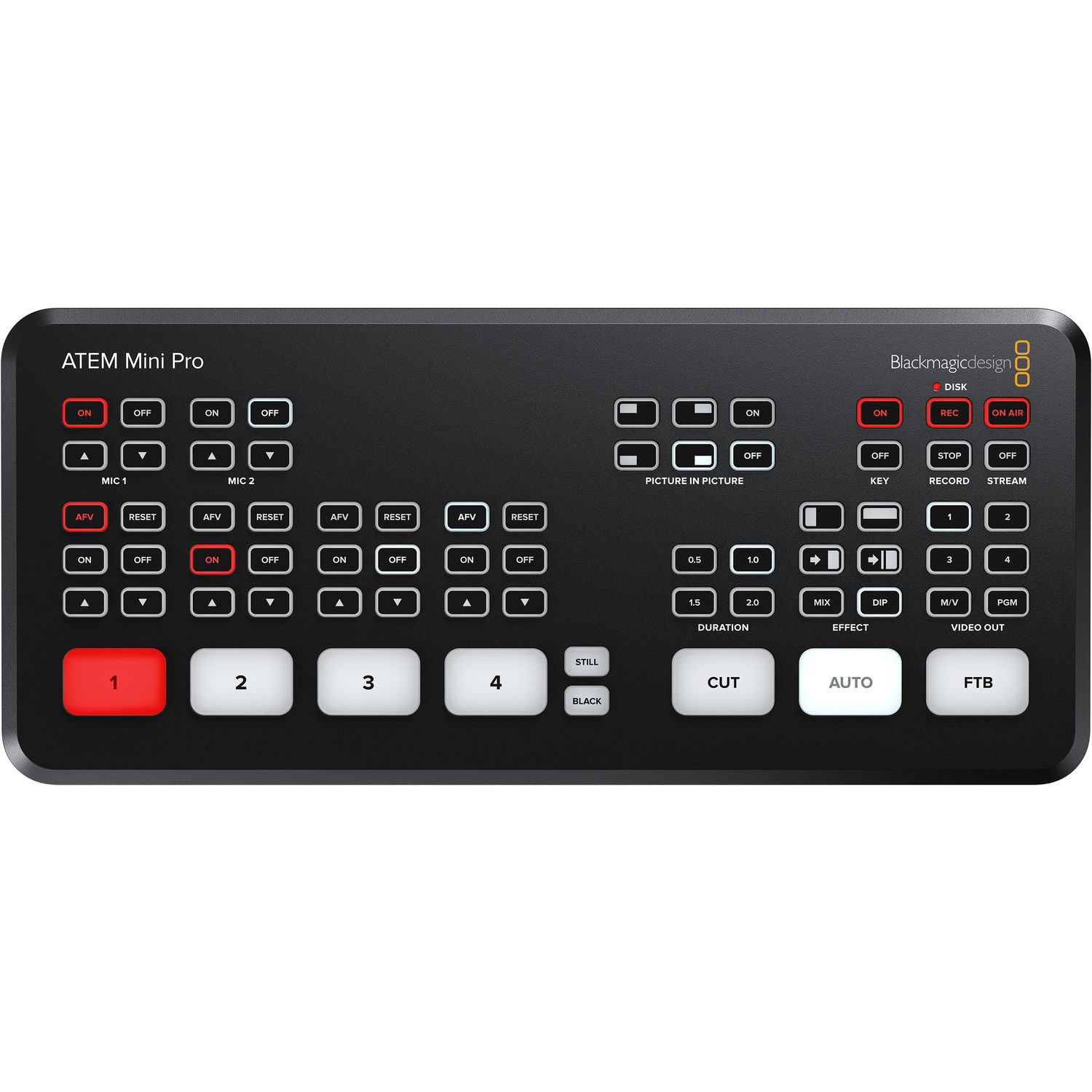
The ATEM Mini Pro is a pro-level switcher that handles the heavy lifting of your live stream while appearing as a simple USB webcam inside apps like Zoom or other meeting platforms. It gives you four HDMI inputs and one upstream keyer with ATEM Advanced Chroma Key to pull the green off your subject, but it does limit you to 1080p output even if your camera shoots in higher resolution.
You'll likely need the control software to tweak all the settings, and one buyer notes it has no power switch and no separate preview and program button rows.
To save some money, OBS Studio offers a free chroma key filter that lets your computer do the hard work instead of a dedicated piece of hardware. This approach keeps your desk clean, but it puts a heavy load on your processor when you try to stream and record at the same time. A hardware switcher takes that load off the computer.
The Extreme version is much larger with eight inputs and four keyers, so every camera can have its own chroma keyer.
The Extreme ISO G2 supports Ultra HD. On the Pro, one owner points out it streams to only one platform at a time and has no SD card slot. The same owner says theirs still works like new after 4.5 years.
Setting Up the Chroma Key
When you open the ATEM Software Control to start your project, you'll need to find the upstream key palette and select the chroma tool so you can begin picking the green color from your screen.
Choose your presenter camera as the fill source, then use the chroma sample tool to grab the exact shade of the fabric. Keep the background image on the program output, while the green camera serves only as the keyer input. Tune the edges and color until the person looks sharp against the digital set.
It's vital to rehearse your setup using the real background image, because the lighting on the person might not match the virtual environment until you actually swap the files and test. If the edges look fuzzy, you can adjust the settings again until the green spill disappears completely. To record the result, see our OBS recording settings.
Screen and Lights: Where Keys Are Won
In 2018, we lit a 5x7 collapsible green screen one light at a time with the LS 1/2 W because its wide 120-degree beam provides the flat, wide spread you need to keep the background even.
You'll need a pair of these lights placed close to the screen and behind the subject while off to the side. The FUDESY pull-up screen is listed at 78.7 by 90 inches, but one buyer measured 70 3/4 inches of green across. It stays flat without wrinkles.
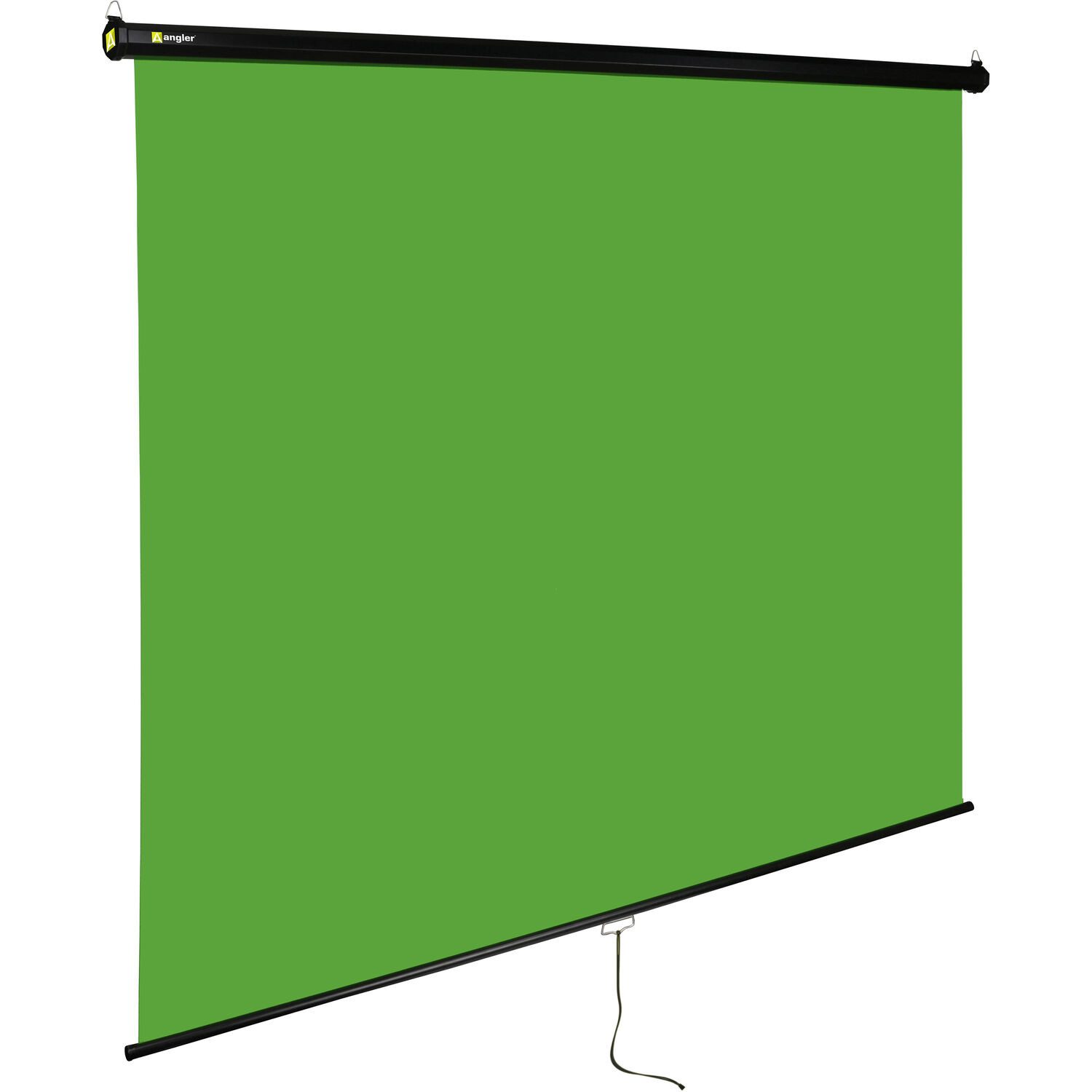
Our green screen buying guide compares more screens. If you want something permanent, the Angler retractable model mounts on stands, the wall, or the ceiling.
| Part | What we'd use | Why |
|---|---|---|
| Screen | FUDESY pull-up (listed 78.7 x 90 in) or Angler retractable | flat with no wrinkles, and fast to put away |
| Screen lights | two matched soft lights, one per side | even green with no hotspots |
| Key light | a bi-color light with a softbox | match the color of the virtual background |
| Back light | any small LED | separation, and it hides green edges |
| Keyer | ATEM Mini Pro, or OBS for free | one chroma key, output as a USB webcam |
| Camera | a camera with clean HDMI out, framing locked | a moving camera fights a fixed key |
Pick parts to fit your room. The screen size and the distance to the presenter matter most.
To get a clean key, you must keep the subject at least three feet away from the screen, though 8 to 10 feet nearly removes the green spill, according to a Litepanels guide.
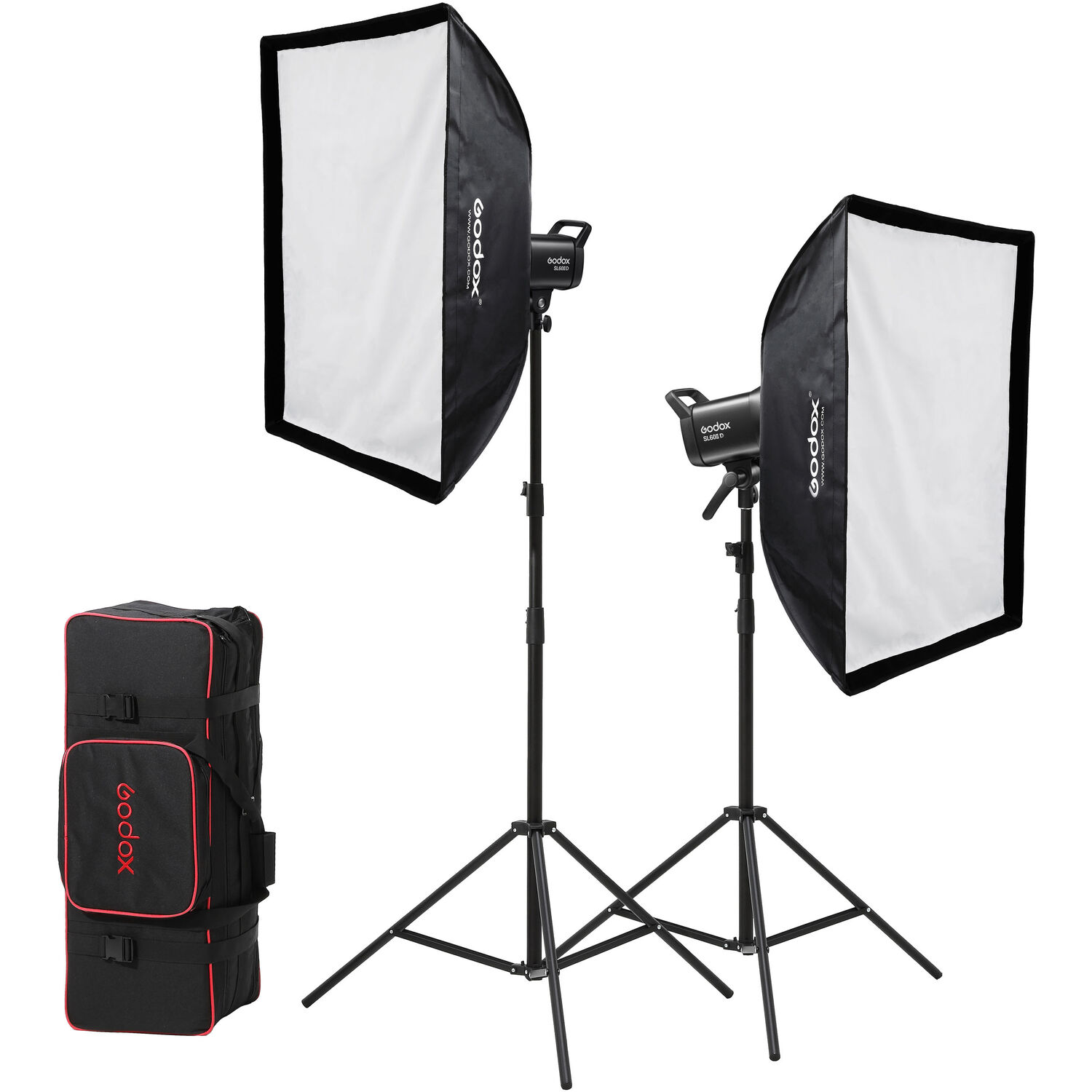
Two matched lights at equal distance give even light without hotspots, as Videomaker explains. The Godox SL60IID kit works well for daylight-balanced sets, though one buyer couldn't get its Bluetooth app to work and says use the remote.
Match the Light to the Background
The light hitting your presenter needs to match the virtual background in direction, color, and softness because a warm office image paired with a cold key light makes the person look like they were pasted on.
Using bi-color lights helps achieve this, though the Godox SL60IID is daylight only and can't change its color temperature. You should add a backlight to create separation from the screen, which also helps hide messy green edges around the subject.
Since the OBSBOT Tail Air 4K PTZ camera uses AI tracking, you must lock the framing when keying because a moving camera and a fixed chroma key will fight each other during the stream.
One buyer notes NDI needs a paid license, the battery lasts about two hours, and one owner says the battery stopped charging fully after about six months. It's a tricky balance if you want a clean edge while the lens moves.
Frequently Asked Questions
What do I need for a small virtual studio?
A green screen, a keyer and good light. The keyer can be an ATEM Mini Pro or the free chroma key filter in OBS. Light the screen with two matched lights, one on each side, and light the presenter with a separate key light.
Can the ATEM Mini Pro key more than one camera?
It has one upstream keyer, so it keys one source at a time. The ATEM Mini Extreme has four ATEM Advanced Chroma Keyers, one per camera, according to Blackmagic.
Does the ATEM Mini Pro output 4K?
No. Its maximum output is 1080 HD, even from a 4K camera. Blackmagic lists Ultra HD support on the ATEM Mini Extreme ISO G2.
How far from the green screen should the presenter stand?
At least 3 feet. The Litepanels guide says 8 to 10 feet nearly removes green spill. Black fabric just out of frame also helps in a small room.
Do I need a switcher, or is OBS enough?
For one camera on a capable computer, OBS is enough. A switcher helps when you have several cameras, want the keying off the computer, or want the result to show up in Zoom as a plain USB webcam.
Is this the same as LED wall virtual production?
No. Film studios use LED walls that show the background behind the actors in camera. At small-studio scale, a green screen and a keyer do the job for a fraction of the cost.