
EMEET Nova 4K Webcam Review: Cheap 4K With a Software Catch
A 4K webcam for about half the price of the big brands sounds like an easy win, and on a good day the EMEET Nova 4K delivers exactly that: a sharp, clean picture that makes a laptop camera look tired.
The trouble shows up later. Owners have reported autofocus that starts failing after a few months, and the companion software adds frustration without much control, so this is a camera that rewards people willing to tinker and test.
Below is how the image and sensor hold up, the autofocus pattern to watch, the software problem, how it compares with the MX Brio and Facecam Pro, and EMEET's tracking camera.
While the Nova 4K costs about half of what a Logitech demands and delivers crisp 4K video, the autofocus often fails after several months and the accompanying software remains basically useless for most users.
Plug-and-play users should stick with big brands for reliability, but tinkerers seeking cheap high-resolution footage might choose this budget option instead. Pick the Nova on a tight budget, and check B&H's webcam selection if you want retail alternatives. Skip it if you need a camera that stays dependable past month six, because the EMEETLink app adds frustration without adding control.
Image Quality and the Sensor
Per EMEET's product page, the Nova 4K uses a CMOS sensor to capture 4K video while providing a 73-degree field of view and auto light correction for users who work in varied lighting environments.
Many buyers say the video is crisp, and the picture quality is outstanding when the camera works right. Close-ups look excellent, virtual backgrounds hold up cleanly, the build feels sturdy, and a mechanical privacy cover comes in the box.
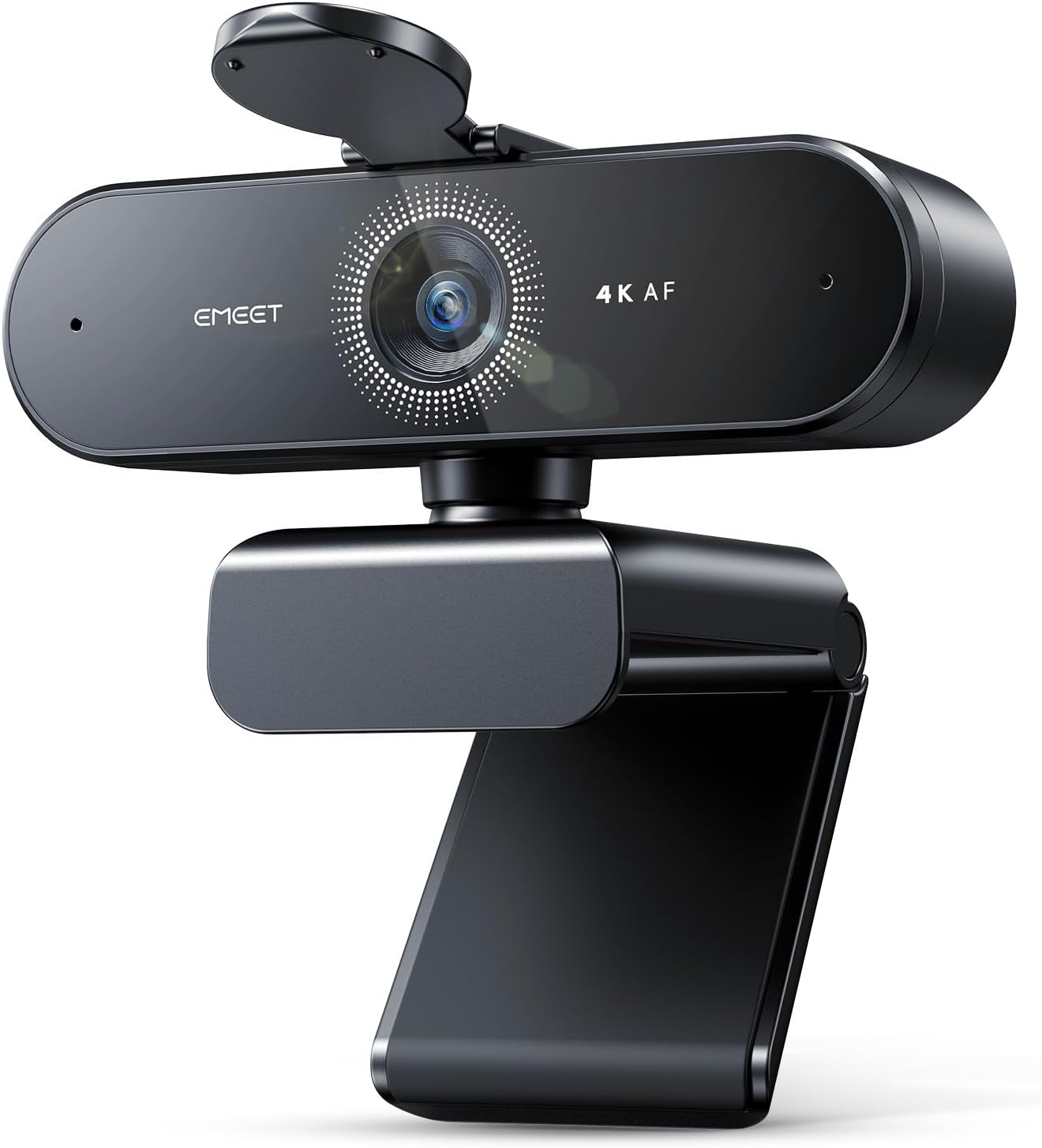
While the image stays clear when you are close, one user on Amazon noted that the grain pattern becomes noticeable once you move more than six inches away from the lens.
Plan on sitting close if you want the clean signal. The PDAF autofocus helps keep things sharp, but the sensor struggles when the light gets too dim. You can't expect 4K clarity at a distance.
This camera relies on a USB-A connection which works well for most, though some users might need an adapter if their laptop only has modern USB-C ports for everything. It offers a mid-range option for those who want high resolution without spending a fortune on a premium brand. You should check the focus in your own room, because some owners report that the autofocus fails over time.
Autofocus: The Pattern That Should Worry You
While the Nova 4K looks sharp when you first plug it in, several buyers report a frustrating pattern where the autofocus starts failing just after a few months of regular use.
One person who bought the camera in February found it blurring mid-meeting, by the time June arrived. By July, their face began blending into the background, which they could only fix by waving a hand at the lens. Another owner's unit stopped focusing entirely within a single year.
In a room without perfect lighting, the camera can hunt for focus constantly, which creates a distracting flicker during your most important video calls. Some users have also mentioned that the screen goes black when they try to record footage, even though the hardware looks fine. These failures add up to a tool that feels risky for daily work.
Skip this webcam if you cannot test the focus within the return window, because long-term behavior is the real gamble. Anyone with unusual lighting should also avoid this camera, since the sensor struggles to hold a lock. It suits buyers who will stress-test the focus early and keep the receipt.
EMEETLink Software, the Real Pain Point
Most people searching for help with the EMEET Nova 4K find themselves stuck with the software because many owners call it basically useless or even just heavy bloatware today. It offers far fewer settings than Windows itself, which makes it frustrating for anyone who actually wants to tweak their video image.
Resolution and refresh-rate control are absent, and the camera works as a standard UVC device without the app anyway.
The manual points you toward the app for extra features, but the software adds almost nothing to the final result. You should plan to run the camera stock, because your meeting app or OBS has better controls for your daily use.
Anyone expecting deep customization from this program will likely be disappointed, because the interface lacks the basic sliders most users expect. Relying on the built-in tools of your software is a much better path, as it avoids fighting with this thin extra layer. Plug it in, let the meeting app or OBS handle the settings, and skip the headache entirely.
How It Stacks Up: MX Brio and Facecam Pro
While the EMEET Nova 4K holds a 4.5-star rating from over two thousand buyers, the Logitech MX Brio holds a slightly higher 4.6 score despite having a much smaller pool of feedback.
You pay more for extra polish and a sleek look, but the results aren't always clear. Many people find the cheaper Brio 500 actually handles colors better than this expensive flagship model. It seems like the high price tag doesn't guarantee a better image here today.
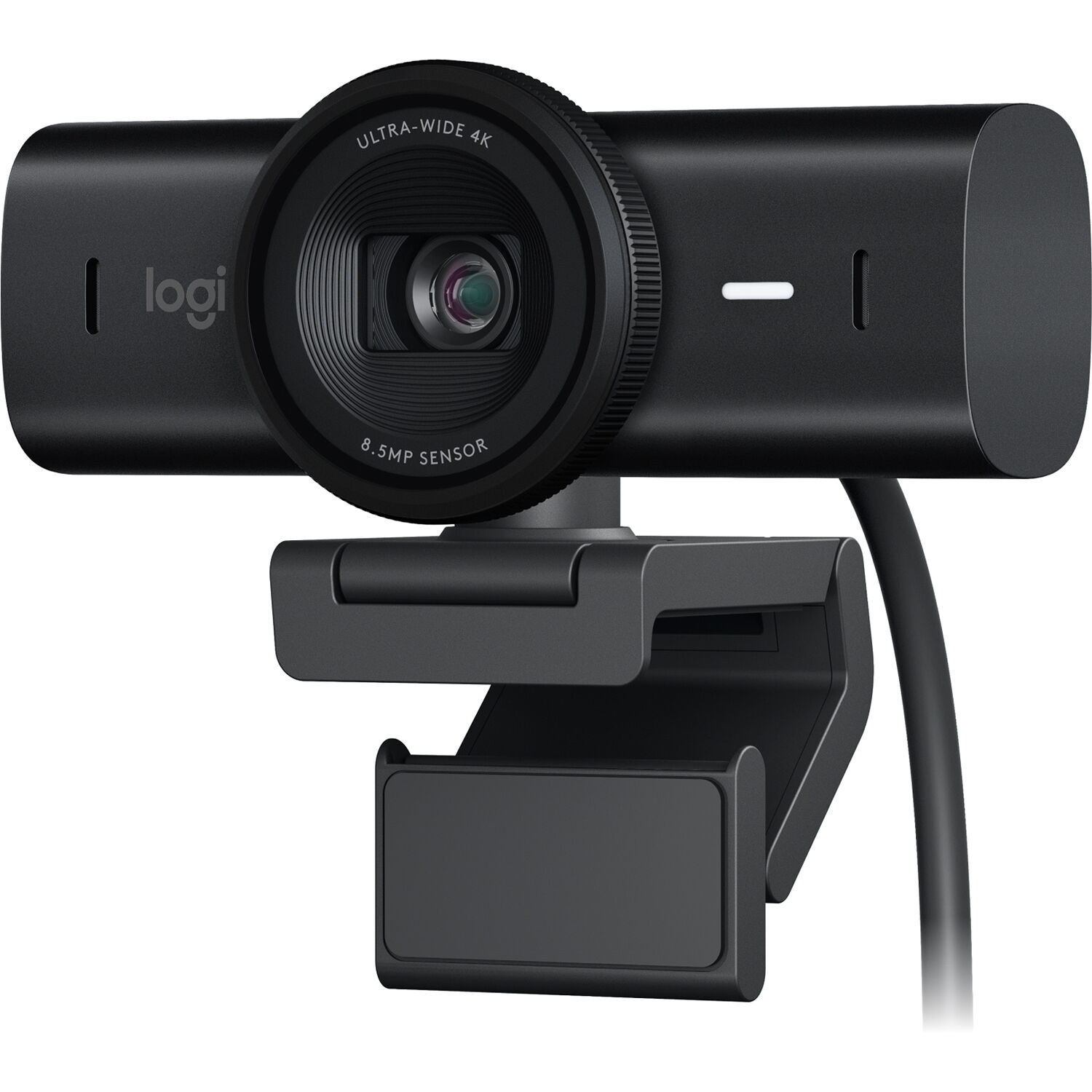
One reviewer has reported getting a cracked lens on arrival, while another buyer has found their camera was dead after just one week of use, which is quite frustrating for anyone.
The Brio also needs a high-power USB-C port to work right every single time. It often misbehaves on Windows systems, even when you try to configure everything properly. The extra money buys brand confidence as much as image quality.
Choosing the Logitech means paying more to lower the risk of poor image quality compared with the much more affordable EMEET model. The Nova offers real value for the money, and per the owners who ran both, the cheaper camera often grades better in practice.
The Elgato Facecam Pro draws professional streamers because Elgato's spec page lists true 4K60 video on a Sony Starvis sensor and a fast f/2.0 21mm lens that captures so much detail. You'll get DSLR-style software controls to pan, tilt, and zoom, which helps you frame your shot just right. That control set is why pros pick it, despite the price.
Many buyers feel frustrated because the box doesn't include a USB-A cable, which means the camera won't run on an old USB 2.0 port unless you buy your own adapter.
One reviewer says the driver reinstalls after the computer goes to sleep, which is a very annoying glitch. Several owners find the image quality underwhelming compared to the hype or even a plain Logitech Brio cam. A Spanish-language reviewer went further, calling the camera 'still in beta.'
EMEET Pixy: The Tracking Stablemate
The EMEET Pixy uses a dual-camera design with motorized AI PTZ tracking to follow you, which works quite well even though there's a slight delay when the camera starts to move. Its fast phase-detection autofocus keeps your face sharp, while you move around your room or office. This cam includes three mics to catch your voice, but the main draw stays on how it frames the shot.
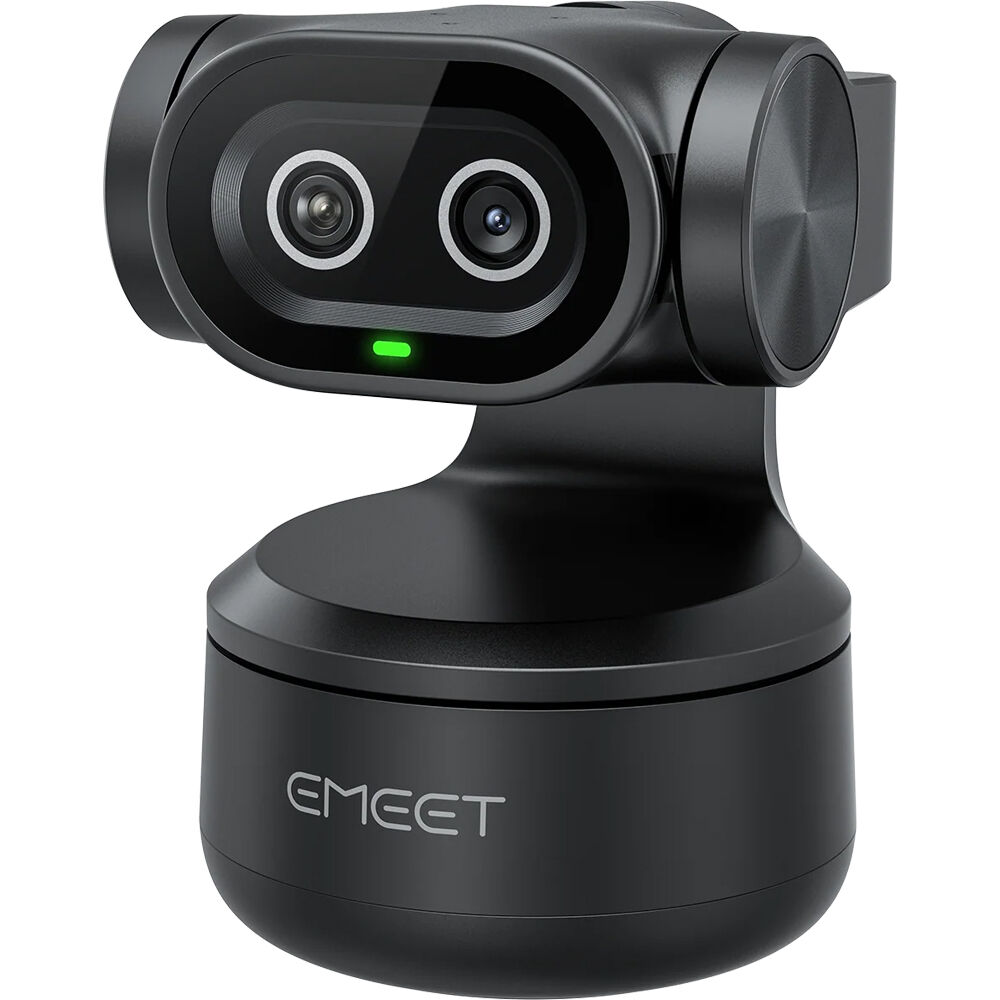
Some users report that the cam gets too hot after long periods of use, and other buyers find that the tracking gestures only let them start or stop how it moves.
Viewers still complained about how the image looks, even after they tried to tweak the settings, one reviewer reports.
The dual omni mics work well enough for basic calls, but one Mac user found they sounded worse than the built-in mics when they tried to record music for guitar. Use an external mic for instruments, and favor the USB-A connection: a German-language review needed an adapter for a laptop's USB-C port before the camera would run.
This camera includes a mechanical privacy cover that slides over the lens, which is good to have for all people who want to keep their private space hidden. The mount's 360-degree universal joint tilts manually, no motors involved, and it holds position firmly on the monitor.
For a tinkerer or a budget streamer who plans to run the feed through OBS, this camera is a way to get 4K video for about half the price of a premium Logitech model. It works as a standard UVC device, so you won't need the bloated software to make it function. This tool is great for those who want high resolution and don't mind testing the focus early in the process.
You should avoid the camera if you want something that just works without any fuss or manual setup.
Perfectionists who can't live with the risk of focus degrading over several months should stay away, because many users report that the autofocus starts to fail after some time of regular use.
Mac musicians who record instruments should look elsewhere, since the built-in mics do not handle music as well as the computer. It isn't for plug-and-play users. If you need a tool that stays sharp forever without intervention, the Nova will likely frustrate you over time.
Who It's For, and Frequently Asked Questions
Is the EMEET Nova 4K actually 4K?
Yes. It captures 4K over MJPEG and YUY2 per the listing, and close-up shots look crisp, though verified users report noticeable grain beyond about six inches from the lens.
How does it compare to the Logitech MX Brio?
It costs about half what the Brio demands, offers similar images in ideal conditions, and carries worse software plus a documented focus-degradation pattern. The Brio costs more for polish, and brings its own USB-C power quirks.
Will this work with my Mac?
Yes, it runs as a standard UVC camera on macOS. The catch is audio: the built-in mics perform worse than the Mac's own for music, so use an external microphone for anything beyond calls.
Do I need to install EMEETLink software?
No. Plug and play works without it, and owners say the app adds almost nothing, with Windows itself offering more control than EMEETLink's limited settings.
What is the best 4K60 webcam alternative?
The Elgato Facecam Pro is the true-4K60 pick, with its Sony Starvis sensor and DSLR-style controls. Budget for its USB requirements, because it will not run on USB 2.0 and ships without a USB-A adapter.
Can I use the Nova 4K with OBS?
Yes. It enumerates as a standard UVC capture device, so add it as a video capture source and adjust framing in OBS itself. OBS's controls cover more than EMEETLink does, which is exactly why the app is optional.