
Computer Hardware for Video Editing: What to Upgrade First and Why
A slow editing computer rarely tells you which part is the problem. The timeline stutters, exports crawl and the fans roar, and it's tempting to blame the graphics card or buy a whole new machine when one well-chosen upgrade would fix most of it.
We edited for years on older MacBook Pros and a single external drive, so we've felt most of these bottlenecks firsthand. Below is each part ranked by how much it really changes the edit, then the Mac Studio or PC question and what to expect from a laptop.
For a faster timeline, invest in fast NVMe storage first, then RAM and then the CPU, while the GPU is often the lowest priority for most editors. Since we ran a single-drive workflow for nearly ten years, we know that neglecting storage leads to catastrophic data loss. A laptop might edit 4K now, but thermals will throttle during long sessions.
CPU: Clock Speed Buys Timeline Feel, Cores Buy Exports
The processor decides how responsive your timeline feels when you scrub, because single-thread speed drives playback smoothness while total core count decides how fast batch exports finish.
Most professional editing software struggles to use every core for live playback, so a fast clock speed is often more valuable than having many cores during the actual edit. If your machine hitches when you move the playhead, you likely need a chip that handles individual tasks faster rather than one with more parallel lanes.
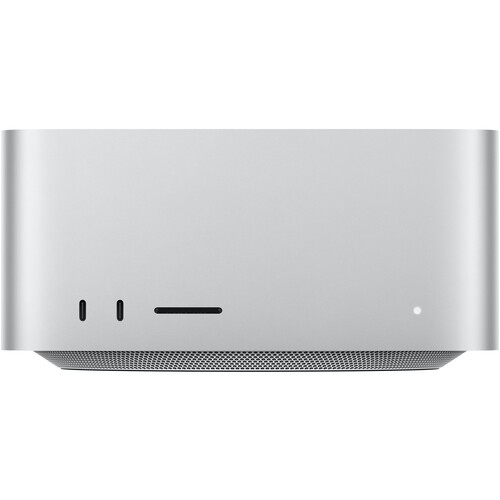
Buying a Mac right now? Check timing first: B&H lists an M5 Max Mac Studio as coming soon with 64GB of unified memory and a 1TB drive, well under the 128GB, 4TB M4 Max config. Different memory tiers, but the arrival of the M5 generation is a reason not to rush a top-spec M4 purchase.
When your current computer feels slow, the best first step is to upgrade to an NVMe SSD because old SATA drives can't keep up with modern high-bitrate footage. A slow drive chokes when you play multiple 4K streams, and no CPU upgrade fixes that. Storage is the one upgrade that changes how a slow machine feels.
GPU: The 4:2:2 Codec Case, Not the Shader Case
While the GPU often idles while you are just making basic cuts, it becomes the heavy lifter when you hit the color page, apply noise reduction, or use hardware encode and decode. NVIDIA's RTX 50 Blackwell series adds hardware encode and decode for 4:2:2 H.264 and HEVC, which matters for editors working with 10-bit camera footage.
For the exact memory and OS versions each NLE wants, see our hardware requirements guide. NVIDIA itself says DaVinci Resolve supports it, so a current-generation card is now a codec feature buy, not a shader-speed buy.
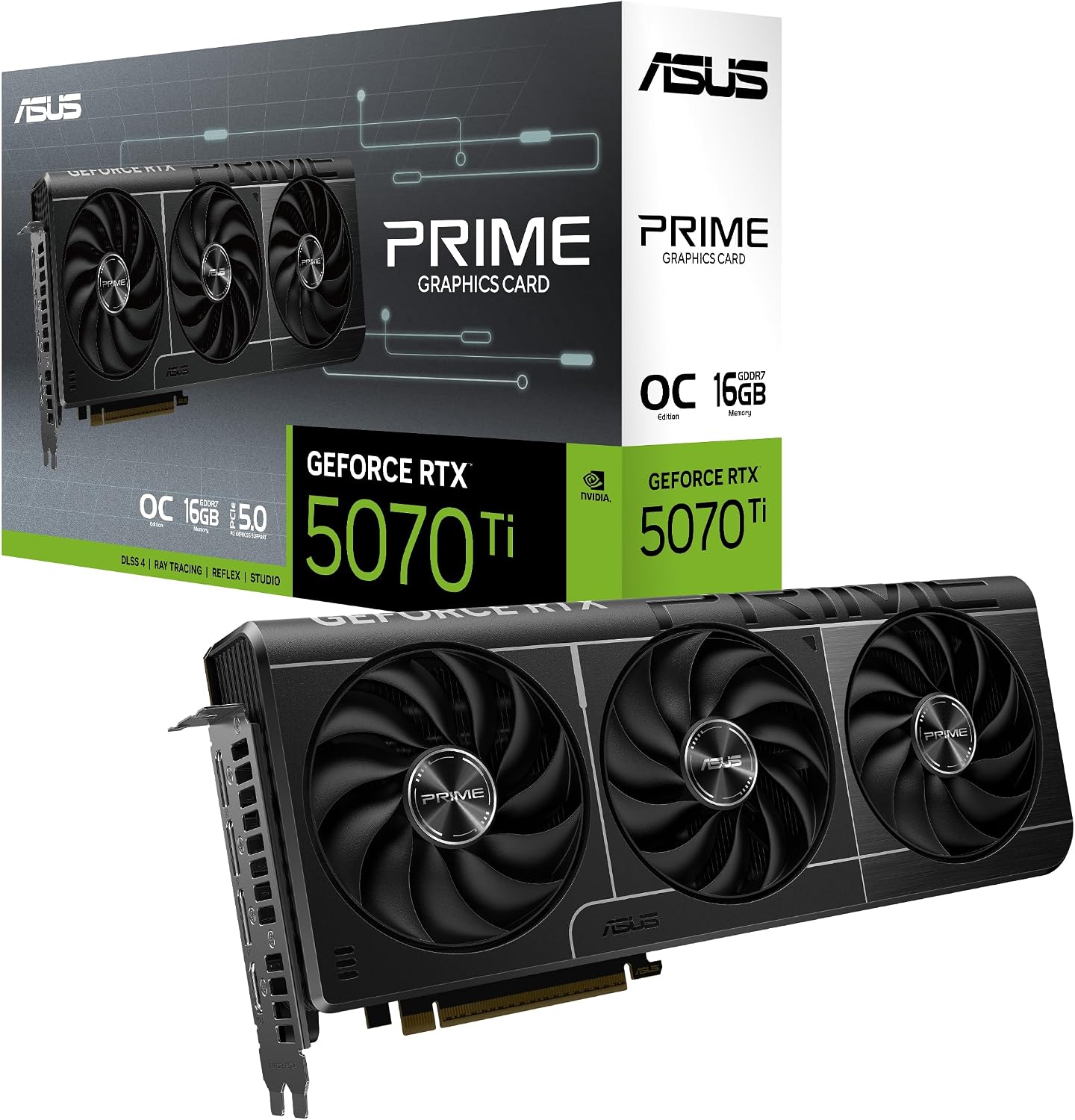
The ASUS Prime RTX 5070 Ti with 16GB is a solid pick for a PC build, but you should be careful because critical reviews report poor RMA handling and shipping issues.
One buyer waited three weeks for their package only to find it was damaged, and then support refused a replacement. Another owner has noted that their faulty card came back from the manufacturer after a month with only a quick check and unsafe packing.
For video, extra VRAM buys more than shader speed: it is what holds 4K and 8K frames during grading and effects.
RAM: The Bottleneck Editors Miss
Enough memory keeps your project files in RAM instead of swapping them to disk, which is what actually stalls a timeline. While 16GB to 32GB works for basic 1080p work, you'll need 32GB to 64GB for multicam 4K projects, or over 64GB for heavy VFX and 8K footage. AI upscaling tools are the case for 128GB.
Unified memory on Apple silicon allows the GPU and CPU to share the same pool, which feels different than a PC build where you must budget system memory and video memory separately. If you're building a custom desktop, buy full-size desktop memory like the G.Skill Flare X5 64GB DDR5-6000 CL30, and not the smaller laptop-type sticks, which won't fit a desktop board. The wrong memory type stalls a build before it starts.
The 128GB Mac Studio M4 Max sits at B&H while the M5 Max config coming behind it offers 64GB for less. But if your current machine is slow, fix storage and RAM before you even think about the CPU.
Storage: The Upgrade That Changes Everything
For nearly ten years we edited off single external drives: a My Passport for work and a MyBook for backup, filled pairs shelved, several dozen drives bought over time.
SSDs left unused for four or five years failed on us, and with no continuous backup a single drive failure would have cost days or weeks of work. Even our own LaCie speed test measured close to 600 MB/s against LaCie's claimed 440, so measured reality beats spec sheets.
The full story is in our LaCie 2big Dock review. SATA caps out near 550 MB/s. A PCIe 4.0 NVMe drive reads at 5,000 to 7,450 MB/s, per Samsung's 990 PRO spec sheet.
One 4K ProRes HQ stream needs about 110 MB/s, so six streams plus cache will quickly overwhelm any SATA drive. Our internal pick is the Samsung 990 PRO 2TB, a PCIe 4.0 drive B&H stocks with the heatsink version. Split your storage three ways: OS and apps, current projects, archive.
For the portable question, our external SSD guide covers why a T7-class drive is enough on a Mac. NVMe is the single best way to make a slow editing machine feel new.
Mac Studio or PC Build, and the Laptop Question
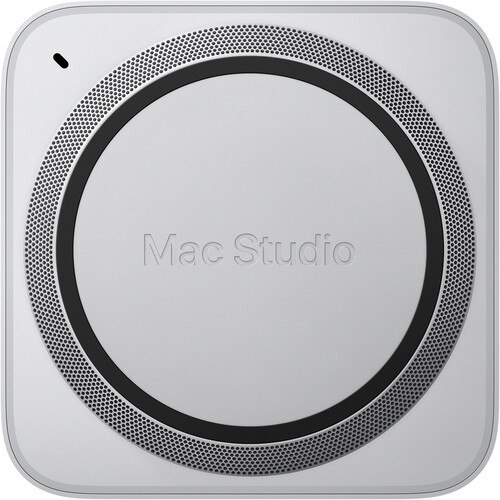
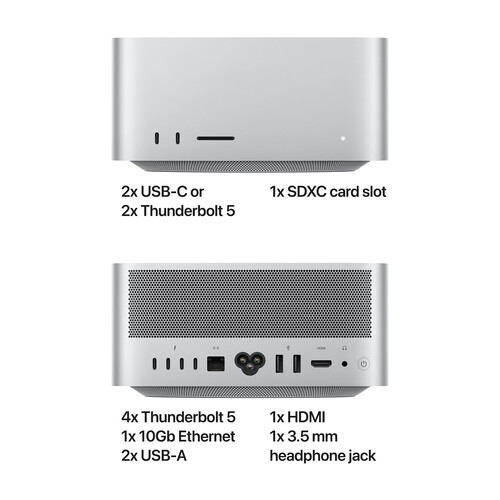
The Mac Studio is silent and small, and its RAM and storage are locked at purchase. If you build a PC, you can upgrade individual parts over time and keep separate pools for memory and video, which helps when your projects grow in complexity. Since the M5 Max is listed as coming soon at B&H, waiting costs little if your needs match the 64GB tier.
Modern laptops can edit 4K quite well, but thermal throttling and battery life are the limits you'll hit during long export sessions. Our own 2012-2013 Retina MacBook Pros ran renders for years around the clock, and even those old machines handled HD 10-bit and 12-bit from the Canon C300 mkII natively, but 4K was where they stopped.
Most editors now use a laptop for rough cuts and then move to a desktop for the final finishes. If your machine is slow, the best first upgrade is always an NVMe SSD because it removes the biggest bottleneck in your workflow.
Frequently Asked Questions
What hardware matters most for video editing?
Storage, then memory, then the processor, then the GPU for most editors. If you live in Resolve's color page, put the GPU first.
How much RAM for 4K editing?
Treat 32GB as the floor and 64GB as comfortable for multicam. Treat those tiers as guidance, not measurements: they shift with codec and timeline complexity.
Is a dedicated GPU necessary?
Not for simple cuts. It becomes essential for color grading, noise reduction, and 4:2:2 encode and decode. NVIDIA's RTX 50 series added hardware support for those 10-bit codecs.
Can I edit 4K on a laptop?
Yes, but thermals and battery limit long sessions. A common pattern: laptop for shooting and rough cuts, desktop for finishing and exports.
Mac Studio vs PC build?
The Studio is silent, small, and locked at purchase. A PC build trades silence for an upgrade path. With the M5 Max listed as coming soon, timing matters before you buy a top-spec M4.