
Hardware Requirements for Video Editing: Premiere, Resolve and Final Cut
Every editing app publishes a list of system requirements, and almost nobody's computer matches them neatly. The minimum specs usually describe editing HD, while most people now shoot 4K in camera formats that are much harder to play back than the requirement pages admit.
That gap is why a computer that meets the requirements can still stutter. Below are the official numbers for Premiere Pro, Resolve and Final Cut Pro, why fast computers still struggle with camera footage, how much memory 4K and the AI tools need, and how to lay out storage.
While these editors officially only demand HD hardware for basic tasks, moving to 4K workflows requires 32GB of memory and at least 8GB of graphics memory alongside specific hardware decoding for modern camera codecs. DaVinci Resolve 21 now runs only on Apple Silicon Macs, and it wants 16GB of memory for its advanced AI tools. Final Cut Pro still runs with 8GB of memory, though Apple recommends 16GB.
What Premiere Pro, Resolve and Final Cut Pro Officially Ask For
For Premiere Pro, the floor is basic HD editing with 8GB of RAM and 4GB of GPU memory on Windows 11 or macOS Sonoma.
For a better experience, Adobe suggests 16GB of RAM for HD work or 32GB if you tackle 4K, along with 8GB of GPU memory. On a Mac, you should grab an M1 Pro or newer, while Windows users need an Intel 11th Gen chip with Quick Sync to keep things moving. If you lack these parts, the CPU will take over the decoding, which can make the timeline stutter.
| Premiere Pro minimum (HD only) | Premiere Pro recommended (4K) | DaVinci Resolve 21 minimum | Final Cut Pro minimum | |
|---|---|---|---|---|
| Mac | macOS 14 Sonoma, Intel 8th Gen with AVX2 or Apple silicon | M1 Pro, M1 Max, M1 Ultra or newer | macOS 15 Sequoia, Apple Silicon only | macOS 15.6 |
| Windows | Windows 11 24H2, Intel 6th Gen or Ryzen 1000 with AVX2 | Intel 11th Gen with Quick Sync, or Ryzen 3000 | Windows 10 Creators Update | not available |
| Memory | 8GB (16GB unified on Apple silicon) | 16GB for HD, 32GB for 4K | 16GB on Windows (32GB with Fusion), 8GB on Mac (16GB with Fusion) | 8GB, 16GB recommended |
| Graphics memory | 4GB | 8GB | 4GB, and 16GB for advanced AI tools | Metal GPU on Intel Macs |
Sources: Adobe's Premiere requirements, Blackmagic's Resolve 21 release notes, Apple's Final Cut Pro specs. Figures as published in September 2026.
DaVinci Resolve 21 is much stricter because it demands macOS 15 Sequoia on Apple Silicon only, while Windows users need at least 16GB of RAM or 32GB if they plan to use Fusion.
The minimum VRAM is just 4GB, but you'll need 16GB of VRAM for the advanced AI tools or 12GB of VRAM plus 32GB of RAM for background rendering. These numbers are high because the software relies heavily on the GPU to handle complex effects and color grading.
Final Cut Pro is the most accessible of the three, requiring macOS 15.6 and at least 8GB of memory, though 16GB is the recommended amount for smooth performance.
Since some features now require a Mac with Apple silicon, older Intel Macs might feel left out of the latest workflow. If you stick to the bare minimum, you might find that the app struggles when you add too many layers of video. It is better to have more memory than you need before you start a big project.
Why a Fast Computer Still Stutters on Camera Footage
Even if you buy a high-end machine, the timeline might choke when you try to play back 10-bit 4:2:2 H.264 or H.265 footage from modern mirrorless cameras. This specific format is very hard for most processors to decode, so the software has to do too much work which causes the interface to lag.
You need dedicated hardware like Apple silicon Pro or Max chips, recent Intel CPUs with Quick Sync, or an RTX 50 series card to keep the playback smooth.
Adobe specifically recommends an 11th Gen Intel CPU with Quick Sync because it handles those HEVC 4:2:2 10-bit files that other chips struggle to manage. If your system has 8GB of RAM or less, the integrated Intel GPU decoding is limited, which forces the CPU to take over and slows down your workflow.
You should use proxies or optimized media to fix this if your hardware doesn't have the right decoders. We used to use proxies back in 2018 because USB drives weren't fast enough for 4K.
How Much RAM and VRAM for 4K, Fusion and the AI Tools
Memory needs grow when you increase resolution, add heavy effects, or use AI tools, rather than based on how long your edit actually lasts.
Adobe Premiere asks for 32GB of RAM for 4K, while Resolve needs 32GB if you use Fusion on Windows or at least 16GB of VRAM for AI tasks. On Apple silicon, memory is shared between the CPU and GPU, so a 16GB Mac only has 16GB for everything at once.
A color trainer on the Blackmagic forum says 32GB is better than 16GB, and 64GB is better still, and describes a laptop failing a heavy 6K render with film emulation, grain and Magic Mask that their bigger Mac Studio finished. Without enough memory, heavy exports can slow to a crawl or fail.
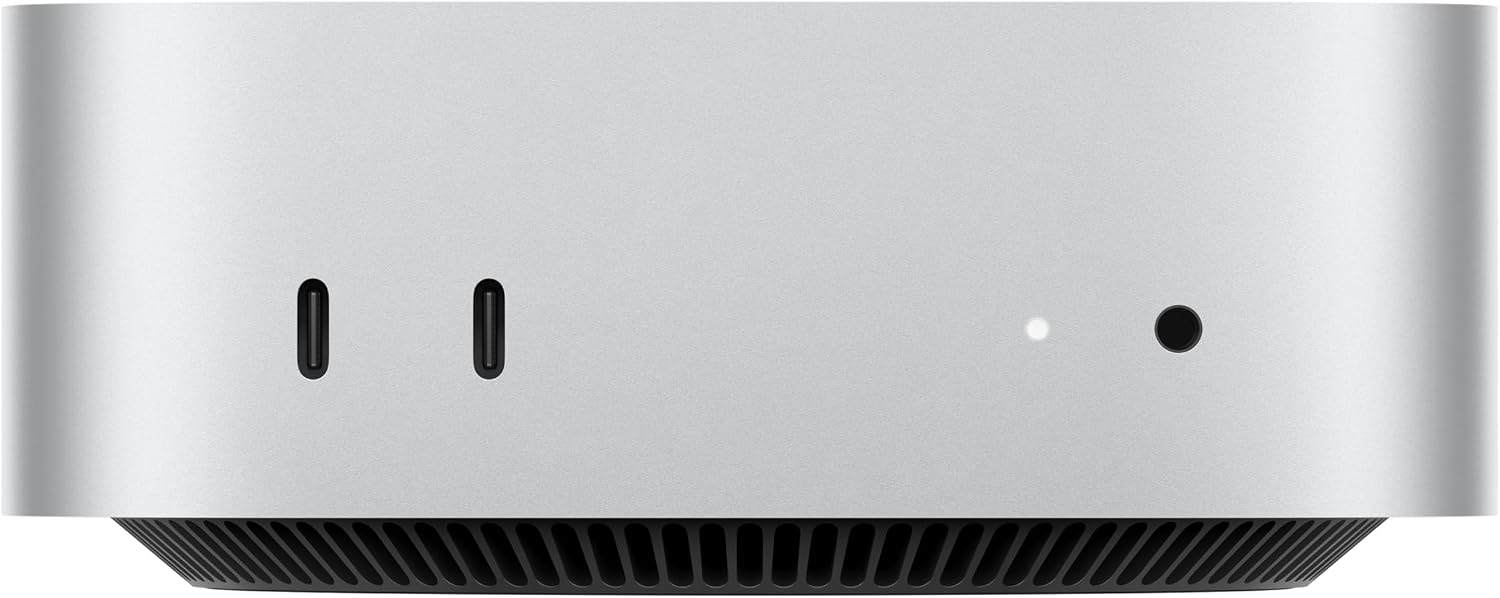
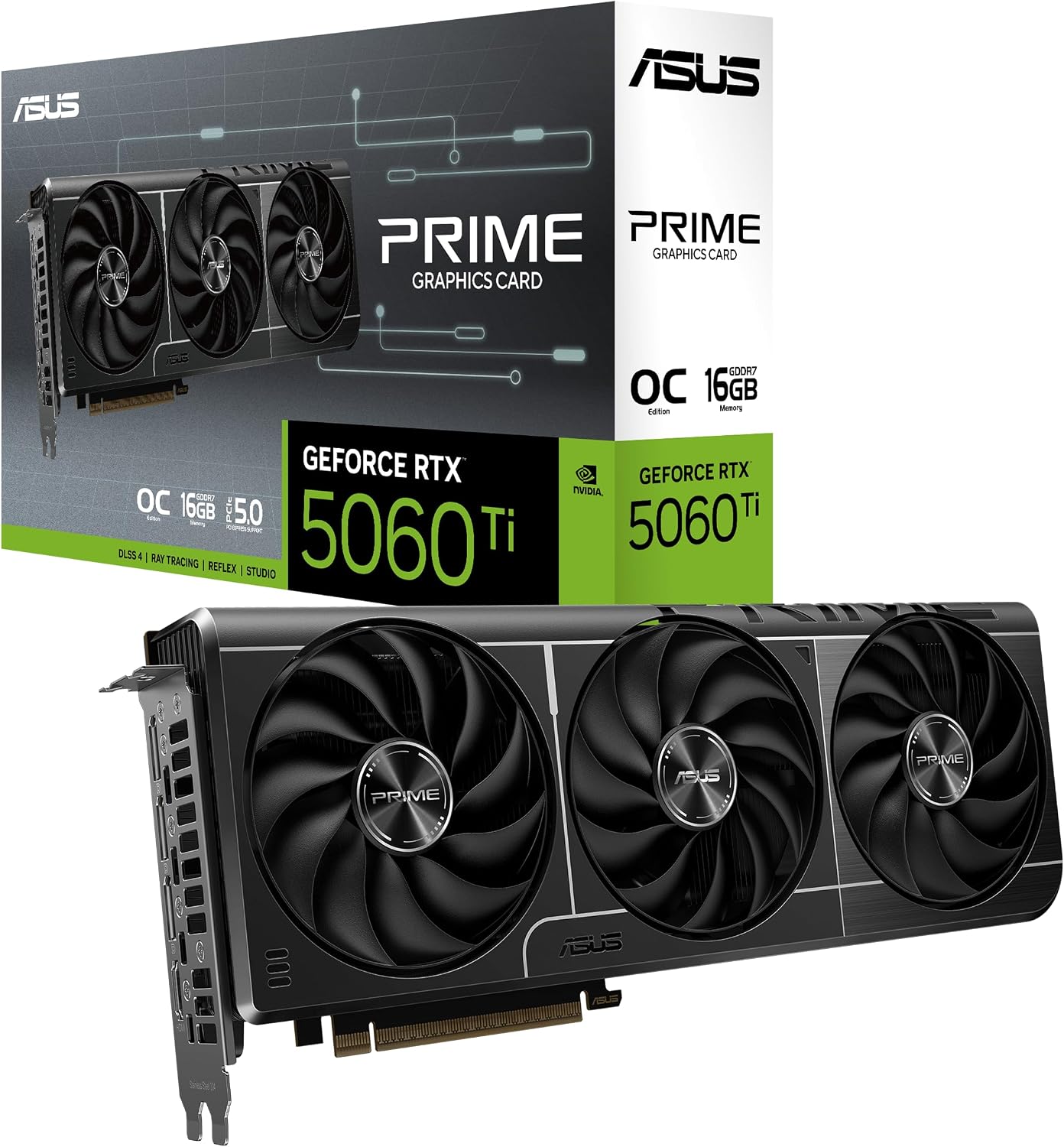
I'd put my money into memory and a 16GB graphics card before buying a faster CPU if you use Resolve. You can grab an RTX 5060 Ti 16GB or a 5070 Ti 16GB, or pick the Mac mini M4 Pro with 24GB of unified memory. These choices keep your timeline smooth when you push the limits of the hardware.
Storage Layout the Requirements Pages Hint At
Adobe suggests you use a fast internal SSD for your app and cache, while keeping a separate high-speed drive for media files so the two don't slow each other down.
This split helps, because your cache reads and media reads don't compete for the same bandwidth while you edit. If you work with shared 4K projects over a network, a 10 Gigabit Ethernet connection is the best way to keep moving. That only matters if your media lives on a network drive.
We found in a 2018 review that a drive gets slower as it fills up, which is why you should leave plenty of space on your main storage disks. Keeping media off the system drive also leaves the system drive room for cache files.
For choosing that media drive, our external SSD guide works through what 4K editing actually needs from one, and why the drive's speed rating is rarely the limit.
Frequently Asked Questions
Is 16GB RAM enough for video editing?
Sixteen gigabytes works fine for HD projects, but Adobe recommends 32GB for 4K or higher resolutions in Premiere. DaVinci Resolve on Windows also needs 32 gigabytes if you plan to use the Fusion page.
How much VRAM do I need for DaVinci Resolve 21?
You need at least 4GB of video memory for the base version, though advanced AI tools require 16GB to function properly. Background rendering and analysis tasks demand 12GB of VRAM alongside 32GB of system memory.
Can I run DaVinci Resolve 21 on an Intel Mac?
The software doesn't support Intel Macs because it requires an Apple Silicon based computer running macOS 15 Sequoia or later. You must use a machine with M-series chips to install the latest version.
What are the minimum Windows PC specs for Premiere Pro?
A basic setup needs an Intel 6th Gen or Ryzen 1000 processor with AVX2 support, 8GB of RAM, and a 4GB GPU. This configuration runs Windows 11 version 24H2 and is only intended for HD editing.
Why does my 4K footage stutter on a fast computer?
Stuttering happens when your hardware lacks hardware decoding for 10-bit 4:2:2 footage, which forces the CPU to handle every frame. Use proxies, or a CPU or GPU that decodes that format in hardware.