
Best iPhone Camera Remote for Video: CamKix, Atumtek, and Xenvo
Filming yourself on a phone has an awkward moment built into it: you press record, walk into the frame, and later trim off the first few seconds of you reaching for the screen. Taking a photo is worse, because tapping the screen shakes the shot at exactly the wrong time.
A small Bluetooth remote fixes that for very little money, and most of them work the same way, by pretending to be the phone's volume button. The differences are in range, battery, whether video and zoom are supported, and how painful the pairing is.
Below are a value pick, a two-pack, a volume-button emulator, and remotes that add zoom or work with action cameras.
The CamKix is the value pick, the Atumtek is the two-pack pick, the Xenvo Shutterbug is the volume-button emulator, and the Newmowa adds zoom. One CamKix owner has made the whole case: if you fight with stretch-arm selfies or shake the shot when you tap the screen, this little remote is the answer.
The Value Pick: CamKix
The CamKix Bluetooth shutter is a budget win for those who want to stop fighting with awkward selfie arms or shaking their phone when they try to tap the screen for a quick shot. One owner has found it works far better than expected for the price, plugs and plays, and has liked the wrist strap because they drop things a lot.
Another has said it does exactly what you want, nothing fancy, just a simple remote for your phone's camera, and the wrist strap protects it from drops.
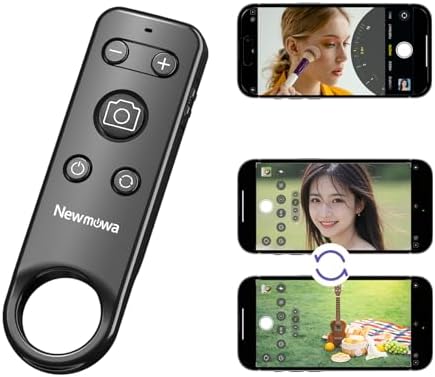
You can trip the shutter from up to fifty feet away, but you must remember to turn the thing off when you're done so you don't drain the battery.
One reviewer used it for bird photography while the phone was mounted to a spotting scope and tripod. Another buyer has liked it for Snapchat as a hobby, while they felt the app was a bit silly for them. A French user noted that the build seems a bit fragile, but it still functions well for photos and video.
Since you need a simple way to capture moments without spending a lot of money, this remote provides a solid solution for almost every iPhone user today. It doesn't offer bells and whistles, but it gets the job done when you need a distance.
The CamKix is the value pick because it stays out of the way and costs very little. One owner has called it a simple little thing that does exactly what you want, nothing fancy, just a remote for your phone's camera.
The Two-Pack Pick: Atumtek
Having two remotes in one pack is great because you can leave one in your bag while the other stays attached to your tripod for large group shots. This pair emulates the volume up button, which makes it easy to start videos on most camera apps. It pairs quickly with your phone, a Surface computer, or even a Raspberry Pi when you need it.
You'll love how easy it is, since you don't have to hunt for a single remote anymore.
One buyer has noted that it responds instantly when they press the button, so it feels just like using the actual shutter on the phone itself.
One Pixel 9 Pro owner thought it wasn't compatible until Gemini gave them the fix, and another owner has found the build solid for how compact it is. The build feels sturdy, though the units are lightweight enough to carry around during long shoot days.
The Volume-Button Emulator: Xenvo Shutterbug
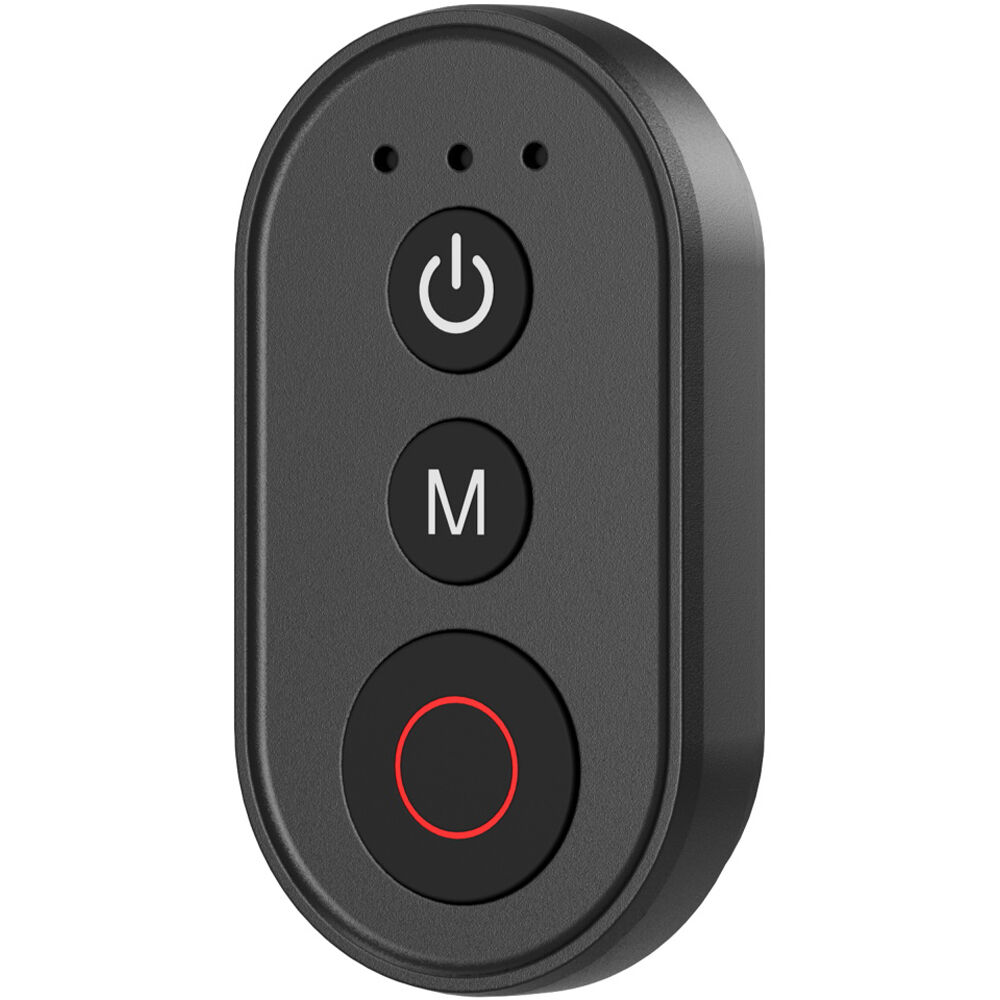
The Xenvo Shutterbug works by pressing the volume button on your phone through a wireless remote, which allows you to start or stop videos without having to touch the screen.
An owner has said the instruction video makes pairing a snap, with an uncomplicated setup that took two minutes
It only comes with one battery, so you'll likely need to spend some extra money on another one if you want a backup ready now. That's one reviewer's observation.
One Samsung owner bought it because the S25 Ultra dropped the Bluetooth S-Pen they used to take pictures with on the S24 Ultra. Another has called it a great buy, though their partner took it over because it kept working on the partner's phones when another remote failed.
The Zoom and Action-Cam Remotes
The Newmowa remote lets you flip to the rear camera or zoom in and out while filming, but an owner has found it doesn't work on live video, such as on Facebook. It's a handy gadget for vlogging, because it lets you control the framing without touching the phone or shaking the shot.
The buyer has said the instructions leave out a key part of the setup, and they were about to return it before finding a video link with the full instructions
On action-cam rigs, the SmallRig wireless remote is great for starting and stopping video from a distance when your camera is mounted high on a tripod.
Sometimes the tool fails to connect, but you can reset it by holding the power button and shutter button until it magically works. It's small enough to carry with you, which is helpful when you're out and about capturing footage. This remote pairs easily with the Insta 360 Ace Pro 2 and the Action 5 Pro.
Frequently Asked Questions
Do these remotes work with Android phones?
Most of these tools work with Android phones, as the Atumtek model pairs easily with Pixel phones and even Windows computers or a Raspberry Pi. One buyer used the Xenvo with a Samsung Ultra after their previous s-pen failed.
Is there a delay when pressing the button?
You'll find little to no latency between pressing the button and the camera activating, which ensures your timing stays perfect for every shot. The Atumtek provides an instant response that feels like using the screen.
How long do the batteries last?
The Xenvo Shutterbug comes with only one battery, so you might need to buy an extra one if you plan on filming constantly. Alternatively, the SmallRig option is rechargeable so you won't have to worry about disposable cells.
How do I pair the remote to my phone?
Pairing is usually a simple process where you flip a switch on the remote and then select the option from your Bluetooth list. One reviewer has found the setup for the Xenvo took only two minutes total.
Why do I need a camera remote for video?
Using a remote helps you avoid awkward stretch-arm selfies or shaking the shot when you tap the screen to start a recording. It lets you start and stop videos from a distance without reaching over the gear.
Tapping the screen shakes the frame, and a remote ends that. One YouTube beginner has bought one as a simple way to start videos remotely, and another owner has used one with a phone fixed to a spotting scope on a tripod for bird photography.
The interview workflow pairs the audio chain, the mobile live-stream kit is the phone-rig cousin, and the everyday-tier comparison applies to the buy-once question, and No Film School's smartphone-gear guides cover the creator-kit side, PetaPixel's accessory coverage reads the same remotes from the photo side, and B&H's remote stock holds the tiers.