
Where to Find Music for YouTube Video: Free Libraries and Licenses That Stay Clear
Music trips up more uploads than any camera choice does. A track that fits the edit can carry a hidden rights holder, and the claim doesn't land until the video is live. The revenue gets redirected, the audio gets muted, and you find out from a notification instead of an analytics dip.
The fix is knowing where cleared music actually comes from. Some sources hand over tracks with no strings attached. Others clear a whole channel for as long as you're subscribed.
And a few look free but leave the channel in worse shape than the song ever would.
What follows is the map: the free libraries worth using, the subscriptions that keep uploads clear, the difference between a claim and a strike, and what to check before a client project ships.
There are three real answers to where the music comes from, and the right one depends on the channel. The YouTube Audio Library is the free start, because it lives inside YouTube Studio and its no-attribution tracks are cleared for Content ID. Epidemic Sound is the subscription answer when the catalog matters, and videos published while you're subscribed stay cleared even after you cancel.
A paid library like Artlist makes sense the moment client work enters the picture, because its rights follow the finished video rather than the channel.
My rule is to start free and stay free while the channel is small. The moment a sponsor, a client or a second channel shows up, the paper trail starts to matter more than the monthly cost, and I'd rather have it before I need it.
The Free Routes That Stay Clear
The YouTube Audio Library is the first stop, and it's the only source built into the platform itself. You filter by "Attribution not required", pick a mood, and download without leaving Studio. Tracks pulled from there are cleared for Content ID, which means the library can't turn around and claim you later the way a random upload from a reupload channel can.
Sound effects live there too, so the whooshes and clicks that hold an edit together come from the same place. The catalog is deep enough for talking-head and vlog work, though it runs thin for anything that needs a specific genre feel.
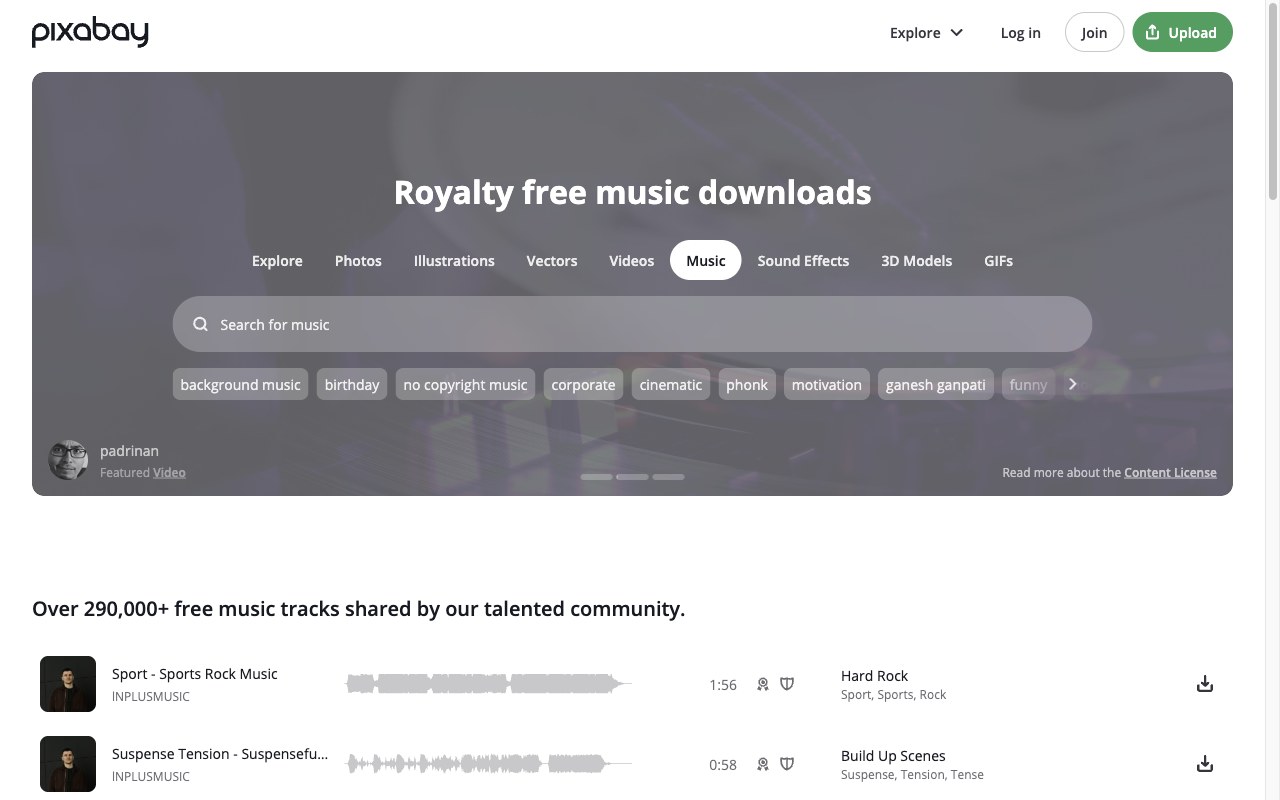
Pixabay Music is the second free route, and its license needs no attribution either. The trade-off is consistency, because quality swings from track to track and the search is loose. I'd keep it for background beds rather than anything that has to carry a scene.
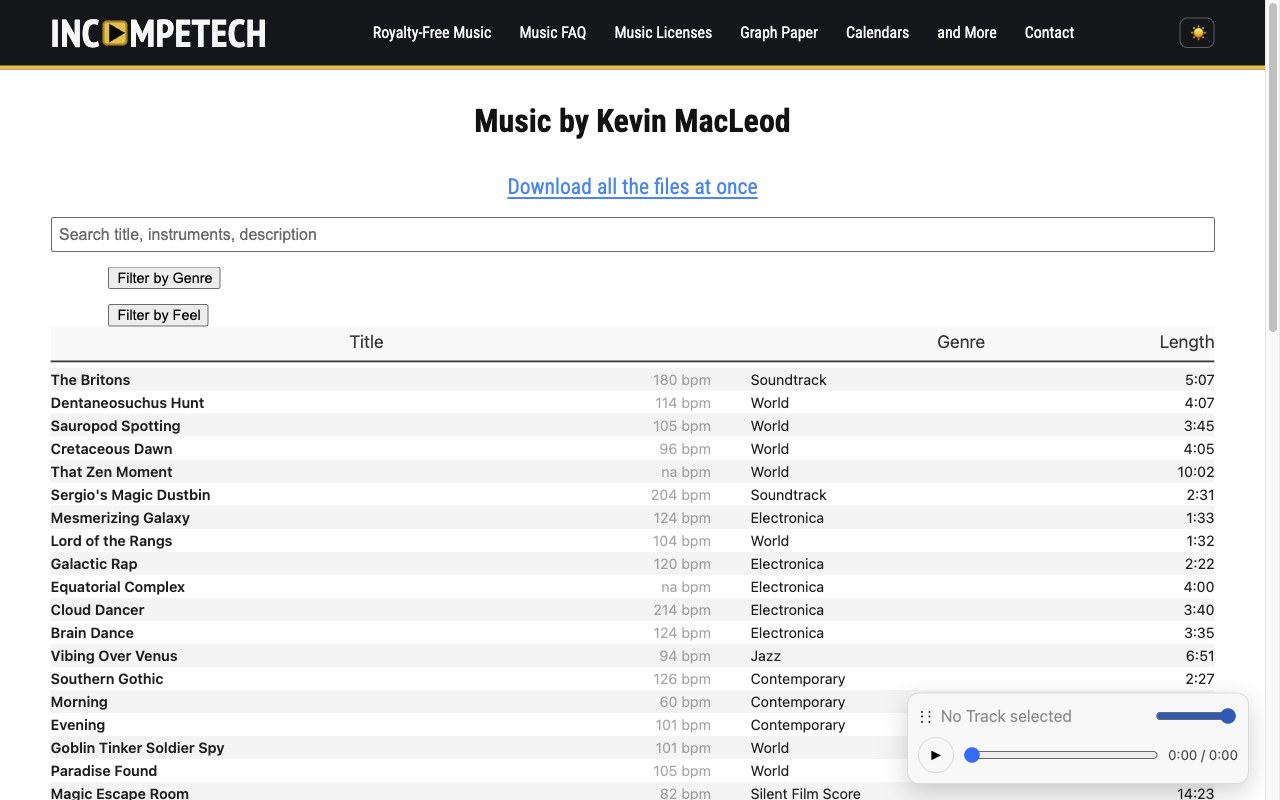
Incompetech works differently, and it's worth the extra step. Kevin MacLeod's catalog is enormous, but the CC BY license requires a credit line in your description. That credit is the entire cost, and it buys you a composer's catalog that has scored two decades of YouTube.
Uppbeat splits the difference with its credit system. The free tier gives you a code to paste into the description, and that code tells YouTube you have permission, which keeps the claim bots quiet. The catalog leans newer and poppier, which helps when the Audio Library feels dated.
One source to treat with suspicion: "no copyright music" channels on YouTube itself. Those are reuploads with unclear rights, and the original rights holder can still claim your video years later. If the channel can't show you a license, it hasn't got one.
Subscription Libraries That Keep a Channel Clear
Epidemic Sound is the biggest name here, and the reason is simple: videos published while your subscription is active stay cleared forever, even after you cancel.
I've watched channels churn through free sources for years before they felt what one claim actually costs, and this is the service that ends that cycle. The catalog runs deep across genres and moods, and stems come included, so you can pull the drums out of a track that fights your voiceover.
The plan tiers matter. The personal tier covers one channel per platform, and the pro tier adds client work, paid ads and more channels. Check the tier before the client calls, not after.
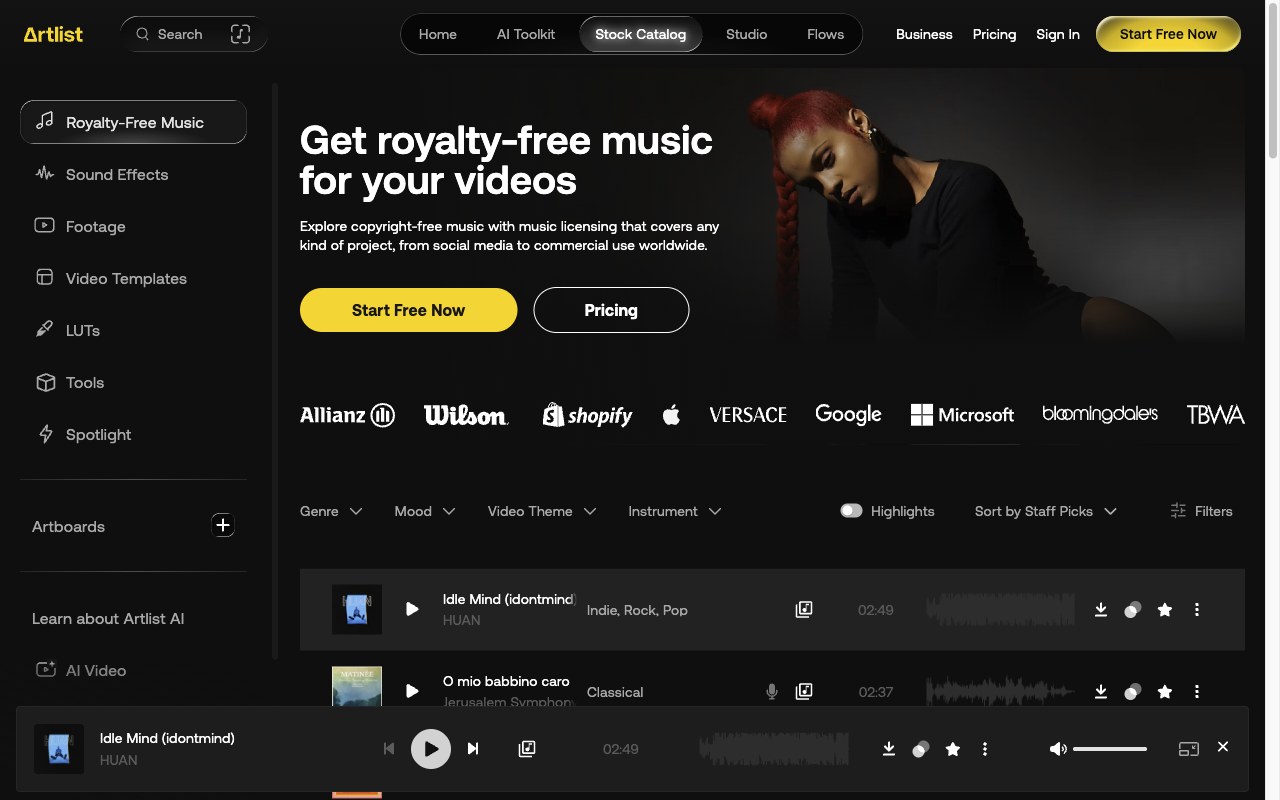
Artlist takes a different angle on the same promise. Content published while you're subscribed keeps its rights permanently, and the license follows the finished video rather than the channel. That flexibility is why agencies like it, and the family of assets covers footage and templates alongside music.
Soundstripe sits in the budget seat of this market. The catalog is smaller and YouTube monetization is covered, which is the whole job. It suits a channel that needs reliable beds more than famous cues.
Every one of these services runs on the same mechanism, and understanding it explains most of the advice in this piece. They own or control their catalog, they register it with Content ID themselves, and they whitelist the channels that pay, which is why the claims stop and also why a lapsed subscription stops protecting new uploads.
What a Claim Does and What a Strike Does
The two enforcement actions on YouTube get confused constantly, and the difference changes how much you should worry.
A Content ID claim is the automated one, and it's the version almost everyone meets first. The system matched your audio against a registered track, so your ad revenue now flows to the rights holder, or the video gets muted or blocked in some regions. The channel itself survives, and the claim can be disputed if you hold a license.
A copyright strike is the manual one. A rights holder filed a takedown, YouTube reviewed it and removed your video. Monetization disappears until the strike expires, and three valid strikes end the channel entirely.
The dispute process is where a real license pays for itself. When a claim lands on a track from your subscription, you dispute it through YouTube and reference the license.
One caveat from the field: third-party rights holders sometimes claim a track your service actually owns, and the service can't withdraw someone else's claim. It happens rarely, and the dispute clears it, but it explains why a claim on cleared music isn't always a scam.
Credit is not a license. Naming the artist in the description does nothing for a commercial track, because the rights holder never agreed to anything. The only things credit clears are Creative Commons tracks, where the license terms say so explicitly.
Making Your Own Music
Recording your own beds removes the licensing question entirely, because you own what you play. A simple chord loop under a voiceover needs no clearance, no credit line and no subscription, and it can't be claimed by anyone.
The barrier is lower than it sounds. Free recording software runs on every platform, and a single instrument recorded cleanly covers more edit situations than people expect. What you can't do is loop in samples from anywhere, because those carry the same rights as the songs you're avoiding.
If the recording side interests you, the site covers the chain elsewhere. The interview audio setup guide handles the mic and room half, and the mixer guide covers what happens when two inputs become four. A desktop recorder closes the loop for capture without a computer in the room.
My honest take on the trade-off is time. Making your own beds costs an evening per batch, and the results run simpler than a composed track. For channels that publish weekly, I think a subscription buys back those evenings, and that's the whole decision.
Matching the License to the Job
The failure mode that surprises people most is client work, and I've heard the story more than once: the video ships, the invoice clears, and then the client's channel gets the claim.
A personal subscription tier usually covers your own channel, and the moment the video ships to a client's channel, the license may not follow it. Read the tier before you invoice, because the upgrade is cheaper than the dispute.
Keep the paper trail with the video, not buried in a subscription dashboard you'll cancel someday. A claim can land two years after upload, and the dispute wants proof that you had a license on the publish date. Save the license document or the credit code next to the project file, and the argument ends before it starts.
Multi-channel creators should count channels before choosing a plan. Some tiers cover one channel per platform, and a second channel or a Shorts-only spinoff can sit outside the coverage. The upgrade is the same story as client work: check the tier against the channel list.
The last check is the platform list. A license that covers YouTube doesn't automatically cover a podcast, a streaming platform or a broadcast client. Services publish their coverage plainly, and five minutes of reading beats a claim you can't dispute.
Frequently Asked Questions
Is the YouTube Audio Library actually free?
Yes. It lives inside YouTube Studio, costs nothing, and includes sound effects alongside the music. Tracks marked "Attribution not required" need no credit at all, and the ones that do require it say so on the track.
Does crediting the artist clear a commercial song?
No. Credit is a condition of some free licenses, never a substitute for one. A commercial track stays copyrighted no matter how loudly you name the artist.
What happens to my videos if I cancel a subscription?
Videos published while the subscription was active keep their clearance, which both Epidemic Sound and Artlist state plainly. The gap is new uploads after the cancel date, because those no longer carry the license.
Why did I get a claim on music from a subscription service?
Third-party rights holders occasionally claim tracks that your service licenses, and the service can't withdraw someone else's claim. Dispute it through YouTube with your license attached, and the service will back the dispute.
Can I use a famous song if I edit it or play a cover?
No. Content ID matches the composition, not the recording, so a cover or a slowed edit still triggers the same claim. The writing credit survives every edit you make.
Are "no copyright music" channels on YouTube safe?
They're the riskiest free source there is. The uploads rarely carry verifiable rights, and an original rights holder can claim your video long after it published. Stick to sources that hand you a license document.