
Best Screenwriting Software (The Reddit 2021 Answers, Rechecked)
Back in 2021, the screenwriting threads on Reddit kept circling one question: is it worth paying for the old industry-standard software, or is a newer, cheaper app good enough to write a real script?
The answers back then leaned on habit and reputation. Some of that still holds, but the software has aged, the free options have grown, and the owner reviews say a lot about what it's like to install and activate the old programs today.
Here's what those threads got right, a template-driven alternative, and what has changed since 2021.
The Reddit-era screenwriting question still lands on Movie Magic Screenwriter 6, which one owner has summed up as a great product, with the answers to its registration saga on Google. Script Studio is the template-driven alternative. The free field is bigger now than it was then.
What Reddit Actually Says
Many owners report that 'the site for Write Brothers is insecure and therefore will not allow me to register and put in my serial #' - the browser refusing on the buyer's behalf. PetaPixel's screenwriting coverage reads the same friction from the photo side, and No Film School's software guides collect the free alternatives
One buyer pasted 'the extraordinarily long registration number (you might get the impression that everybody on the planet must ha[ve one])' - the quote that made this saga famous. It's a mess when you just want to work but the web page blocks your path. This hurdle stops new users before their first script page.
The industry-standard label earns no forgiveness for a broken license server - the free apps boot in a browser tab while the legacy pro waits on an email reply.
An owner has had to contact Write Brothers support for manual activation, and the template-tier alternative skips that step by design. Another buyer couldn't download the program after paying and has asked for an email address just to reach support, which means waiting on a person for a key already paid for.
Some users say 'Google has answers' instead of direct help from the team that built the tool. The free-tier field has grown since this quote - Arc Studio, WriterDuet, Fade In, Celtx.
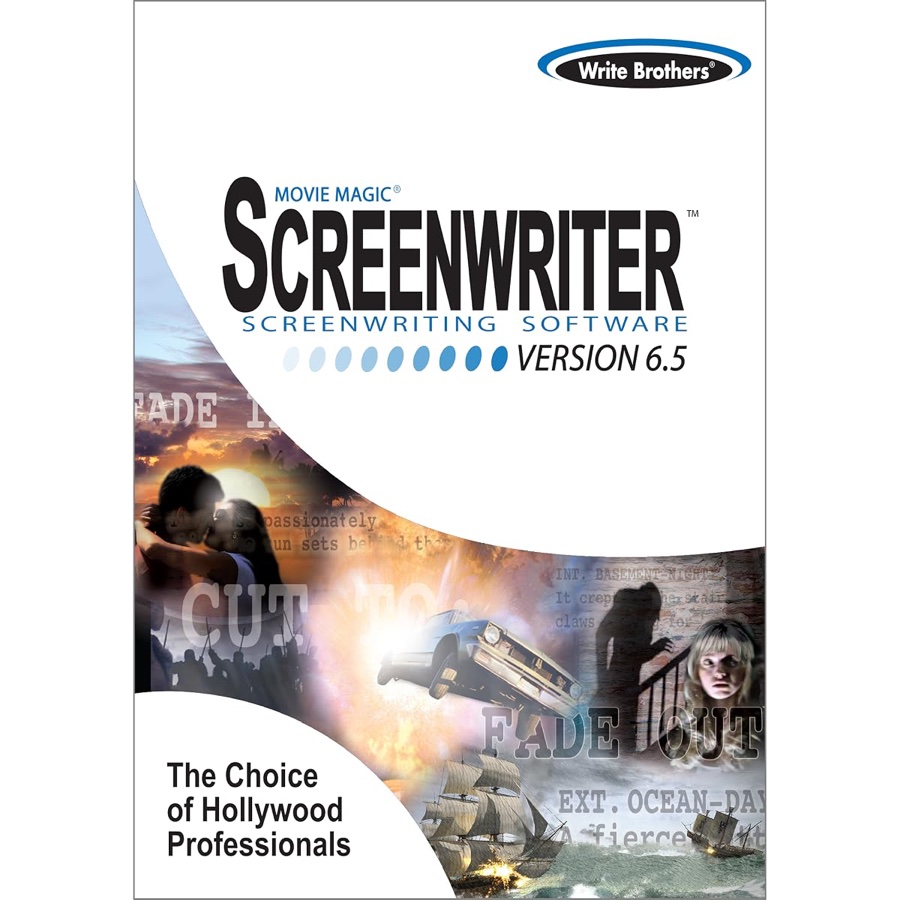
Even though the box art shows a classic look, the way you use it feels stuck in the distant past. You end up searching the web for fixes the company should have shipped. For people who just want to write, that is the whole cost.
The Template Answer: Script Studio
Writers who have tried dictation tools with the big-name programs and ended up frustrated have a better path here, and one buyer has said Script Studio makes a real difference for exactly that writer. Dictation is the test most screenwriting apps fail, and this is the one built for it. The flow holds, and the plot gets the attention.
A buyer has used this software for well over a year now and found that it suits them well when they need to write notes for developing their scripts
The notes track. The script gets written.
An owner has said any screenwriter needs a well-crafted template to guide the writing
What Changed Since 2021
While the industry moved toward web-first tools and subscriptions, the old favorites hold ground because writers want a tool that doesn't bill monthly. Fade In's one-time price, Highland 2's free tier, and the Celtx plan ladder all read against Final Draft's rental math.
The subscription question outlived the 2021 threads that asked it - and the answer now is the same as then, just with better free tiers.
Final Draft was the standard for most pros in 2021, and it still is. What changed is everything around it: web-first collaboration, subscription models, and the AI assistants. The desk-side audio kit rode the same wave - the recorder tiers split one-time-price from subscription the same way.
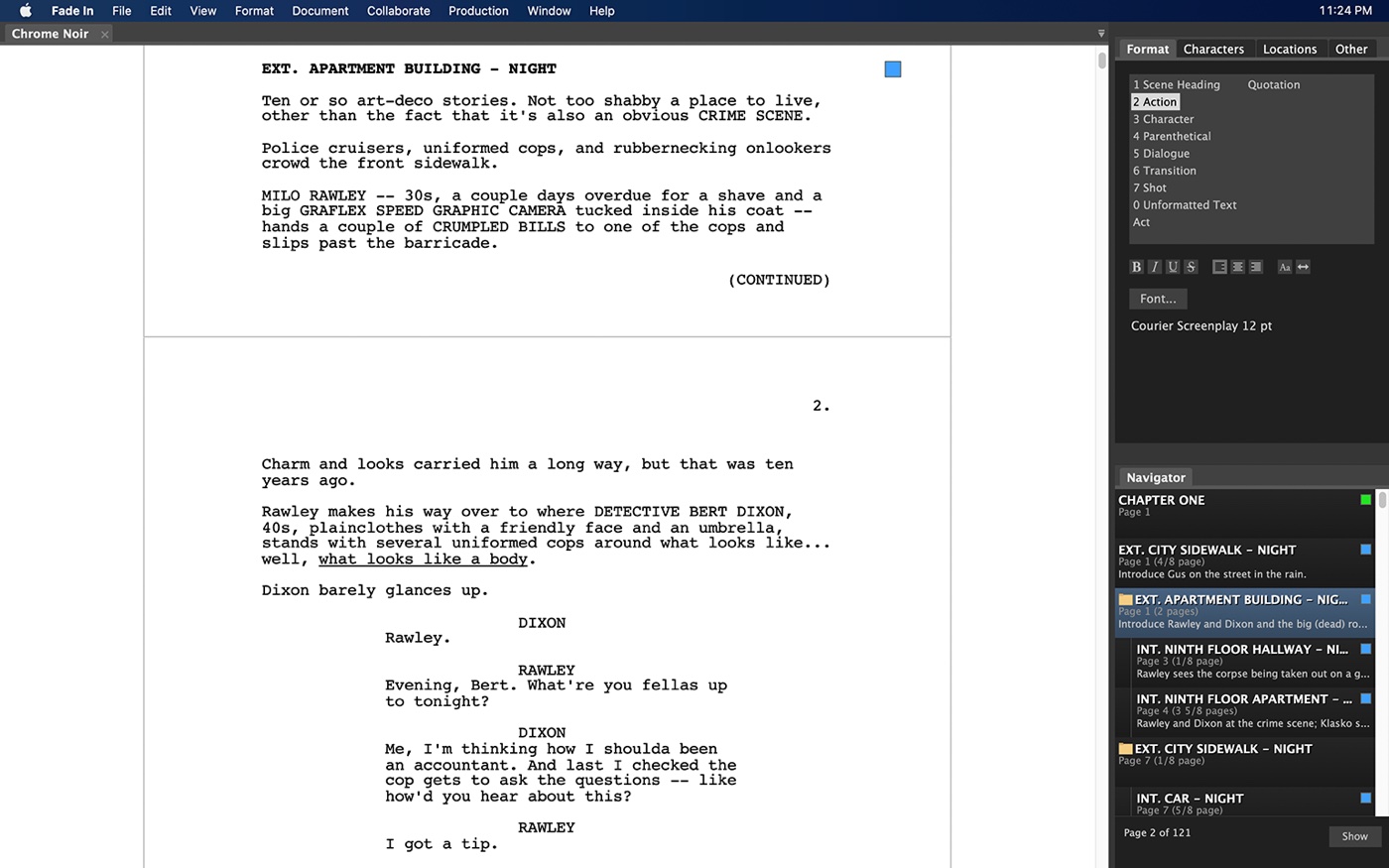
The AI-era additions help, but the core workflow has barely moved. The Fade In layout shows how modern apps stay clean without losing the deep features - and the one-time price still undercuts every subscription.
Choose the legacy path and you will face the long number, the insecure site, and the email thread. The free-field guide prices the alternative in minutes, not support tickets. Being frustrated shouldn't stop you if you love the tool, since the support team usually works to fix download issues
Script Studio skips the technical setup, and a well-crafted template to guide the writing is its whole pitch. Forcing older software onto modern systems is the fight the template tier avoids. Check B&H's software listings for the desktop prices.
Frequently Asked Questions
What software do professionals use?
Many seasoned writers still rely on Movie Magic Screenwriter 6. One owner has called it a wonderful company to work with, because when the download failed, support worked with them all day until it worked.
The environment is reliable once you are in. Getting in is the test.
Activation has meant contacting Write Brothers support for at least one reviewer, and the template-tier alternative skips that step by design. Owners have found the interface easy once the setup clears, and one long-term owner has said they love the program. The hurdle is registration, not the writing.
Is Movie Magic worth the money?
This software is a great tool if you can handle the manual activation and the extraordinarily long registration numbers required during setup.
That support is the real product. You're buying the license and the patience of the people who answer the email, though a full day spent on a download is a real cost in hours.
What is the best free option?
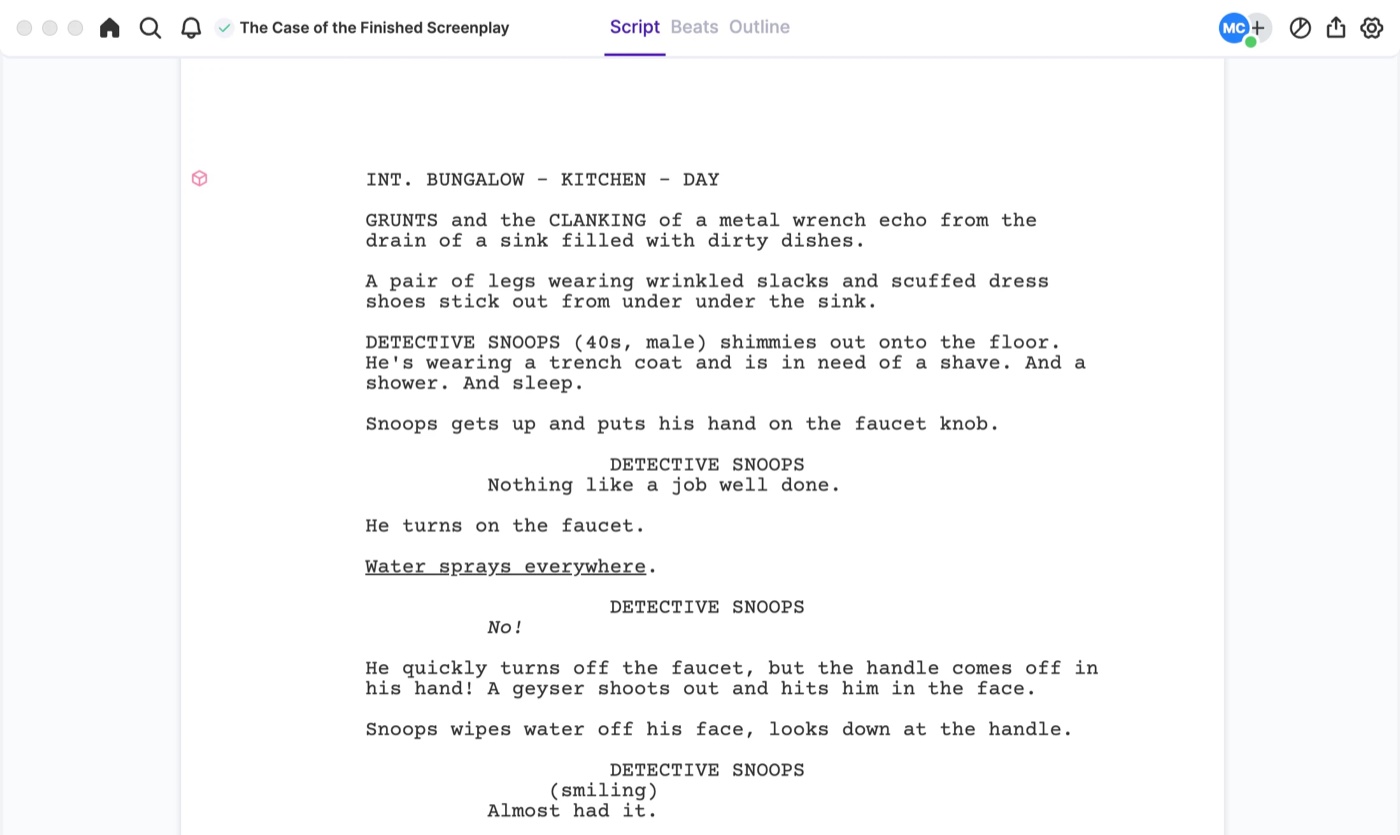
Choosing a free tool often means sacrificing the templates and the advanced features. Arc Studio's beats-and-outline views and WriterDuet's dual-column collaboration are the exceptions that prove it - the image shows the production-tooling tier the free apps don't reach.
You might end up rewriting when the project grows - the FDX round-trip alone is the reason pros pay up. Start free, but know the export cost before you commit a feature to it.
Which tool is best for collaboration?
Script Studio focuses on notes as a development tool rather than live multi-writer documents. For a writers' room, that is a real limitation - the collaboration tier belongs to the web apps, where dual-column rooms and live edits are table stakes rather than features. It refines the vision through structure, and one writer who has used it for well over a year has found it suits them very well, which matters more than any feature list.
Which one is best for beginners?
Script Studio is a better fit for those who want a template-driven environment to guide them through the process of writing. It avoids the steep curve of the old-guard apps, where one user has found the software challenging and not something you pick up and run, though it works fine once you learn the basics.