
Best Film Screenwriting Software: Movie Magic and the Field
Screenwriting software does one job a word processor can't do well: it keeps a script in the exact format that producers and readers expect, so you can think about the story instead of the margins.
The tools range from old-guard desktop programs the industry grew up on to free browser apps you can open in a tab. Those programs are solid once they're running, but getting them installed and activated can be a project of its own, and the newer ones trade some depth for an easy start.
Below is the registration problem, what works once you're in, a template-driven alternative, and where the free apps fit.
Movie Magic Screenwriter 6 remains the old-guard pro pick, and one owner has summed it up as a great product, adding that Google has the answers to the registration saga. Script Studio is the template-driven alternative for the dictation-frustrated, and Arc Studio Pro and WriterDuet fill the free-and-cheap field. Getting set up is the real hurdle.
The Registration Saga
When you try to get started with this legacy tool, you might find that the official site for Write Brothers feels insecure, which stops you from registering or entering your serial number. It's a frustrating start, because the browser blocks how it connects when you just want to write.
'The extraordinarily long registration number (you might get the impression that everybody on the planet must ha[ve one])' - the quote that made the saga famous.
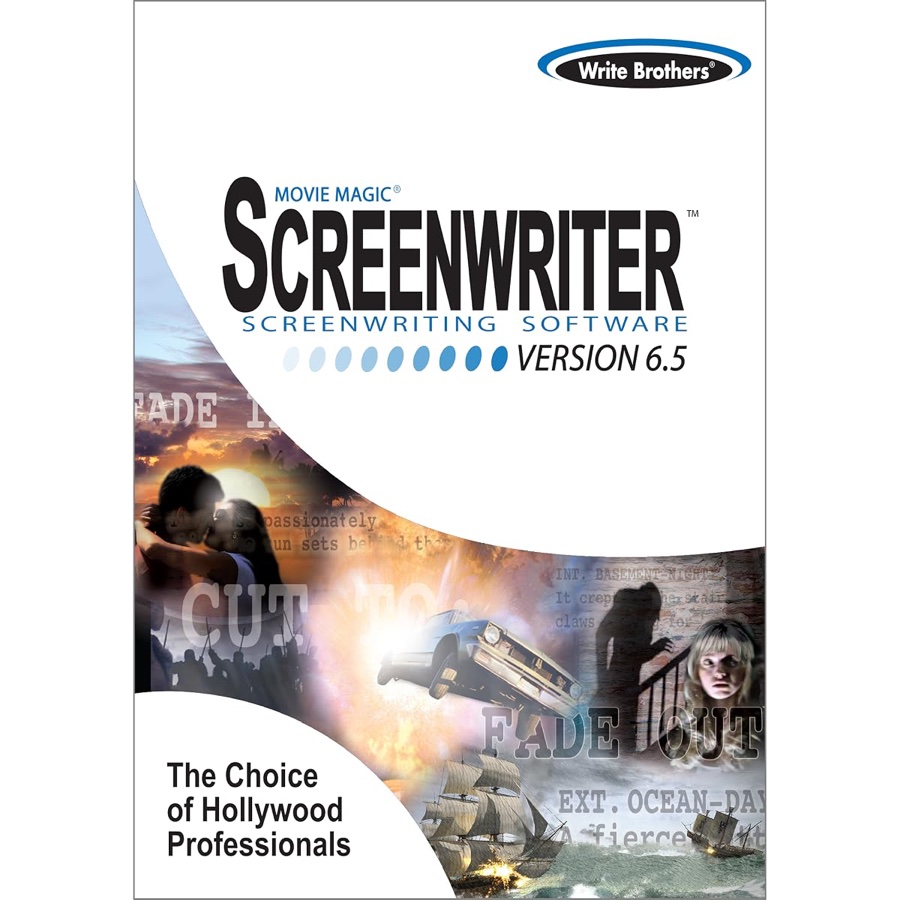
Since the online system fails to handle the key, one buyer has had to contact Write Brothers support for manual activation.
The reply takes time, and the clock runs on your writing day, not theirs. The industry-standard label earns no forgiveness for a broken license server - the free apps boot in a browser tab while the old guard waits on an email reply. Another buyer couldn't download the program after paying for it and has asked for an email address just to reach support.
With this software, the things that stop you can kill the flow before page one. A browser refusing a serial number is a strange way to greet the industry's old guard, and one unhappy buyer has said they would love for it to work, but it won't.
You don't want to spend time fighting with a website, instead of focusing on the plot. The tool works well once you get inside. Getting in is the test - and the old-guard systems make you pass it on day one.
What Works Once You're In
Once you finally get Movie Magic running, you'll find that the software has a steep learning curve because it's not something you can pick up and run without help.
An owner has called it challenging software that you can't just pick up and run, though it works fine once you learn the basics. Another owner has had no trouble downloading it, uses it every day, and has fixed a few glitches with help from Google and the task manager.
One owner has said support worked with them all day to fix a download problem, and they love how easy the program is to work in, which is why the loyalty survives.
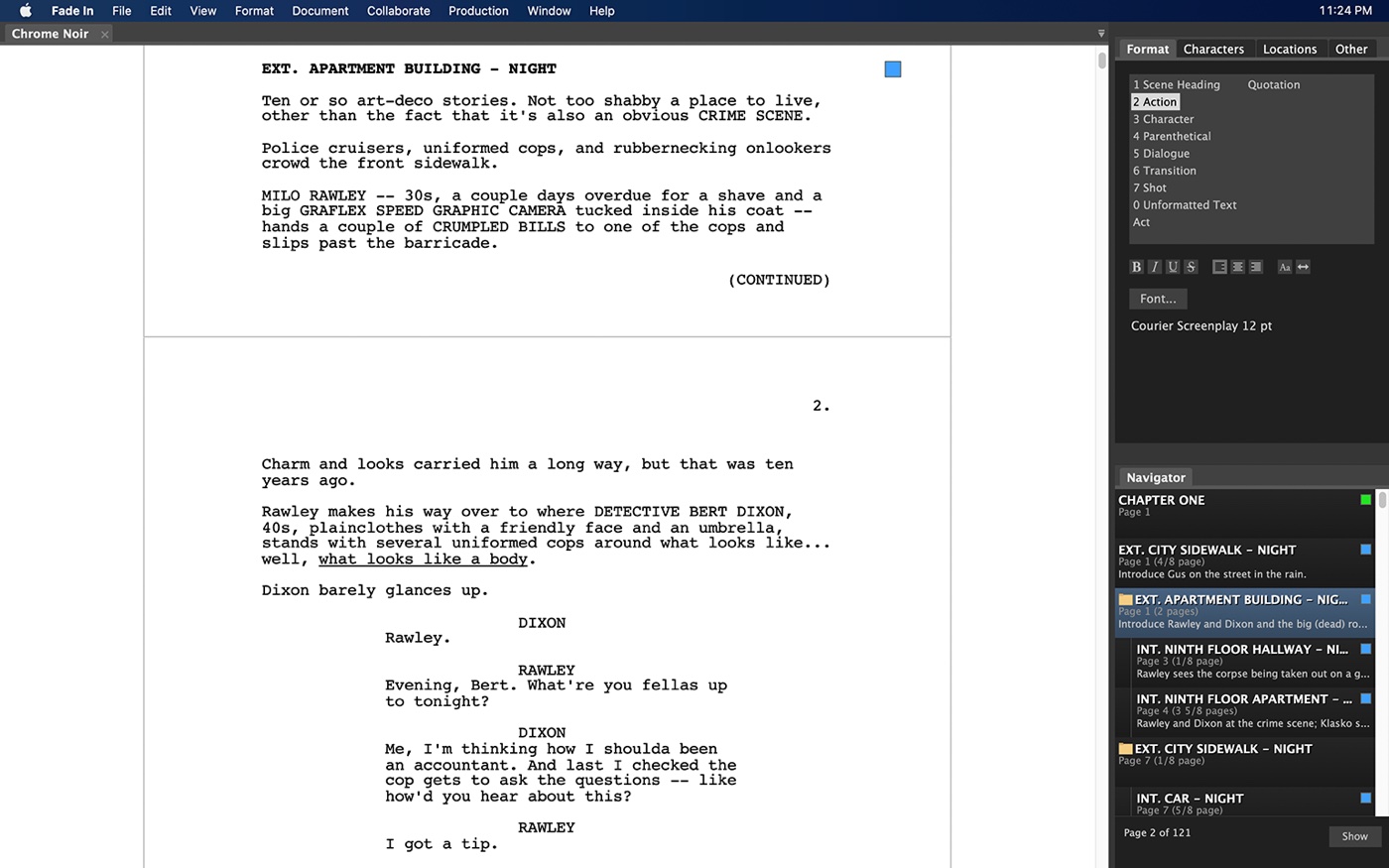
Lower-cost options: Arc Studio Pro runs beats and outline tabs beside the script, and WriterDuet owns the collaboration tier - dual-column rooms, live edits, the works. The free field is bigger than the legacy apps' pricing pages admit. You can find a dark UI in Celtx, or the navigator in Highland 2 for speed.
Fade In's noir demo lets you test the feel before committing - the recorder-tier logic applies: try before you pay. PetaPixel's software coverage reads the same free-versus-paid trade from the photo side, and B&H's software listings price the desktop tier. These tools provide a solid start, if you want to avoid spending a lot of money right now.
Script Studio: The Template Alternative
Script Studio fits the writer who has tried dictation software with the big-name screenwriting programs and been frustrated, as one owner has.
They have used it for over a year, and found that it fits their daily work quite well. That's one reviewer's report.
Notes grow into beats, beats into scenes, and the script never leaves the window where the thinking happened.
For a writer who drafts by voice, that one-window loop is the difference between capturing the line and losing it to a bad transcript. For a writer who drafts by voice, that one-window loop is the difference between capturing the line and losing it to a bad transcript.
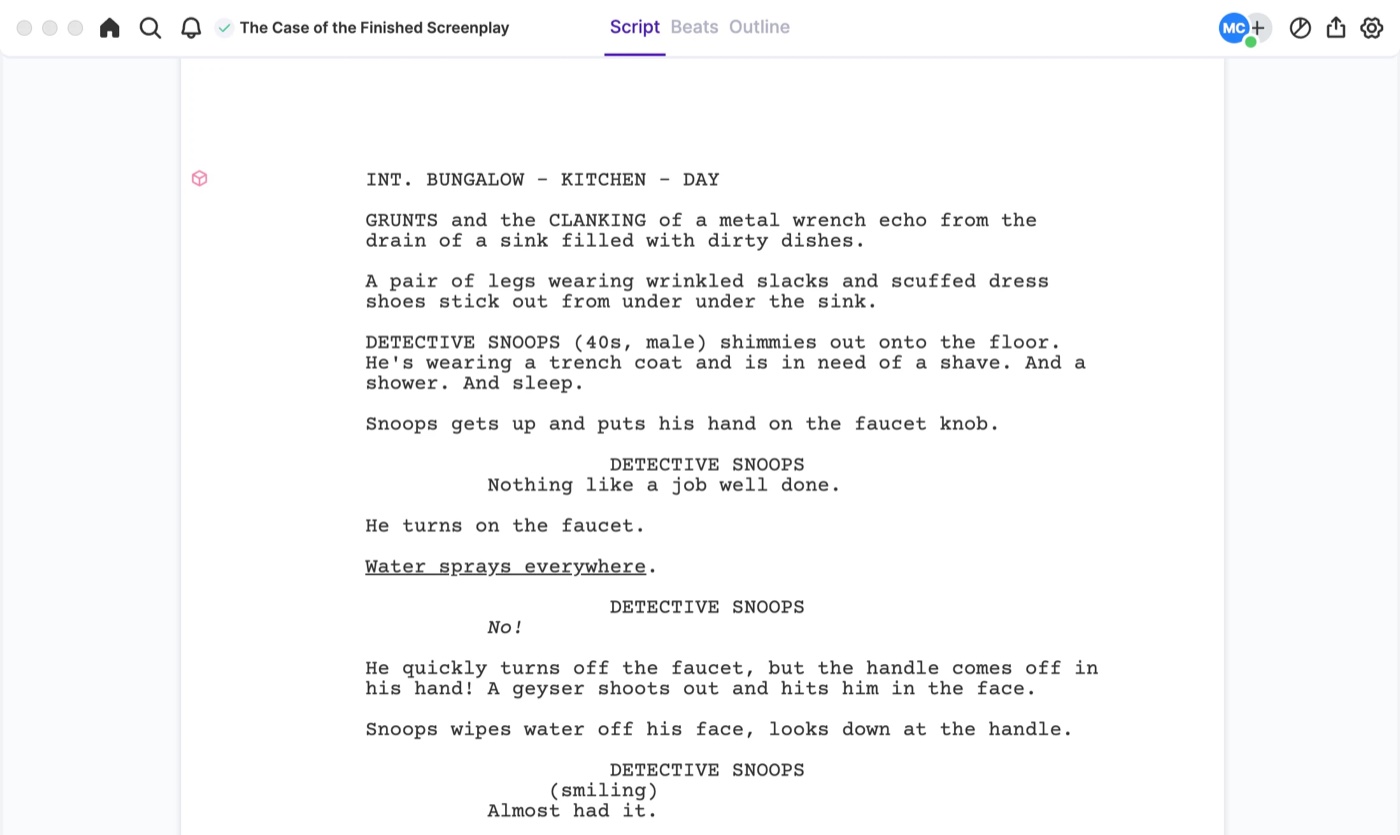
The buyer has said any screenwriter needs a well-crafted template to guide the writing while they work out how their story should be told
That 5-star reviewer has said Script Studio will make a real difference for frustrated dictation users. The templates set every page right from the start, and one owner has said it still suits them very well after more than a year.
Frequently Asked Questions
Is Movie Magic still industry standard?
Movie Magic Screenwriter remains the old-guard pick for many professionals, and one longtime owner has called it a wonderful company to work with, because support worked with them all day until a download problem was fixed.
The tool is reliable, and registration is the price of getting in, which is why one owner's whole review is that it's a great product and Google has the answers. The setup tests you once. The writing tool pays you back daily after.
Can I register without internet access?
The registration process often involves an extraordinarily long serial number that requires manual activation through Write Brothers Support if the site remains insecure or fails during your download.
'I am told the site for Write Brothers is insecure and therefore will not allow me to register and put in my serial #' - the browser refusing on the buyer's behalf. No Film School's software guides collect the alternatives when the patience runs out.
What are the best free alternatives?
For the free tier: WriterSolo, WriterDuet for collaboration, Celtx for the dark UI, Highland 2 for the navigator. Arc Studio Pro adds beats and outline tabs. The template-tier comparison covers the paid step up.
Which tools are template-driven?
Script Studio is designed specifically for screenwriters who want a well crafted template to guide the writing process while they produce their vision of a story. It fits the dictation-frustrated - 'Script Studio will significantly improve' the workflow where the name brands dropped words mid-sentence. That is a niche the big apps still ignore.
Which software should I buy?
Pick Movie Magic for the old-guard standard and Script Studio for notes-first development. Fade In offers a noir demo if you want to test an interface before committing. Price the tier before you buy - the free-field guide ranks the whole board.