
Best Dual Monitor Stand for L-Shaped Desks: Corner Picks That Fit
An L-shaped desk gives you more room than a straight one, but it's harder to mount monitors on. The corner is deep, the edges are often odd, and many of these desks hide a crossbar or a lip right where a monitor clamp wants to grip.
That makes measuring more important than the brand, and a stand that's perfect on a normal desk can be useless on yours. Below are the value pick for clamped corners, a free-standing option, two stacking options and the realities of lips, reach and cables on an L-shaped desk.
The Huanuo FlowLift is the value pick for clamped corner setups while the Vivo V002F works best when your desk lip won't take a clamp, and Mount-It or Chief handle vertical stacking for specialty needs.
You need to measure the desk lip and the VESA pattern before you buy because the wrong hardware won't fit your specific setup. L-shaped desks hide crossbars and odd edges that defeat clamps, so check the underside clearance first.
The Huanuo FlowLift stands out as the value pick for corner desks, with a 4.6 rating from over 34,000 buyers. This mount holds a 27-inch screen and a 24-inch monitor easily, while the grip stays firm on various desk depths.
Installation is simple, and the arms move smoothly when you adjust your setup around the corner. It feels well built, though you should be careful because the tilt mechanism is quite stiff.
While the stand moves smoothly, an owner has noted that the highest setting is low, so they had to add a three-inch block to avoid looking down at their screens.
The cable channels are too narrow, so you'll likely need to route thick wires on the outside. These arms aren't very flexible, which might cause them to bang against the wall if you move them far. Check your seated eye height against the maximum before you order.
On an electric corner desk, you might notice some wobble as the surface moves, because the heavy monitors put weight on the mount frame. It's a great choice for a budget, but you must plan for a riser if you are tall.
The setup provides a solid base, which helps you maximize space on an L-shaped work surface. It works well for most corner setups, provided you plan the cable routing and height first.
Vivo V002F: The Free-Standing Option
The Vivo V002F offers a free-standing base for people who can't use a clamp because their desk has glass tops or odd lips that would make a standard mount impossible. This stand works well on L-shaped desks, where the edge shape is too strange for a typical grip.
You can adjust the height up and down, which helps when you need to align screens at different levels. It even fits mismatched monitors, so you can use screens of different sizes at once.
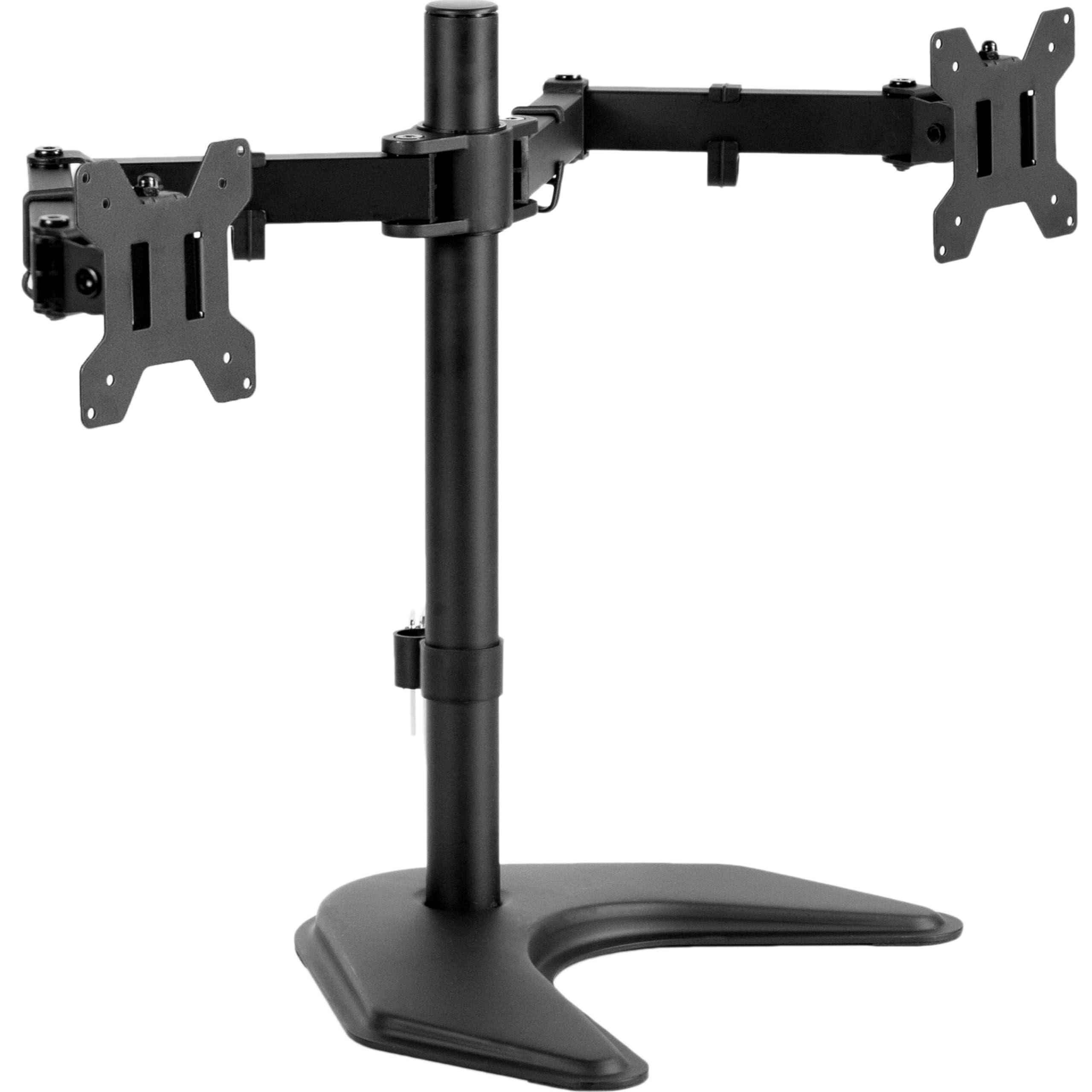
While many users say the stand does the job, you really need to check if your screens have VESA holes because some models don't come with them at all. A buyer has reported that the stand tipped over, immediately after they put two monitors on the base. Pairing a curved screen with a flat one limits side-by-side spacing, and the free-standing base can tip under a heavy load.
On a glass top, weight the base, or skip it entirely if your monitors are large and very heavy.
Another owner has mentioned that the bolts arrived with gouges, which makes one worry about how they were made. You must be careful with the weight, since the base isn't bolted down anywhere. It is a good pick for those who can't clamp, provided they keep the load safe.
Mount-It and Chief: The Specialty Options
The Mount-It dual monitor mounts include gas-spring arms like the MI-1772 for folks who need to move reference monitors around, though we haven't seen as many user reviews for this specific model yet. These arms help you shift screens quickly, which is great if you switch between different tasks throughout the long day.
You might find that this setup fits your desk well, because it lets you adjust the height a lot. It keeps your gear steady while you work, so you don't have to worry about drops.
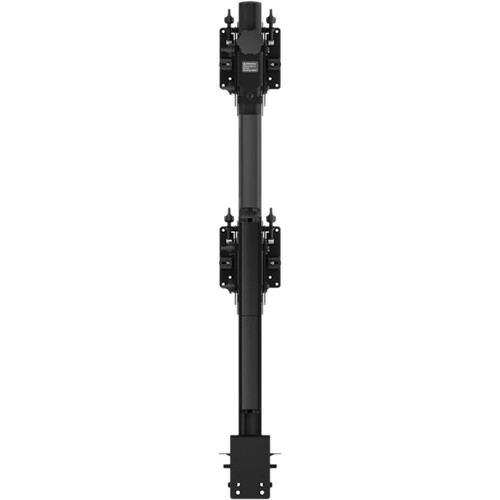
Using a Chief Fusion vertical pole mount lets you save space at the corner apex of your desk, especially when the reach of standard arms finally runs out on you. Stacking monitors vertically clears desk space on small corners where arm reach runs out. This style works best for high-end setups, where you need to keep every screen at the exact right level.
L-Shaped Desk Realities: Lips, Reach and Cables
When you pick a stand for a corner desk, you need to check the lip depth because those hidden crossbars under the surface often block a standard clamp from sitting quite flat.
You should measure the underside clearance, to make sure the mount fits the wood. Some L desks have odd edges with no clean clamp spot, so measure twice before ordering, and B&H's monitor mount category lists clamp depth specs for every model.
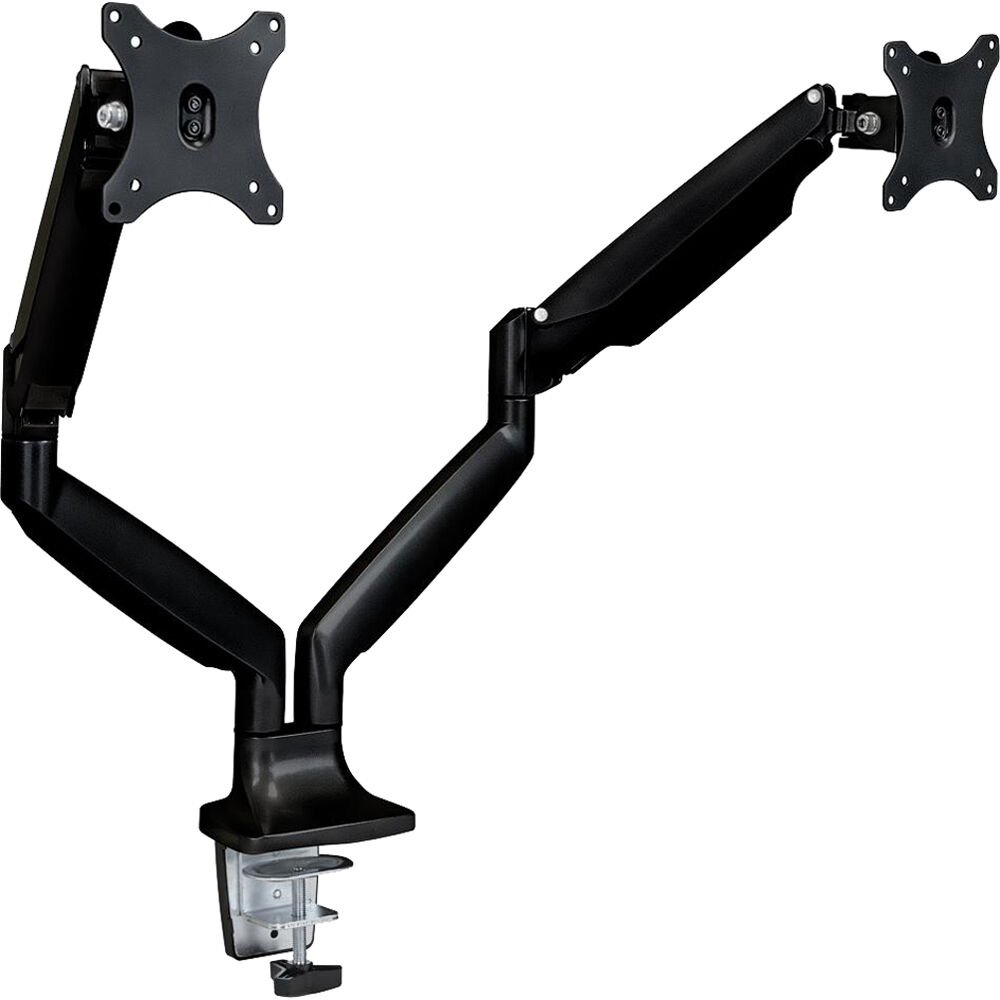
Placing your monitors at the corner apex allows you to fan them across each wing, but the arms need enough reach to cover the whole workspace. A side-wing setup works when one screen is your main display. Heavy monitors need sturdy arms, which won't sag when you lean forward daily.
Check the VESA pattern before you buy, so the screens actually bolt on. Set the top edge at eye level and your neck stops doing the work. Our standing desk dual stand guide covers height-range math in more detail.
Routing thick cables at the elbow gets messy, so you should plan how the wires hide along the arms to keep your desk looking very clean and tidy.
The FlowLift has narrow channels, so thick cords might not fit. If you use a free-standing base, you must weight it down to prevent a tip. A good setup keeps gear safe, while you move things around every day.
Frequently Asked Questions
What Stand Is Best for a Corner Desk?
The FlowLift works as the best value option for corner desks because it clamps securely at the apex to maximize your workspace space. Use the Vivo freestanding model if your desk doesn't allow for a clamp or has a fragile glass top.
Can I Use a Standard Arm on an L-Shaped Desk?
You can use a standard arm if the lip matches your desk, but corner lips often have different shapes compared to standard straight edges. Check the hardware fits across the awkward corner angle to avoid wobble.
What If My Desk Has Thick Edges?
You should check the clamp depth specifications before buying or consider a grommet mount if your desk has a pre-drilled hole. This prevents the mount from failing on heavy wood surfaces over a long period of time.
How Do I Manage Cables at the Desk Elbow?
Route raceways along the apex and use the built-in arm channels for thin cables to keep your setup clean. Thick wires might need to run outside these channels for a better look and easier routing.
What Is the Difference Between Gas Spring and Pneumatic?
Gas springs adjust smoothly per arm while pneumatic versions are slower, though the real difference is how they tune for monitor weight. Always weigh each monitor without its stand and keep a twenty percent margin for the arm rating. Clamped arms on corner desks typically carry 19.8 pounds per screen, so two heavy reference monitors may exceed a single mount's total.
Do I Need Vertical Stacking for Reference Monitors?
Stacking earns its place when the corner apex is tight and horizontal reach runs out. The Chief Fusion pole takes two displays up one mast, which frees the desk surface, but it needs a deep clamp foot and careful balance per shelf.